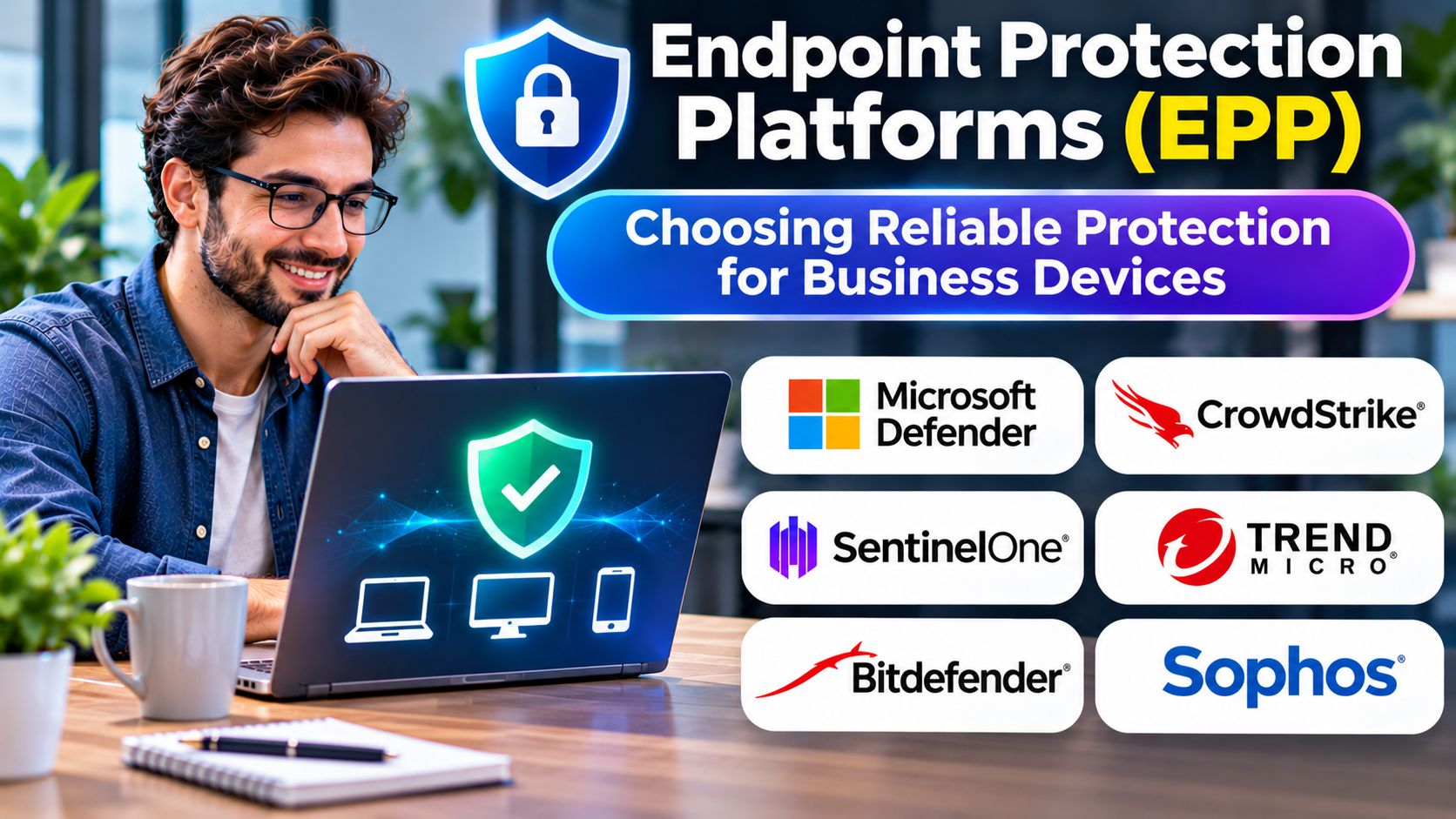
Every employee laptop, workstation, and server represents a potential entry point into an organization’s digital environment.
Attackers may exploit malicious attachments, vulnerable software, compromised downloads, or unsafe application behavior.
Traditional antivirus software remains relevant, but modern endpoint security requirements extend beyond scanning files for known malware.
Endpoint Protection Platforms (EPP) combine multiple preventive controls to reduce the likelihood that malicious software and unauthorized activity compromise business devices.
The most important buying decision is not which platform advertises the greatest number of detection technologies. It is which solution can protect the organization’s actual devices while remaining reliable, manageable, and compatible with business operations.
What Is an Endpoint Protection Platform?
An Endpoint Protection Platform is a security solution designed to prevent and control threats affecting endpoint devices.
Endpoints may include:
- Employee laptops
- Desktop computers
- Physical servers
- Virtual machines
- Supported mobile devices
- Remote workstations
- Cloud-hosted computing instances
EPP capabilities commonly include:
- Malware detection and prevention
- Behavioral threat analysis
- Exploit prevention
- Ransomware protection
- Application control
- Device control
- Security policy enforcement
- Centralized endpoint management
- Threat intelligence integration
- Endpoint security reporting
Not every platform provides the same features for every operating system.
EPP vs. Traditional Antivirus
Traditional antivirus products primarily focus on identifying and blocking malicious software.
Modern EPP products may incorporate additional prevention technologies, such as behavioral monitoring and exploit protection.
However, the distinction is not absolute.
Many established antivirus products have evolved into broader endpoint security platforms.
The useful question is whether a proposed solution provides the prevention, management, and visibility required for the organization’s environment.
EPP vs. EDR
Endpoint Protection Platforms emphasize prevention.
Endpoint Detection and Response (EDR) emphasizes investigation and response when suspicious activity occurs.
| Capability | EPP | EDR |
|---|---|---|
| Malware prevention | Primary function | May be included |
| Behavioral protection | Common | Common |
| Threat investigation | Varies | Core capability |
| Endpoint telemetry | Varies | Typically extensive |
| Incident response | Often limited | Major focus |
| Security operations integration | Varies | Typically important |
Many commercial endpoint security products combine EPP and EDR capabilities.
Organizations should evaluate the specific product package rather than assuming that every advertised feature is included.
Why Endpoint Protection Still Matters
Malware Remains a Persistent Threat
Attackers continue to use malicious files, scripts, and applications to compromise systems.
Preventive controls can block some threats before they execute.
Ransomware Can Disrupt Operations
Ransomware attacks may encrypt data, interrupt services, or support data theft.
Endpoint protection can reduce exposure, but reliable backups, access controls, and incident response remain essential.
Remote Work Expands the Attack Surface
Devices frequently operate outside traditional office networks.
Endpoint protection must remain effective when users work remotely.
Unmanaged Devices Create Visibility Gaps
Organizations may struggle to identify devices that lack current protection or security policies.
Centralized endpoint visibility helps administrators identify these gaps.
Performance Matters
Security software that significantly disrupts business applications can create operational problems.
Performance and compatibility testing should be part of product selection.
Endpoint Protection Platforms Worth Evaluating
Microsoft Defender for Endpoint
Microsoft Defender for Endpoint provides endpoint security capabilities within Microsoft’s broader security ecosystem.
It is particularly relevant to organizations using Windows and Microsoft security services.
Relevant strengths: Integration with Microsoft security management and endpoint protection capabilities.
Considerations: Licensing, cross-platform requirements, and administrative complexity.
CrowdStrike Falcon
CrowdStrike Falcon provides endpoint security capabilities through its cloud-managed platform.
Its portfolio includes prevention, detection, and response functionality.
Relevant strengths: Centralized endpoint security operations and integration with broader security capabilities.
Considerations: Product modules, operating system coverage, and subscription requirements.
SentinelOne Singularity Endpoint
SentinelOne provides endpoint security capabilities emphasizing threat prevention, detection, and response.
It is relevant to organizations seeking centrally managed endpoint protection.
Relevant strengths: Behavioral security capabilities and endpoint investigation features.
Considerations: Product packaging, deployment compatibility, and operational requirements.
Sophos Endpoint
Sophos provides endpoint protection and related security management capabilities.
It may be relevant to organizations seeking coordinated endpoint security and managed protection options.
Relevant strengths: Endpoint prevention, centralized administration, and integration with related Sophos services.
Considerations: Licensing, policy design, and supported operating systems.
Bitdefender GravityZone
Bitdefender GravityZone provides endpoint security and centralized management capabilities.
It is relevant to organizations seeking malware prevention and business endpoint protection.
Relevant strengths: Endpoint security controls and centralized policy management.
Considerations: Deployment requirements, available modules, and administrative workload.
Trend Micro Vision One Endpoint Security
Trend Micro provides endpoint security capabilities within its broader Vision One security platform.
It may be relevant to organizations seeking coordinated endpoint protection and extended security visibility.
Relevant strengths: Endpoint security integration and broader threat monitoring capabilities.
Considerations: Product scope, licensing, and integration requirements.
Comparing EPP Platforms
| Platform | Relevant environment | Important evaluation factor |
|---|---|---|
| Microsoft Defender for Endpoint | Microsoft-oriented organizations | Licensing and platform integration |
| CrowdStrike Falcon | Cloud-managed endpoint security | Modules and operational fit |
| SentinelOne Singularity Endpoint | Prevention and response workflows | Deployment and policy controls |
| Sophos Endpoint | Centrally managed business security | Administration and integrations |
| Bitdefender GravityZone | Business endpoint protection | Device coverage and configuration |
| Trend Micro Vision One Endpoint Security | Integrated endpoint and security operations | Product packaging and visibility |
No vendor should be treated as universally superior without testing against the organization’s requirements.
Essential EPP Selection Criteria
Operating System Coverage
Determine which devices require protection.
Check support for Windows, macOS, Linux, and relevant server environments.
Capabilities may differ significantly between platforms.
Threat Prevention
Evaluate malware prevention, behavioral protection, exploit mitigation, and ransomware-related controls.
Independent testing can provide useful evidence, but results should be interpreted according to test conditions.
Performance Impact
Test endpoint protection with representative business applications.
Consider startup performance, resource usage, and software compatibility.
Centralized Management
Administrators should be able to deploy agents, enforce policies, identify unprotected devices, and investigate security events.
Offline Protection
Remote endpoints may temporarily lose connectivity.
Determine which protections continue operating without access to cloud services.
Tamper Protection
Endpoint security controls should resist unauthorized disabling or modification.
Integration With Security Operations
Evaluate compatibility with SIEM, EDR, device management, and incident response workflows.
How to Test an Endpoint Protection Platform
Begin with a representative device inventory.
Include different operating systems, hardware configurations, and business applications.
Deploy the proposed platform to a limited pilot group.
Evaluate installation reliability, policy enforcement, device performance, and administrative visibility.
Use authorized, controlled security testing to examine prevention and alerting.
Review false positives and application compatibility issues.
Test agent updates, network interruptions, and recovery procedures.
Expand deployment only after establishing acceptable operational performance.
Endpoint Protection and Zero Trust
Endpoint protection can support a broader Zero Trust security strategy.
However, EPP alone does not establish Zero Trust.
Organizations also need appropriate identity controls, device posture assessment, least-privilege access, and continuous security evaluation.
Endpoint security contributes by reducing device compromise risk and providing information about endpoint health.
Common EPP Implementation Mistakes
Protecting only employee laptops: Servers and other supported endpoints may also require protection.
Ignoring operating system differences: A feature available on Windows may not be available on Linux or macOS.
Disabling protection to resolve compatibility problems: Exceptions should be narrow, documented, and reviewed.
Assuming EPP replaces backups: Endpoint prevention cannot guarantee that ransomware or other attacks will never succeed.
Failing to monitor agent health: An installed security agent is not necessarily functioning correctly.
Buying advanced features without operational capacity: Sophisticated capabilities provide limited value if no one manages them.
Frequently Asked Questions
Is EPP the same as antivirus?
EPP generally describes broader endpoint prevention capabilities, although modern antivirus products may include many similar features.
Does EPP stop ransomware?
EPP can help prevent some ransomware activity, but no platform guarantees complete protection.
Can EPP protect remote employees?
Yes. Many endpoint security platforms support devices operating outside corporate networks.
Do organizations need both EPP and EDR?
The answer depends on security requirements. Many products combine prevention and detection capabilities within one platform.
Does EPP replace a firewall?
No. Endpoint protection and network security controls address different risks.
Final Thoughts
Endpoint Protection Platforms remain an essential part of business cybersecurity because endpoints are frequent targets for malicious activity.
Microsoft Defender for Endpoint, CrowdStrike Falcon, SentinelOne, Sophos, Bitdefender, and Trend Micro offer different combinations of prevention, management, and security operations capabilities.
The strongest choice depends on device coverage, threat prevention requirements, performance, administration, and integration with existing security tools.
A successful EPP deployment protects endpoints consistently without interfering unnecessarily with legitimate work.