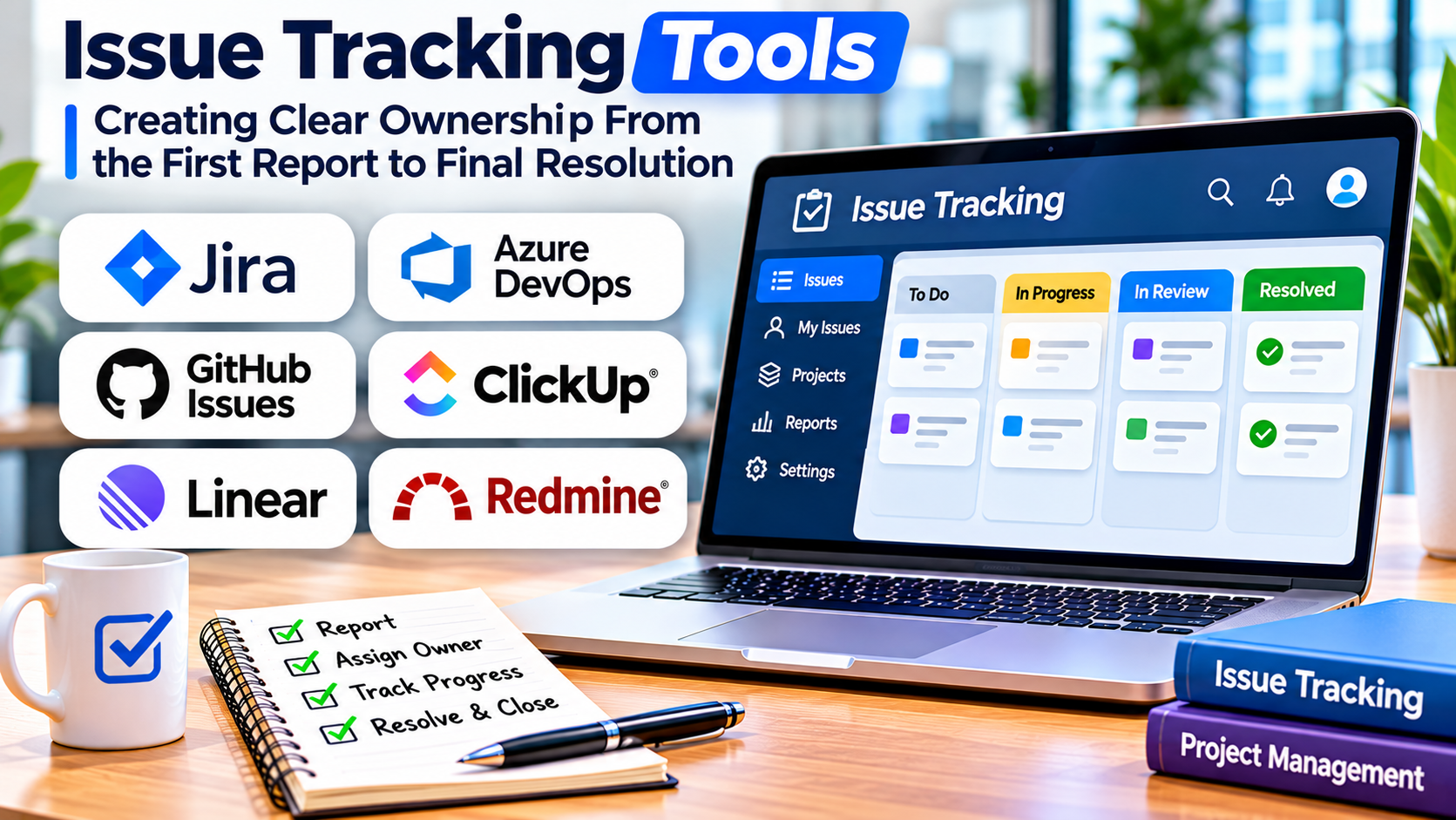
A development team discovers a production defect. Customer support reports a recurring account problem. A product manager requests an improvement, while an infrastructure engineer identifies a configuration risk.
These activities involve different people and different kinds of work.
Yet they share one important requirement: someone must understand the problem, take responsibility, coordinate the response, and determine when the work is complete.
Issue tracking tools provide the structure needed to manage that process.
They help organizations record work items, assign ownership, establish priorities, monitor progress, and preserve the history of decisions.
The challenge is selecting a system that supports coordination without turning everyday work into unnecessary administration.
What Is an Issue Tracking System?
An issue tracking system is software used to record, organize, and manage work items that require investigation, action, or resolution.
An issue may represent a software defect, development task, customer request, operational problem, security finding, or improvement opportunity.
This makes issue tracking broader than bug tracking.
A bug is a specific type of issue involving incorrect software behavior. An issue may describe almost any work item that needs to be managed through a defined process.
For example, a software team might create issues for:
- Fixing an authentication error.
- Updating a third-party dependency.
- Improving an onboarding screen.
- Investigating a performance regression.
- Preparing a product release.
- Reviewing a reported security weakness.
The purpose is not simply to create a record.
It is to maintain visibility into what needs attention, who is responsible, what has changed, and what must happen next.
Why Issue Tracking Often Fails
Organizations frequently adopt issue tracking software without defining how work should move through it.
The result can be a large backlog containing unclear requests, duplicate tasks, outdated priorities, and items with no responsible owner.
Several problems contribute to this situation.
First, different teams may interpret issue statuses differently.
One team considers an issue complete when development finishes. Another requires testing and deployment before closure.
Second, priority labels may lack consistent definitions.
An urgent issue for one stakeholder may be routine work for another.
Third, issue descriptions may omit the information needed to act.
Finally, teams may use issue trackers as permanent storage for ideas that have never been evaluated.
The solution requires both appropriate software and clear operating rules.
The Core Components of an Effective Issue Record
A useful issue record should answer a small set of practical questions.
What needs attention? The title and description should identify the problem or requested outcome.
Why does it matter? The record should explain the impact, relevant context, or expected value.
Who owns the work? A responsible person or team should be identifiable.
What is the current state? The workflow status should communicate whether the issue is awaiting review, ready for work, in progress, blocked, or complete.
What is related to it? Links to other issues, code changes, documentation, or dependencies can provide important context.
What constitutes completion? Acceptance criteria or another clear completion condition can prevent disagreement later.
Not every issue requires extensive documentation.
A simple internal task may need only a short description and owner. A security incident or complex engineering change may require detailed evidence and approval records.
The system should support both without making routine work unnecessarily difficult.
Issue Tracking Tools Worth Evaluating
Jira: Configurable Workflows for Complex Teams
Jira supports issue management across software planning and development workflows.
Organizations can configure issue types, statuses, transitions, fields, and permissions.
This makes Jira relevant when teams need structured processes and different levels of governance.
For example, a company might maintain separate workflows for product development, defect management, and operational change requests.
The challenge is avoiding excessive customization.
Every additional workflow, field, and automation rule creates administrative work.
Best fit: Organizations needing structured, configurable coordination across teams.
Primary evaluation question: Can the organization maintain its configuration without creating unnecessary complexity?
Linear: Focused Product and Engineering Coordination
Linear organizes work around issues, teams, projects, and development workflows.
Its approach is particularly relevant to product and engineering teams that want a focused environment for managing execution.
Issue relationships, triage, projects, and workflow configuration support coordinated work.
A team can use these capabilities to distinguish incoming requests from accepted work and track dependencies between tasks.
Best fit: Product and engineering teams seeking a streamlined issue management experience.
Primary evaluation question: Does its workflow model fit the organization’s planning and governance requirements?
GitHub Issues: Repository-Centered Work Management
GitHub Issues provides a natural place to manage tasks and problems associated with software repositories.
Issues can represent bugs, feature requests, feedback, or development activities.
GitHub Projects adds planning and tracking capabilities.
For teams already collaborating through GitHub, this approach can reduce the need to move between separate systems.
Best fit: Software teams and open-source projects whose work is closely connected to source code.
Primary evaluation question: Are repository-centered workflows sufficient for broader organizational coordination?
GitLab Issues: Work Tracking Within the Development Lifecycle
GitLab Issues supports planning and tracking work within GitLab projects.
Issues can be organized through labels, boards, templates, and related work structures.
This is useful when the organization wants development planning and implementation to share a common environment.
Best fit: Teams using GitLab as a central software development platform.
Primary evaluation question: Does the platform support the necessary cross-project visibility and workflow controls?
Redmine: Open-Source Project and Issue Tracking
Redmine is an open-source project management and issue tracking application.
Its issue tracking model supports different tracker types, statuses, relationships, and workflows.
Organizations can configure separate processes for bugs, features, and other categories of work.
Self-hosting provides infrastructure control but requires ongoing maintenance.
Best fit: Organizations seeking a configurable open-source issue tracker.
Primary evaluation question: Does the organization have the operational capacity to maintain and secure the deployment?
Comparing Issue Tracking Platforms
| Platform | Main orientation | Important consideration |
|---|---|---|
| Jira | Configurable enterprise workflows | Administration and governance |
| Linear | Product and engineering execution | Workflow fit and team adoption |
| GitHub Issues | Repository-centered collaboration | Cross-team planning requirements |
| GitLab Issues | Integrated development tracking | Existing GitLab adoption |
| Redmine | Open-source issue management | Hosting and maintenance |
These platforms overlap substantially.
The practical differences become clearer when evaluating real work rather than comparing feature counts.
Design the Workflow Before Configuring the Tool
An issue tracker becomes useful when everyone understands what its statuses mean.
A simple workflow might include:
- New
- Under Review
- Ready
- In Progress
- Blocked
- In Verification
- Completed
Not every team needs all these stages.
For example, a small team may work effectively with a simple backlog, active work, and completed view.
A regulated engineering organization may need additional approval and verification steps.
The important principle is that every status should communicate a meaningful difference.
If employees cannot explain when an issue should move between two statuses, the distinction may be unnecessary.
Define entry and exit conditions
For important workflow stages, establish clear conditions.
An issue might enter the Ready state only after its requirements and dependencies are sufficiently understood.
It might enter Completed only after the agreed acceptance criteria have been satisfied.
These rules reduce ambiguity and make reporting more meaningful.
Avoid excessive automation
Automation can help assign work, notify stakeholders, and synchronize development activity.
However, automated status changes can become misleading when they do not reflect actual progress.
For example, automatically closing an issue after a pull request merges may be inappropriate if deployment and verification are still pending.
Automation should support the process rather than conceal unfinished work.
Issue Relationships and Dependency Management
Many projects involve work items that cannot be completed independently.
An authentication improvement may depend on a database change.
A release may depend on several defects being resolved.
A security update may require coordination between infrastructure and application teams.
Issue relationships help make these dependencies visible.
Common relationship types include:
- Blocks
- Is blocked by
- Relates to
- Duplicates
- Parent of
- Subtask of
These relationships are valuable when they represent actual constraints.
However, creating extensive networks of loosely related issues can make the system difficult to navigate.
Use dependencies to communicate meaningful sequencing and coordination requirements.
Triage: The Most Important Routine in Issue Management
Triage is the process of reviewing incoming issues and determining what should happen next.
Without regular triage, backlogs tend to accumulate outdated and unclear work.
A practical triage process examines four questions.
Is the issue actionable?
Does the record describe a clear problem or outcome?
If not, request additional information or clarify the scope.
Is it a duplicate?
Search for existing work before creating another independent record.
Duplicate issues can fragment discussion and distort workload reporting.
How important is it?
Evaluate urgency, impact, risk, and strategic relevance.
Avoid assigning high priority merely because a request comes from a senior stakeholder.
Who should own it?
Assign the issue to the appropriate team or person.
Ownership should remain clear even when several groups collaborate.
Regular triage meetings or asynchronous reviews can help maintain a manageable queue.
The right cadence depends on the volume and urgency of incoming work.
Metrics That Help Teams Improve
Issue tracking systems generate substantial operational data.
Not every metric is equally useful.
Cycle time
Cycle time measures how long work takes between defined start and completion points.
It can help identify delays in the delivery process.
However, comparisons require consistent definitions and an understanding of issue complexity.
Work in progress
The number of active issues can reveal whether teams are attempting too much simultaneously.
Excessive work in progress often creates context switching and longer completion times.
Issue age
Old unresolved issues may indicate unclear priorities, missing ownership, or difficult dependencies.
Age should be interpreted alongside importance and status.
Reopened issues
Repeated reopening can indicate unclear completion criteria or inadequate verification.
However, a reopened issue may also reflect newly discovered information.
Backlog health
A useful backlog contains understandable, relevant, and appropriately prioritized work.
A large backlog is not automatically a problem, but a backlog filled with obsolete items can undermine planning.
Security, Permissions, and Sensitive Information
Issue trackers may contain customer information, internal architecture details, security vulnerabilities, and confidential project plans.
Access controls should match the sensitivity of the information.
Public repositories require particular care because issue descriptions and attachments may be visible beyond the organization.
Security vulnerabilities should follow an appropriate disclosure process rather than automatically entering a public issue board.
Organizations should also review retention policies, audit records, integration permissions, and backup arrangements.
For self-hosted systems, infrastructure security and patch management become internal responsibilities.
A Practical Selection Exercise
Before selecting a platform, test a small set of realistic scenarios.
Create a customer-reported issue that requires investigation.
Create a development task with two dependencies.
Create a duplicate report.
Move an issue between teams.
Connect a completed task to a code change.
Then examine how easily employees can understand the status and history of each item.
Include representatives from engineering, product management, support, and any other teams that will use the system.
The evaluation should identify where information becomes difficult to find or where workflows require unnecessary effort.
When a Dedicated Issue Tracker Is Unnecessary
Not every organization needs a complex issue management platform.
A small team handling a limited number of straightforward tasks may be adequately served by an existing project management application.
A dedicated tracker becomes more valuable when work requires structured triage, technical evidence, dependencies, audit history, or integration with development systems.
Avoid purchasing advanced software to compensate for unclear responsibilities.
A simpler tool with a disciplined workflow can outperform a sophisticated platform that employees use inconsistently.
Choosing an Issue Tracker That Teams Will Actually Use
Issue tracking is fundamentally about accountability and coordination.
The right system should make it easy to understand what requires attention, why it matters, who owns it, and what must happen before completion.
Jira may suit organizations with complex workflows. Linear offers a focused approach to product and engineering work. GitHub Issues and GitLab Issues are natural options for teams already operating in those ecosystems. Redmine provides an open-source alternative for organizations comfortable managing their own infrastructure.
The strongest selection process begins with real operational requirements.
Define the work categories, ownership rules, workflow stages, reporting needs, and security expectations.
Then test whether the software supports those requirements with minimal friction.
A successful issue tracking system does not merely contain more tickets.
It helps teams resolve important work reliably while preserving the context needed for future decisions.