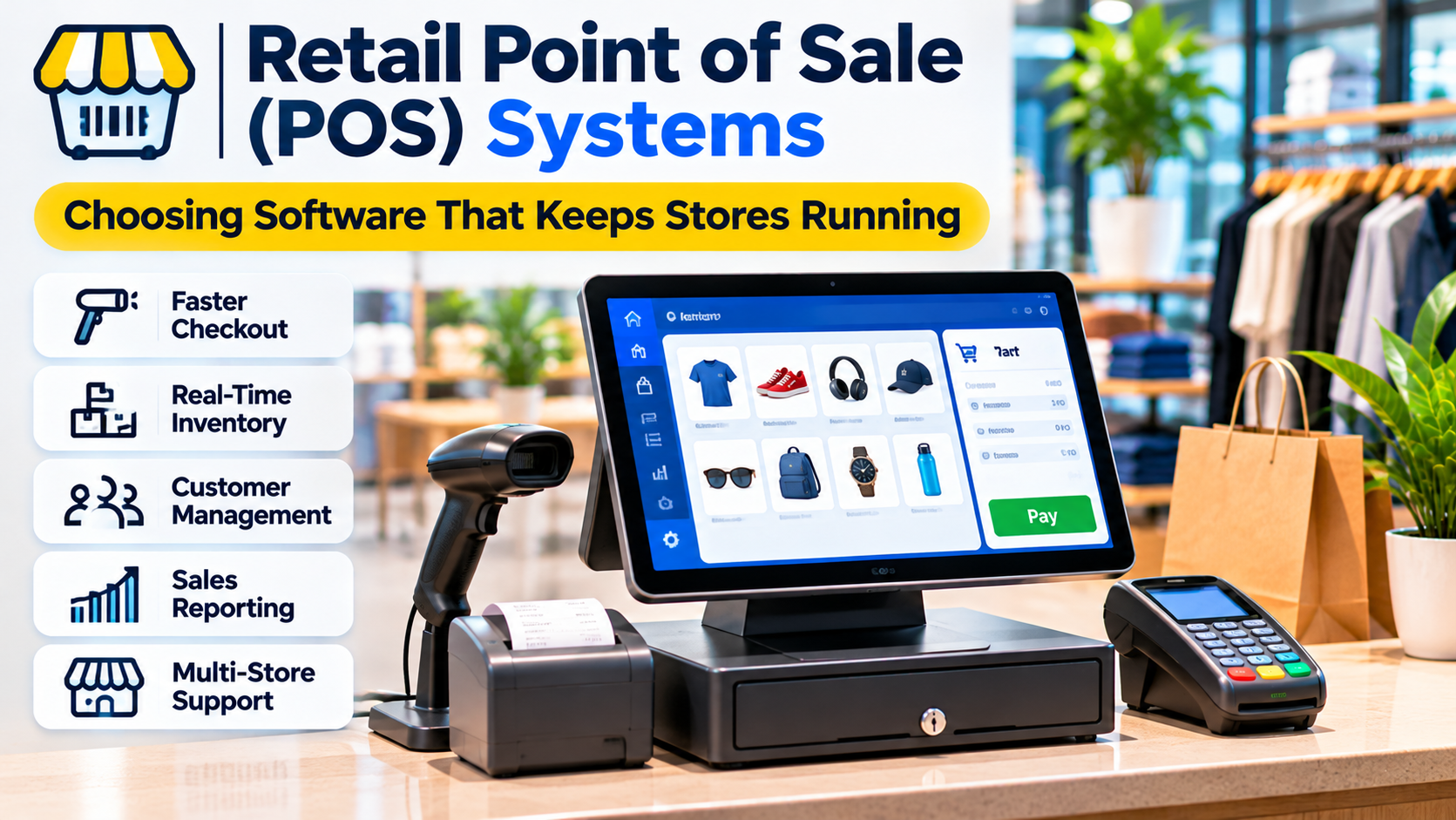
A retail point of sale system does much more than process payments.
It can determine how quickly customers move through checkout, whether stock records remain accurate, how returns are handled, and how clearly managers understand store performance.
For a small retailer, a simple checkout system may be sufficient. For a business operating several locations, the same software must coordinate inventory, employees, customer records, and transactions across a more complicated operation.
That difference makes POS selection an operational decision rather than a straightforward software purchase.
A system with an attractive interface may still be unsuitable if it cannot handle the retailer’s product catalog, payment requirements, or stock movements.
The right choice begins with understanding what happens inside the store and how those activities connect to the rest of the business.
What Is a Retail POS System?
A retail point of sale system combines software and, where needed, hardware to complete sales transactions and manage related retail operations.
The most visible function is checkout.
An employee scans or selects products, applies applicable discounts and taxes, accepts payment, and provides a receipt.
Modern retail POS platforms may also support inventory tracking, purchasing, customer profiles, loyalty programs, staff permissions, reporting, and connections to online stores.
A typical POS environment can include:
- A touchscreen terminal, tablet, or computer.
- Barcode scanners.
- Payment terminals.
- Receipt printers.
- Cash drawers.
- POS application software.
- Inventory and customer databases.
- Integrations with accounting and e-commerce systems.
Not every retailer needs every component.
A temporary market stall may operate with a tablet and payment reader. A supermarket may require specialized scanning, weighing, receipt, and lane-management equipment.
The important question is whether the system supports the actual selling environment.
Why POS Selection Should Start With Store Operations
Retailers sometimes begin by comparing software subscriptions.
That approach can overlook the operational requirements that determine whether a platform will work.
Consider a clothing store selling products in several sizes and colors.
The POS must distinguish product variants and update stock accurately.
A grocery retailer may need barcode-based selling, weighted products, and rapid checkout.
An electronics retailer may need serial-number tracking, warranty records, and detailed return procedures.
A specialty retailer may need purchase orders, supplier records, and stock transfers between locations.
These businesses all need a POS, but their workflows are not interchangeable.
Before evaluating vendors, document how the store handles sales, receiving, inventory adjustments, returns, discounts, and daily reconciliation.
This process establishes the requirements that matter most.
Essential Retail POS Features
Fast and reliable checkout
Checkout should be straightforward for employees and customers.
Common requirements include barcode scanning, product search, multiple payment methods, discounts, tax calculation, and receipt generation.
A retailer should test the number of steps required for routine transactions.
A system that makes every sale unnecessarily complicated can create queues and training difficulties.
Inventory management
Inventory functionality should reflect the retailer’s actual stock model.
Important capabilities may include product variants, stock adjustments, purchase orders, low-stock notifications, and transfers between locations.
The central requirement is consistency.
If a product sells in one store, the appropriate stock record should change without requiring duplicate manual entry.
Returns and exchanges
Returns can be more complicated than original sales.
A POS should support the retailer’s refund policies, payment methods, exchanges, and stock adjustments.
The system must also maintain appropriate transaction records.
Customer management
Some POS platforms maintain customer purchase histories, contact information, and loyalty participation.
These features may support personalized service and customer retention.
However, businesses should collect only information they need and protect it appropriately.
Employee permissions
Different staff members may require different access.
For example, a cashier may complete ordinary transactions while a manager approves certain discounts or refunds.
Role-based permissions help reduce errors and unauthorized activity.
Reporting
Useful reports may cover sales, product performance, taxes, discounts, returns, and inventory.
The objective is to provide reliable information for business decisions.
A dashboard with many charts is not valuable if the underlying transaction data is inconsistent.
Retail POS Platforms Worth Evaluating
Several established vendors offer retail-focused POS capabilities, but they differ in their ecosystems and intended workflows.
Shopify POS
Shopify POS is relevant to retailers that operate online stores and physical locations within the Shopify ecosystem.
Its value comes from connecting in-person selling with the broader commerce environment.
A retailer using Shopify for e-commerce may benefit from coordinated products, customer information, and inventory workflows.
However, the required subscription, supported hardware, payment arrangements, and location-specific capabilities should be checked carefully.
Best fit: Retailers seeking connected online and in-store commerce.
Main consideration: The operational and commercial implications of relying on the Shopify ecosystem.
Square for Retail
Square offers retail POS capabilities alongside payment processing and related business tools.
Its approach may appeal to small and growing retailers seeking a connected system for sales, payments, inventory, and reporting.
The experience can be relatively cohesive when a business uses supported Square hardware and services.
However, product availability and payment services vary by market.
Best fit: Retailers in supported markets seeking a connected POS and payments environment.
Main consideration: Regional availability, processing arrangements, and hardware compatibility.
Lightspeed Retail
Lightspeed Retail focuses on retail operations, including sales and inventory management.
It is relevant to businesses that need more structured product and stock workflows than a basic checkout application provides.
Retailers with large catalogs, multiple suppliers, or several locations may find these capabilities important.
Best fit: Inventory-intensive retailers with established operational requirements.
Main consideration: Implementation complexity, subscription structure, and integration requirements.
Clover
Clover combines POS software with supported payment hardware and business management capabilities.
Its hardware-centered ecosystem may appeal to merchants seeking an integrated checkout setup.
However, commercial arrangements can differ depending on the provider and market.
Best fit: Retailers seeking supported POS hardware and payment services within the Clover ecosystem.
Main consideration: Contract terms, payment processing, hardware ownership, and service arrangements.
Odoo Point of Sale
Odoo provides a POS application within its broader business software environment.
This can be relevant to retailers that also need inventory, accounting, purchasing, or other operational applications.
The advantage is the potential connection between retail transactions and wider business processes.
Best fit: Businesses evaluating POS as part of a broader integrated management system.
Main consideration: Configuration, implementation resources, and the complexity of the overall Odoo environment.
Comparing Retail POS Approaches
| Platform | Main orientation | Important evaluation question |
|---|---|---|
| Shopify POS | Connected online and physical retail | How well does it support omnichannel operations? |
| Square for Retail | POS and payments ecosystem | Are services and hardware available locally? |
| Lightspeed Retail | Retail inventory and store operations | Can it handle the required stock complexity? |
| Clover | Hardware and payments-centered POS | What contractual and hardware restrictions apply? |
| Odoo POS | Integrated business applications | Does the business need the wider software suite? |
These distinctions are starting points for evaluation, not product rankings.
Current capabilities and terms should be verified with each vendor.
Cloud POS Versus Locally Managed Systems
Cloud-connected POS platforms generally store or synchronize important business information through hosted services.
This can simplify updates and provide access to information across locations.
However, retailers must understand what happens when internet connectivity fails.
Some systems support limited offline transactions or local operation, but the exact behavior varies.
A retailer should test:
- Whether checkout continues without internet access.
- Which payment methods remain available.
- Whether stock information remains accurate.
- How transactions synchronize afterward.
- What happens when synchronization fails.
Offline capability should never be assumed from a marketing description.
A locally managed system may provide greater control over certain infrastructure components, but it also introduces responsibilities for maintenance, backups, security, and upgrades.
The right deployment approach depends on connectivity, technical resources, and business continuity requirements.
Payment Processing and Hardware Compatibility
Payment processing can influence the total cost and flexibility of a POS system.
Some platforms work closely with a particular payment provider.
Others support integrations with multiple processors.
Retailers should review transaction fees, settlement arrangements, chargeback procedures, supported payment methods, and contract restrictions.
Hardware deserves the same attention.
A POS subscription may not include scanners, printers, terminals, or cash drawers.
Existing equipment may not be compatible with the new system.
Before committing, request a complete list of supported devices and test the intended configuration.
For businesses operating internationally, confirm local tax, currency, payment, and receipt requirements.
Inventory Accuracy Depends on More Than Software
A POS can update inventory automatically, but it cannot guarantee accurate stock records when physical processes are inconsistent.
Consider a store receiving 20 units from a supplier.
If employees record 25 units, the POS will contain incorrect information even though the software functions properly.
The same problem occurs when damaged products, theft, returns, or stock transfers are not recorded.
Reliable inventory management requires clear receiving procedures, regular counts, adjustment controls, and employee training.
POS software supports these processes.
It does not replace them.
Security and Customer Data Protection
Retail POS systems handle transactions and may process sensitive business and customer information.
Security evaluation should include employee access controls, authentication, software updates, data encryption, and vendor security practices.
Payment card information requires particular care.
Retailers should understand which components are responsible for payment processing and what obligations apply under relevant payment security standards.
A vendor’s compliance claims should be verified against the specific products and services being deployed.
Organizations should also review backup procedures, incident response responsibilities, and how former employees lose system access.
How to Calculate the Real Cost of a POS System
The advertised monthly subscription is only one part of the expense.
A realistic estimate should include software, payment processing, hardware, implementation, integrations, employee training, support, and future expansion.
Consider a retailer opening three locations.
The business may need multiple terminals per location, barcode scanners, receipt printers, and inventory synchronization.
It may also require migration of product catalogs and customer records.
A low introductory subscription price can become less attractive when the complete operating environment is considered.
Ask vendors to provide an itemized estimate based on realistic transaction volumes and store requirements.
A Practical POS Evaluation Checklist
Before selecting a system, run several representative scenarios.
Scenario 1: A normal sale. Scan multiple products, apply a discount, accept payment, and issue a receipt.
Scenario 2: A return. Locate the original transaction, process the refund, and verify the inventory adjustment.
Scenario 3: A stock transfer. Move inventory between locations and confirm both stock records update correctly.
Scenario 4: An internet interruption. Determine what functionality remains available and how recovery works.
Scenario 5: End-of-day reconciliation. Compare sales records, refunds, payment totals, and cash handling information.
Scenario 6: Employee permissions. Verify that staff members cannot perform restricted actions without authorization.
These tests reveal operational limitations that feature lists may conceal.
Common POS Implementation Mistakes
Migrating inaccurate product data
Duplicate product records, inconsistent barcodes, and incorrect tax settings can create problems immediately after launch.
Clean the catalog before migration.
Underestimating employee training
Cashiers need to understand more than ordinary sales.
Training should include returns, discounts, failed payments, and system interruptions.
Ignoring support availability
A retail system may be most critical during evenings, weekends, or seasonal peaks.
Support arrangements should match actual operating hours.
Choosing software without testing hardware
A system may look suitable in a browser demonstration but fail to support required scanners or payment terminals.
Failing to define ownership
Someone must maintain product data, permissions, inventory procedures, and integrations.
Without clear responsibility, errors accumulate.
Choosing a POS System That Can Grow With the Business
A retail POS should support today’s transactions while accommodating realistic changes in the business.
A single-location retailer may prioritize simplicity and dependable payments.
A growing chain may need multi-location inventory, purchasing controls, centralized reporting, and consistent permissions.
An omnichannel retailer may prioritize the connection between online orders and physical stores.
The strongest choice is not necessarily the platform with the most features.
It is the one that handles the retailer’s essential workflows reliably, fits the operating environment, and offers a sustainable total cost.
Evaluate the software using real products, real store processes, and realistic transaction scenarios.
A successful POS implementation should make checkout easier, inventory more trustworthy, and daily retail operations more manageable.