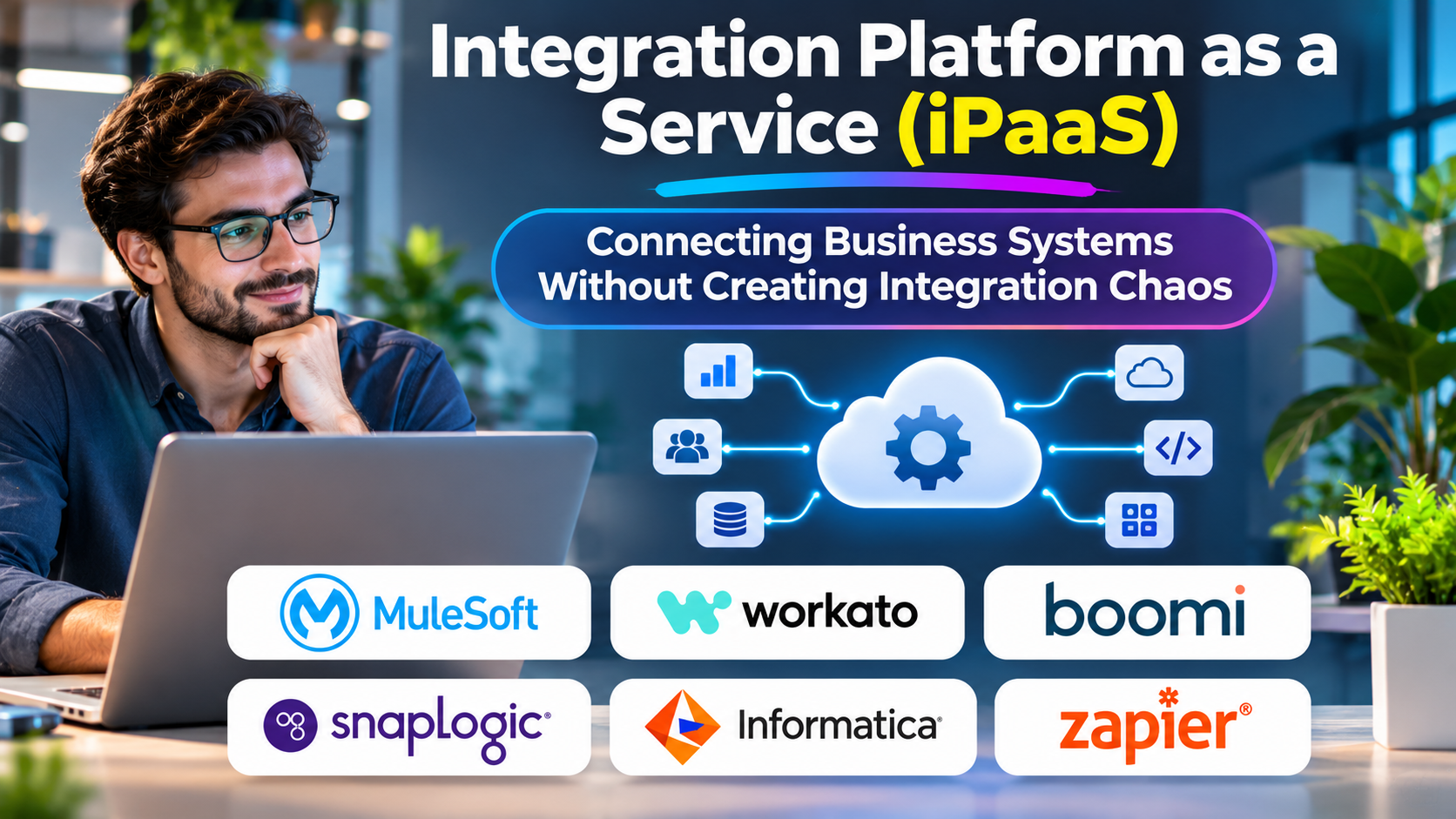
Businesses depend on a growing collection of applications. Customer records live in CRM systems, financial transactions move through accounting platforms, and operational data is distributed across databases, cloud services, and legacy infrastructure.
Connecting these systems individually can create an expensive network of custom integrations.
Integration Platform as a Service, commonly called iPaaS, offers a more structured approach to managing these connections.
What Is iPaaS?
iPaaS is a cloud-oriented integration platform that helps organizations connect applications, data sources, and business processes.
Instead of developing every connection independently, teams use reusable connectors, data transformations, orchestration capabilities, and centralized monitoring.
For example, a company might connect its e-commerce platform, ERP system, warehouse application, and CRM through an iPaaS environment.
When an order is placed, the integration can transfer the order details, update relevant records, and coordinate subsequent actions.
The Integration Problems iPaaS Solves
Disconnected business data
Different applications frequently maintain overlapping information. Without synchronization, teams may work from inconsistent customer, product, or financial records.
Fragile custom integrations
Point-to-point connections can become difficult to maintain as applications and business requirements change.
Complex data transformations
One system may represent customer addresses, currencies, or product identifiers differently from another. Integration platforms provide mapping and transformation mechanisms.
Limited operational visibility
When integrations fail, organizations need to know where the failure occurred, what data was affected, and whether processing can resume safely.
Leading iPaaS Platforms to Consider
Boomi
Boomi provides integration capabilities for connecting applications, data, and business processes.
Its platform is relevant to organizations managing complex enterprise integration environments, including hybrid systems.
Buyers should evaluate connector requirements, deployment architecture, governance, and the cost of operating multiple integrations.
MuleSoft Anypoint Platform
MuleSoft combines API-led connectivity with integration development and management capabilities.
It is particularly relevant to organizations seeking reusable APIs and structured integration governance.
The platform can require considerable architectural planning and specialist skills.
Workato
Workato combines application integration with workflow automation.
Its approach can appeal to organizations that want business and technical teams to collaborate on automated processes.
Governance, recipe maintenance, connector behavior, and workload-based costs deserve close attention.
Celigo
Celigo provides integration automation with a focus on connecting business applications.
It is particularly relevant to organizations integrating commerce, finance, and operational systems.
Buyers should assess whether its available integration patterns match their specific business processes.
Azure Logic Apps
Microsoft Azure Logic Apps provides managed workflow and integration capabilities within the Azure ecosystem.
It can be attractive to teams already operating Microsoft cloud infrastructure.
However, teams should examine connector pricing, execution costs, and dependencies on Azure services.
SAP Integration Suite
SAP Integration Suite provides integration services for SAP and non-SAP environments.
Organizations with substantial SAP investments may find its ecosystem alignment valuable.
Integration complexity and licensing should be evaluated against the broader enterprise architecture.
How to Choose an iPaaS Platform
The most important selection criteria are not simply the number of connectors advertised.
Organizations should evaluate:
- Connector depth: Does the connector support the required operations, authentication methods, and data objects?
- Data transformation: Can teams handle complex mappings and validation rules?
- Deployment flexibility: Are cloud, on-premises, and hybrid connectivity requirements supported?
- Error recovery: Can failed transactions be inspected, corrected, and replayed?
- Governance: Are access controls, change management, and audit trails sufficient?
- Total cost: How are integrations, executions, data volumes, environments, and additional capabilities charged?
A proof of concept should use real business data structures and realistic failure scenarios.
iPaaS vs. ESB vs. Custom APIs
An enterprise service bus traditionally provides integration and messaging capabilities across enterprise systems.
An iPaaS platform generally emphasizes managed integration services and cloud-oriented connectivity.
Custom APIs offer direct control but require organizations to build and maintain more infrastructure themselves.
These approaches are not mutually exclusive. A mature organization may use iPaaS for SaaS connectivity, APIs for reusable business capabilities, and messaging infrastructure for asynchronous operations.
Security and Data Governance
Integrations frequently handle sensitive customer and business information.
Before deployment, organizations should assess credential storage, encryption, role-based access, audit logging, data residency, and retention policies.
Special attention is needed when integration workflows transfer personal information across regions or replicate sensitive records into multiple systems.
Security responsibilities should be clearly divided between the vendor and the organization.
A Practical Implementation Strategy
Begin with a high-value integration rather than migrating every connection simultaneously.
Document the source systems, destination systems, data ownership, expected transaction volumes, and recovery requirements.
Next, build and test the integration with realistic data. Introduce monitoring and operational procedures before expanding usage.
Reusable components, naming conventions, and change controls help prevent an integration platform from becoming another collection of disconnected workflows.
Frequently Asked Questions
Is iPaaS only for large enterprises?
No. Smaller organizations can benefit from managed integrations, particularly when they rely on several SaaS applications.
Can iPaaS handle real-time integration?
Many platforms support event-driven and API-based integrations, but latency depends on the connector, architecture, and workload.
Does iPaaS eliminate custom development?
Not necessarily. Complex transformations, unusual systems, and specialized business logic may still require custom code.
Conclusion
iPaaS can reduce integration fragmentation, but it does not automatically solve poor data governance or unclear business processes.
The strongest implementations begin with well-defined integration requirements, clear system ownership, reliable monitoring, and realistic cost expectations.
Choose the platform that makes your critical integrations easier to operate—not merely easier to demonstrate.