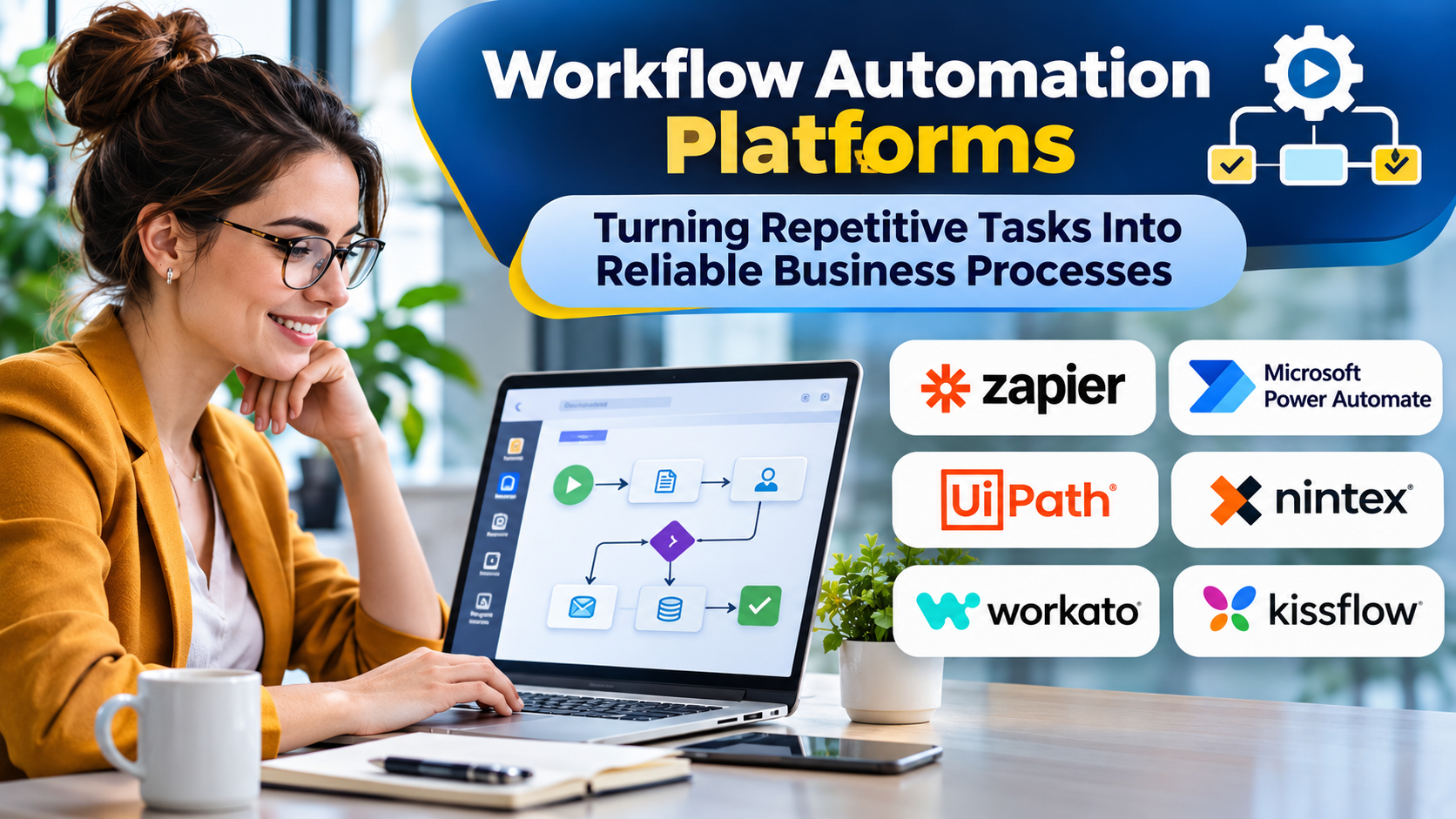
Many business processes depend on employees moving information between applications, requesting approvals, and reminding colleagues to complete routine tasks.
These activities are necessary, but they often consume time without creating much direct value.
Workflow automation platforms help organizations coordinate repetitive actions while improving consistency, visibility, and accountability.
Choosing the right platform requires understanding the difference between simple task automation and the management of complex business processes.
What Is Workflow Automation?
Workflow automation uses software to execute predefined actions when particular conditions or events occur.
A workflow might begin when a customer submits a form, a purchase order is created, or an employee requests access to a system.
The platform then performs actions such as updating records, sending notifications, requesting approval, or triggering another application.
A simple workflow may contain only a trigger and an action. More advanced workflows include branching logic, multiple participants, exceptions, and approvals.
Common Business Applications
Employee onboarding
An HR workflow can coordinate account provisioning requests, document collection, equipment assignments, and manager approvals.
Sales operations
When a qualified lead enters a CRM, an automated workflow can assign ownership and notify the appropriate sales representative.
Finance approvals
Expense and purchasing workflows can route requests according to amount, department, and authorization rules.
Customer support
Support processes can categorize incoming requests, assign cases, and escalate unresolved issues.
Marketing operations
Automated workflows can transfer form submissions, update contact records, and initiate relevant follow-up activities.
Workflow Automation Platforms to Evaluate
Zapier
Zapier focuses on connecting applications through automated workflows.
It is suitable for many common SaaS integration tasks and can help nontechnical users automate repetitive activities.
Organizations should examine task consumption, error handling, and the complexity of multi-step workflows.
Make
Make provides visual automation capabilities with configurable scenarios and data transformations.
Its interface can be useful for workflows involving multiple steps and branching logic.
However, complex scenarios still require careful documentation and monitoring.
Microsoft Power Automate
Power Automate supports cloud workflows and desktop automation within Microsoft’s business technology ecosystem.
It can be particularly relevant to organizations using Microsoft 365, Dynamics, and Power Platform.
Licensing and connector entitlements should be evaluated carefully.
n8n
n8n is a workflow automation platform offering substantial flexibility for technical users.
Its self-hosting options can appeal to organizations that want more control over execution environments.
Self-hosting introduces infrastructure and maintenance responsibilities.
Workato
Workato combines workflow automation with enterprise application integration.
It is relevant when organizations need business automation alongside stronger integration governance.
Pipedream
Pipedream provides workflow automation capabilities oriented toward developers and API integrations.
It can be useful when workflows require custom code alongside application connectivity.
Choosing Between No-Code and Developer-Oriented Platforms
No-code platforms make straightforward automation accessible to business users.
Developer-oriented tools offer greater flexibility for custom logic, APIs, and unusual integration requirements.
Neither approach is universally superior.
A marketing team automating lead notifications may value simplicity, while an engineering team processing complex API events may need code-level control.
The right choice depends on the workflow’s technical complexity and long-term ownership.
Features That Matter Most
Integration coverage: Verify that required applications and operations are supported.
Conditional logic: Complex workflows need reliable branching, filtering, and validation.
Error recovery: Failed actions should be visible and recoverable.
Human approvals: Some decisions require authorized employees rather than automatic execution.
Auditability: Organizations should know who changed workflows and what actions occurred.
Security: Credential management, permissions, and sensitive data handling must be appropriate.
Cost predictability: Pricing may depend on users, tasks, operations, executions, or premium connectors.
How to Automate a Process Successfully
Start by documenting the existing process.
Identify each trigger, decision, action, exception, and responsible person.
Next, remove unnecessary steps before introducing automation. Automating a poorly designed process often makes its problems happen faster.
Build a small implementation and test normal conditions, missing data, duplicate events, and service failures.
Assign an owner responsible for monitoring and maintaining the workflow.
Finally, measure the outcome using indicators such as processing time, error rate, manual effort, and completion reliability.
Risks of Excessive Automation
Organizations sometimes create hundreds of workflows without consistent governance.
Over time, automations may become difficult to understand, especially when their original creators leave.
Duplicate workflows can cause conflicting updates. Poorly configured permissions can expose sensitive data.
Documentation, ownership, access controls, and periodic reviews are therefore essential.
Frequently Asked Questions
Is workflow automation the same as RPA?
No. Workflow automation coordinates processes and applications. RPA typically automates interactions with user interfaces, although some platforms support both.
Can small businesses benefit from workflow automation?
Yes. Even simple automations can reduce repetitive administrative work.
Does workflow automation eliminate human involvement?
Not necessarily. Many effective workflows combine automated steps with human approvals and judgment.
Conclusion
Workflow automation delivers the most value when it improves an already understood business process.
The best platform is one that supports the required integrations, handles failures transparently, and can be maintained by the people responsible for the workflow.
Automation should make operations more dependable—not simply move manual complexity into software.