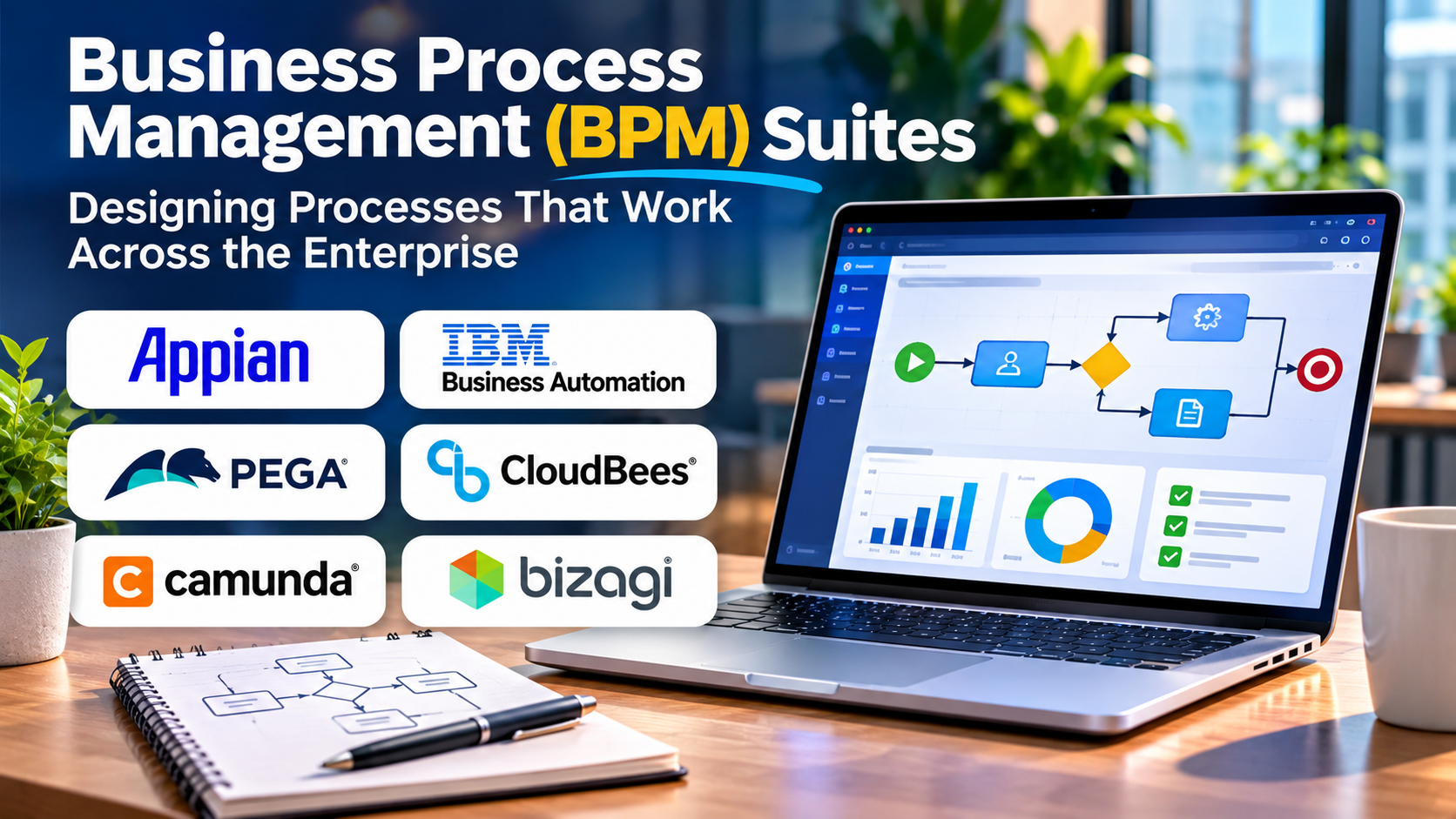
Business processes rarely remain simple as organizations grow. A customer request may involve sales, finance, compliance, and operations before it reaches completion.
When these activities depend on disconnected systems and informal communication, delays and inconsistencies become difficult to avoid.
Business Process Management (BPM) suites provide a structured way to design, execute, monitor, and improve processes that span multiple teams and applications.
What Is a BPM Suite?
A BPM suite is a software platform that supports the management of business processes throughout their lifecycle.
It typically combines process modeling, workflow execution, business rules, integrations, human tasks, and performance monitoring.
The central objective is to coordinate how work moves through an organization.
For example, a loan application process might involve identity verification, eligibility assessment, document review, approval, and customer notification.
A BPM suite can represent these stages as a defined process while coordinating the people and systems responsible for each activity.
The Difference Between BPM and Workflow Automation
Workflow automation often focuses on connecting tasks and applications.
BPM takes a broader approach by examining the complete business process, including responsibilities, decisions, exceptions, performance, and continuous improvement.
A workflow might automatically send an approval request. A BPM implementation may also define escalation rules, audit requirements, process ownership, and performance indicators.
The two categories overlap, but BPM generally emphasizes end-to-end process management.
Core Capabilities of BPM Software
Process modeling
Visual modeling tools help teams describe activities, decision points, participants, and process outcomes.
Business Process Model and Notation (BPMN) is a widely used standard for representing business processes.
Process execution
Execution engines coordinate tasks and automate transitions between process stages.
Human task management
Many processes require judgment, approvals, or exception handling.
BPM systems can assign tasks and track their progress.
Business rules
Decision logic can be separated from process flows so that organizations can update policies without redesigning entire workflows.
Monitoring and analytics
Dashboards and process histories help teams identify bottlenecks, delays, and recurring failures.
BPM Suites Worth Evaluating
Appian
Appian combines process automation with application development and enterprise workflow capabilities.
It is relevant to organizations building process-centric applications that involve people, systems, and business data.
Buyers should evaluate application design requirements, licensing, integration complexity, and long-term platform dependence.
Pega Platform
Pega supports enterprise workflow, case management, and decision-oriented automation.
It can be appropriate for organizations managing complex customer and operational processes.
Implementation and governance requirements should be assessed carefully.
Camunda
Camunda provides process orchestration capabilities with strong relevance to BPMN-based workflows.
It is particularly useful to evaluate when technical teams need to coordinate services, people, and long-running processes.
The level of engineering expertise required is an important consideration.
IBM Business Automation Workflow
IBM Business Automation Workflow combines workflow and case management capabilities.
It is relevant to organizations operating complex enterprise automation environments.
Bizagi
Bizagi provides process modeling and automation capabilities.
Organizations can evaluate it for workflows requiring structured process design and business participation.
BPM Suite Comparison
| Platform | Main area of emphasis | Evaluation consideration |
|---|---|---|
| Appian | Process-centric application development | Application lifecycle and licensing |
| Pega | Enterprise workflows and case management | Implementation complexity |
| Camunda | Process orchestration | Engineering expertise |
| IBM Business Automation Workflow | Enterprise process and case management | Infrastructure and governance |
| Bizagi | Process modeling and automation | Workflow and integration requirements |
This comparison reflects general product positioning, not independently tested performance.
How to Choose the Right BPM Suite
Begin by understanding the process rather than selecting a vendor.
Consider whether the organization needs formal process models, long-running workflows, human approvals, document management, business rules, or complex integrations.
Then evaluate the following:
Modeling and execution: Can process models translate into practical executable workflows?
Exception handling: What happens when a task fails or a participant does not respond?
Integration: Can the platform communicate reliably with existing business applications?
Governance: Are version control, access permissions, and audit trails appropriate?
Scalability: Can the architecture handle growing workloads without creating bottlenecks?
Total cost: Include implementation, infrastructure, licensing, training, and maintenance.
Common BPM Implementation Mistakes
A frequent mistake is attempting to automate a process before understanding why it performs poorly.
Another is designing workflows that are too rigid to accommodate legitimate exceptions.
Organizations should also avoid making every department dependent on one centralized development team.
Effective BPM requires clear ownership and collaboration between business stakeholders and technical teams.
Measuring BPM Success
Useful measures include process cycle time, error rates, approval delays, exception frequency, and completion rates.
For customer-facing processes, organizations should also evaluate customer experience and service quality.
The most meaningful improvements often come from eliminating unnecessary steps rather than automating them.
Frequently Asked Questions
Is BPM suitable for small businesses?
Yes, although smaller organizations may find simpler workflow tools more economical for straightforward processes.
Does BPM require coding?
Some platforms support visual development, but complex integrations and custom requirements may still need technical expertise.
Can BPM work with RPA?
Yes. RPA can perform specific tasks within a larger BPM-managed process.
Conclusion
BPM suites help organizations move beyond isolated automation toward coordinated business operations.
The right platform should support the complexity of the process without introducing unnecessary technical overhead.
Successful BPM begins with process clarity, continues through careful implementation, and depends on ongoing measurement and improvement.