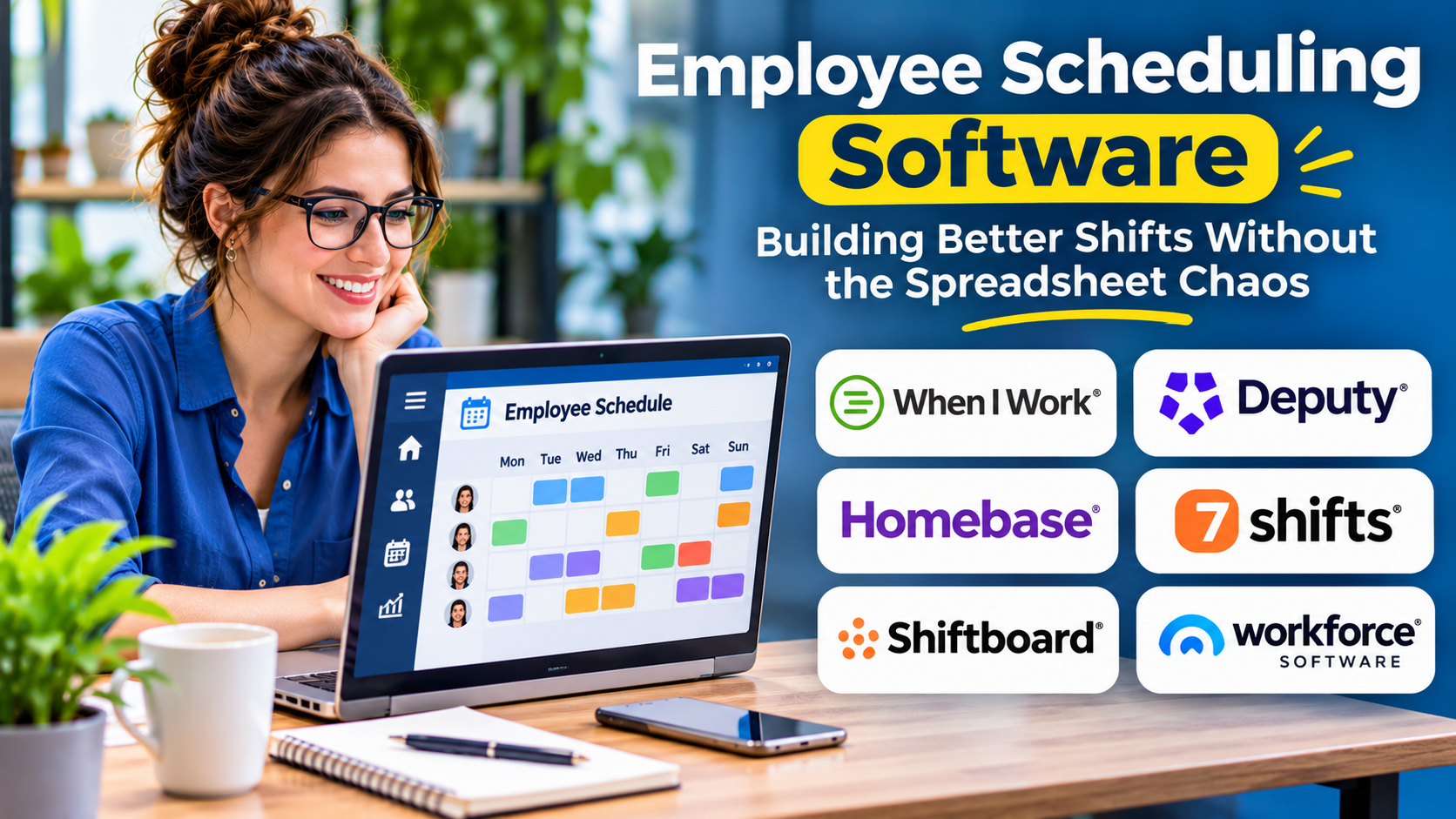
Employee scheduling is one of the most visible operational responsibilities in a business. When schedules are accurate, employees know when to work and managers can plan around expected demand.
When schedules are unreliable, even small changes can create confusion. An unexpected absence may leave a shift uncovered, while poor communication can cause employees to arrive at the wrong time.
Employee scheduling software helps businesses organize these moving parts.
What Is Employee Scheduling Software?
Employee scheduling software allows managers to create, publish, adjust, and communicate work schedules.
It is commonly used in retail, hospitality, healthcare, restaurants, logistics, and other industries that depend on shift-based staffing.
Many platforms also support employee availability, shift swaps, leave requests, and time tracking.
The primary purpose is to connect staffing requirements with employee availability while reducing manual coordination.
Why Manual Scheduling Becomes Difficult
Spreadsheets work reasonably well when schedules rarely change.
Problems emerge when businesses manage multiple locations, different job roles, rotating shifts, or employees with changing availability.
Managers may accidentally schedule someone during approved leave or assign too few qualified employees to a busy period.
Communication is another challenge. A schedule is only useful when employees receive and understand updates.
Employee Scheduling Software Worth Considering
Deputy
Deputy provides employee scheduling and workforce management functionality.
Its approach is relevant to businesses that need to coordinate shifts, attendance, and employee communication.
When I Work
When I Work focuses on employee scheduling, time tracking, and team coordination.
It is a practical candidate for organizations seeking accessible shift management.
Homebase
Homebase offers scheduling and related employee management capabilities, particularly for small businesses.
Organizations should confirm which features and services are available in their operating region.
Sling
Sling provides scheduling and employee communication tools.
It is worth evaluating for businesses that want shift planning and staff communication in a shared environment.
7shifts
7shifts focuses on workforce management for restaurants.
Its industry-specific approach is relevant to food-service operators dealing with changing staffing demand and labor costs.
Connecteam
Connecteam supports scheduling alongside broader employee operations.
It may suit organizations that also need task coordination and communication for deskless workers.
Features That Make Scheduling Easier
| Feature | Practical benefit |
|---|---|
| Drag-and-drop scheduling | Speeds up routine shift planning |
| Employee availability | Reduces conflicts with personal commitments |
| Shift swaps | Supports controlled schedule changes |
| Mobile notifications | Communicates updates promptly |
| Role-based scheduling | Helps assign qualified employees |
| Time tracking | Connects planned and actual hours |
| Labor reporting | Supports staffing-cost analysis |
Scheduling Rules Matter More Than Automation
Automated scheduling can reduce repetitive work, but it must operate within realistic constraints.
Managers need to consider qualifications, rest periods, overtime, approved leave, and employee preferences.
An automatically generated schedule is not necessarily fair, compliant, or practical.
Before selecting a platform, test how it handles conflicting availability and last-minute absences.
How to Evaluate Scheduling Software
Begin with the scheduling problems that occur most frequently.
If managers spend hours preparing weekly rosters, prioritize schedule creation and reusable templates.
If employees frequently miss updates, evaluate notifications and mobile accessibility.
If labor costs are difficult to predict, investigate how scheduling connects with pay rates and workforce reporting.
Ask vendors to demonstrate real scenarios rather than generic product tours.
Implementation Best Practices
Introduce the system with accurate employee records, locations, roles, and availability.
Define who can publish schedules, approve swaps, and change shifts.
Communicate expectations clearly, especially where employees will use personal devices.
During the initial rollout, monitor scheduling errors and employee feedback.
Avoid changing every scheduling policy simply because the software supports additional features.
Final Thoughts
Employee scheduling software should make shifts more predictable and operational changes easier to manage.
Deputy, When I Work, Homebase, Sling, 7shifts, and Connecteam serve different business needs.
Choose based on industry requirements, employee accessibility, scheduling complexity, and integration needs.
The best scheduling process supports both business coverage and the people expected to work those shifts.