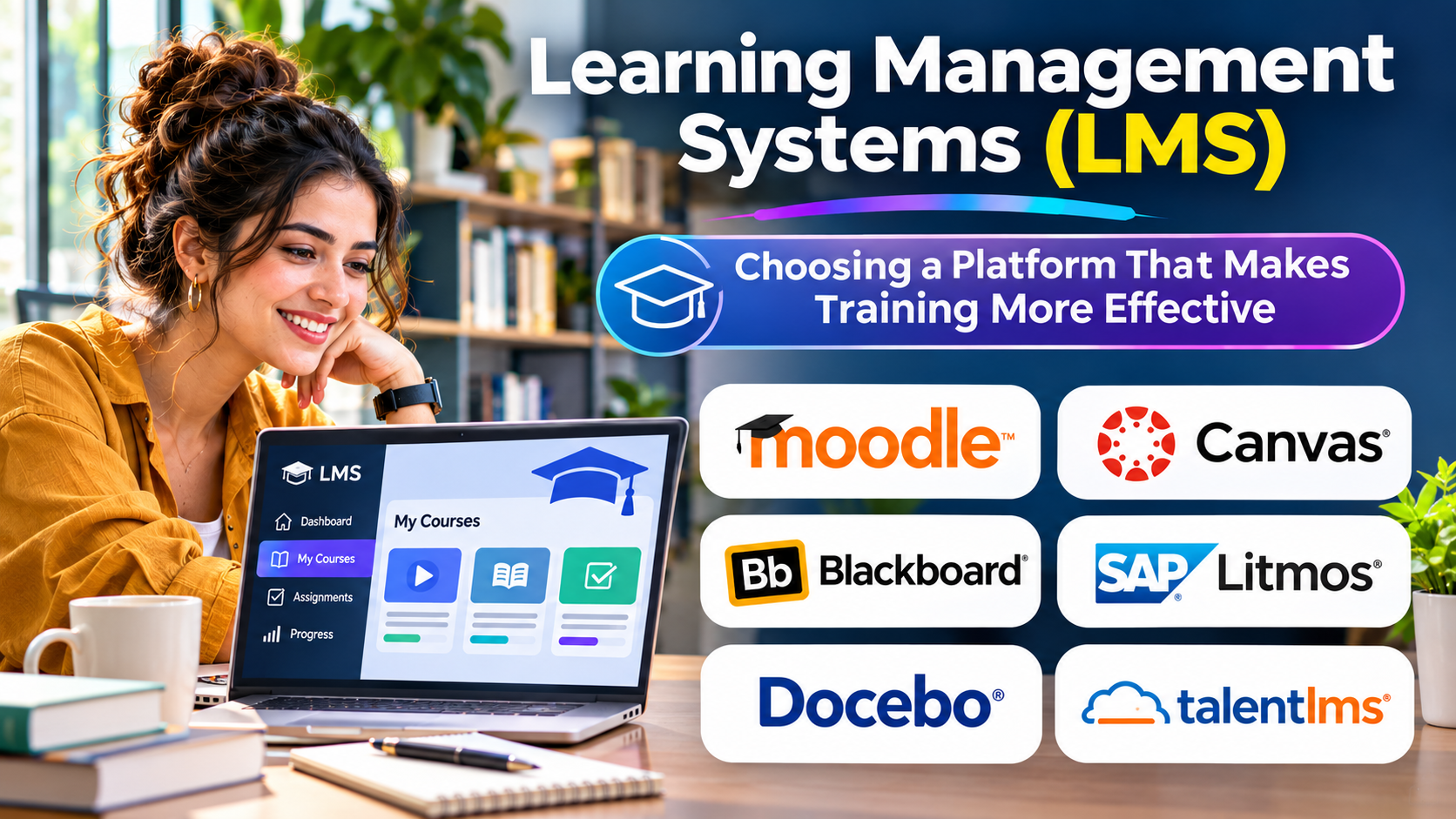
Training programs often begin with good intentions. Companies create courses, schools publish lessons, and learners receive access to educational resources.
Yet managing the entire learning process can become difficult.
A learning management system provides the structure needed to deliver training, monitor participation, assess understanding, and maintain learning records.
Choosing an LMS requires more than comparing course libraries and attractive dashboards.
What Is a Learning Management System?
A learning management system is software used to organize, deliver, administer, and track learning activities.
Organizations use LMS platforms for employee training, professional development, customer education, academic courses, and compliance programs.
A typical system connects four important elements: learners, instructional content, assessments, and reporting.
Some platforms focus on formal education. Others prioritize workplace training or external customer learning.
These differences matter because learning requirements vary significantly.
Main Types of LMS Platforms
Corporate learning systems
Corporate LMS platforms support employee onboarding, mandatory training, and professional development.
Common requirements include automated enrollment, completion tracking, role-based assignments, and HR system integration.
Academic learning systems
Schools and universities often need assignments, grading, discussions, course calendars, and instructor collaboration.
Academic systems may also require integration with student information systems.
Extended enterprise LMS
These platforms support audiences outside the organization, including customers, distributors, and partners.
Important capabilities include separate learning portals, branding, audience management, and external user administration.
Learning Management Systems to Consider
Moodle LMS
Moodle is an open-source learning management system used across educational and organizational settings.
Its flexible course structure and extensibility make it relevant to institutions requiring customization.
However, self-managed deployments introduce hosting, maintenance, security, and administration responsibilities.
Canvas LMS
Canvas, developed by Instructure, focuses strongly on educational course delivery.
Its assignment, grading, and course management workflows make it relevant to schools and higher education institutions.
Buyers should assess integration requirements, institutional administration, and accessibility workflows.
TalentLMS
TalentLMS focuses on organizational training through a cloud-based learning environment.
It may suit companies seeking to deliver employee or partner training without managing their own LMS infrastructure.
Evaluation should include reporting depth, user administration, and available integrations.
Docebo
Docebo provides a corporate learning platform supporting employee and external training use cases.
Organizations considering it should examine learning administration, content workflows, analytics, and integration needs.
Absorb LMS
Absorb LMS serves organizational learning and training management requirements.
It is worth considering when administrators need structured learning delivery, enrollment management, and reporting.
LearnUpon
LearnUpon focuses on training delivery for employees, customers, and partners.
Its relevance depends on how an organization plans to manage multiple audiences and learning experiences.
Features That Matter Most
| Feature | Why it matters |
|---|---|
| Course management | Organizes lessons and learning paths |
| Assessments | Measures knowledge and understanding |
| Learning records | Tracks progress and completion |
| Mobile access | Supports learners across devices |
| Integrations | Connects learning with business systems |
| Accessibility | Helps learners with different needs |
| Reporting | Supports training and compliance decisions |
Content compatibility also matters.
Organizations using SCORM, xAPI, or other learning standards should verify the exact versions and workflows supported by each product.
LMS vs. Learning Experience Platform
An LMS primarily manages structured learning delivery and administration.
A learning experience platform often emphasizes content discovery, recommendations, and learner-directed development.
The categories overlap.
A company delivering mandatory safety training may prioritize formal records and completion controls. A company promoting continuous professional growth may place greater value on content discovery.
Many organizations need both capabilities.
How to Evaluate an LMS
Start by identifying the learning activities that must work reliably.
Create a realistic pilot involving administrators, instructors, and learners.
Test course creation, enrollment, assessments, reporting, and account management.
For regulated training, confirm that completion records provide the evidence required by the relevant organization or regulator.
Evaluate accessibility using real learning content rather than relying only on vendor claims.
Finally, calculate total cost, including licensing, implementation, content migration, support, and administration.
Common Implementation Challenges
Content migration can be more difficult than expected, especially when legacy courses use incompatible formats.
Learner adoption may suffer when navigation is confusing or training is difficult to access.
Reporting can also become unreliable when users have duplicate accounts or incomplete enrollment records.
These problems are easier to address before a full rollout.
Final Thoughts
An effective LMS makes learning easier to deliver, manage, and improve.
The right choice depends on the audience, learning objectives, technical environment, and administrative requirements.
Focus on successful learning workflows rather than feature counts. A platform that learners and administrators can use confidently will deliver more value than a complicated system with unused capabilities.