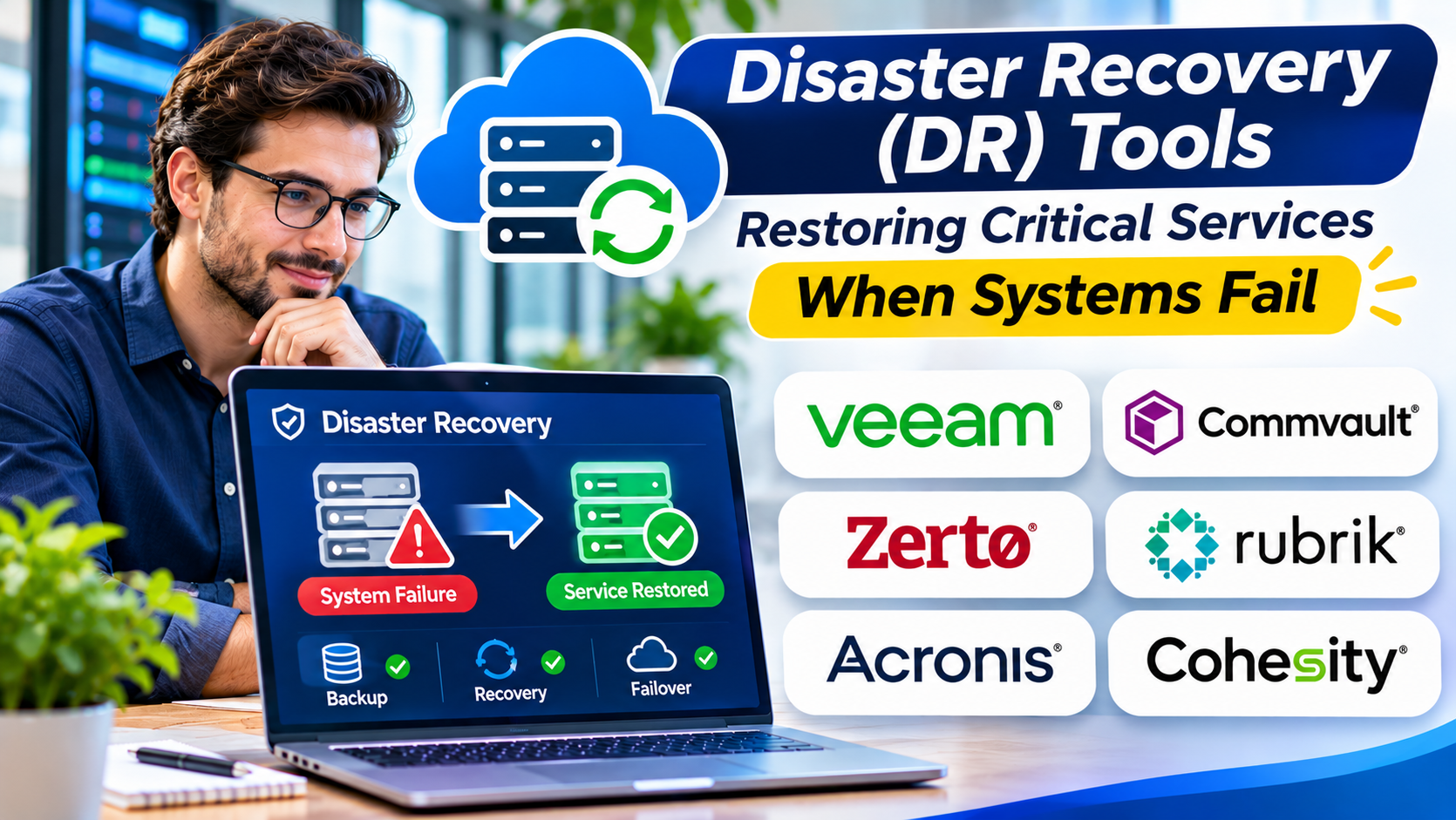
A business can have excellent backups and still experience a prolonged outage.
Restoring files is only one part of recovering an operational service.
Applications may depend on databases, networks, identity systems, storage, and external connections.
If these components cannot be restored in the correct sequence, business operations may remain unavailable.
Disaster recovery tools help organizations prepare for and recover from major technology disruptions.
What Is Disaster Recovery?
Disaster recovery is the process of restoring technology systems and services after a significant disruption.
Potential causes include:
- Hardware failures
- Data center outages
- Cyberattacks
- Cloud service disruptions
- Natural disasters
- Human error
- Infrastructure configuration failures
Disaster recovery is a component of broader business continuity planning.
Business continuity addresses how the organization continues essential operations.
Disaster recovery focuses primarily on restoring the technology supporting those operations.
Disaster Recovery Versus Backup
Backup creates protected copies of data.
Disaster recovery addresses the restoration of systems and services.
A disaster recovery solution may use backups, replication, infrastructure automation, or combinations of these methods.
For example, a backup platform may restore a database.
A broader disaster recovery process must also restore the application, network connectivity, authentication, and related dependencies.
The distinction is critical when evaluating software.
Disaster Recovery Approaches
Backup-Based Recovery
Systems are restored from backup copies.
This approach may be economical for workloads that can tolerate longer recovery times.
Replication-Based Recovery
Data or workloads are replicated to another environment.
Replication can support shorter recovery objectives, depending on architecture and configuration.
However, replication may also reproduce unwanted changes or corruption.
Disaster Recovery as a Service
DRaaS providers offer managed or cloud-based recovery capabilities.
Organizations should evaluate supported workloads, recovery commitments, security, and operational responsibilities.
Automated Recovery Orchestration
Orchestration tools coordinate recovery tasks and dependencies.
They can reduce manual effort and improve repeatability.
Disaster Recovery Platforms to Evaluate
Zerto
Zerto provides disaster recovery and replication capabilities for supported environments.
It is relevant to organizations seeking coordinated recovery for critical workloads.
Azure Site Recovery
Azure Site Recovery supports disaster recovery scenarios involving supported virtual machines and infrastructure.
It may be relevant to organizations using Microsoft Azure.
AWS Elastic Disaster Recovery
AWS Elastic Disaster Recovery supports recovery of supported source systems into AWS.
It is worth evaluating when AWS is an appropriate recovery environment.
VMware Live Recovery
VMware Live Recovery provides disaster recovery capabilities within supported VMware environments.
Organizations should verify current licensing, compatibility, and recovery architecture requirements.
Veeam
Veeam provides backup, recovery, and related orchestration capabilities.
It may suit organizations seeking coordinated data protection and recovery workflows.
Commvault
Commvault provides enterprise data protection and recovery capabilities.
It is relevant to organizations managing complex recovery requirements across multiple workloads.
Recovery Objectives Should Drive Architecture
Disaster recovery design begins with two important targets.
Recovery Time Objective (RTO) defines the target time to restore a service.
Recovery Point Objective (RPO) defines the maximum acceptable data loss measured in time.
Different services may require different targets.
An internal reporting system may tolerate a longer interruption than a payment processing application.
Organizations should avoid purchasing expensive recovery infrastructure before understanding these business requirements.
Mapping Service Dependencies
A disaster recovery plan must account for the systems supporting each critical service.
For example, restoring an application server may not be sufficient if its database remains unavailable.
Identity systems, DNS, network connectivity, certificates, and external integrations may also be required.
Dependency mapping helps determine recovery order.
It also reveals shared infrastructure that may affect multiple services.
What Makes Disaster Recovery Software Effective?
Replication and Recovery Capabilities
The platform must support required workloads and recovery methods.
Recovery Orchestration
Automation can coordinate recovery steps and reduce manual errors.
Testing
Organizations should be able to test recovery without unnecessarily disrupting production systems.
Monitoring
Replication failures and recovery readiness issues should be visible.
Security
Recovery infrastructure needs strong access controls and protection from unauthorized changes.
Documentation
Recovery procedures should remain understandable and accessible during incidents.
Failback
Organizations must understand how workloads return to normal operating environments after recovery.
Disaster Recovery Testing
A recovery plan that has never been tested is an assumption.
Testing should cover realistic failure scenarios.
Teams should verify that required applications start correctly, data remains consistent, users can authenticate, and network connections work.
Measure actual recovery times against objectives.
Document failures and update procedures.
Testing should include the people responsible for executing the recovery plan.
Common Disaster Recovery Mistakes
Protecting Data but Not Services
Restored data may be unusable without supporting infrastructure.
Ignoring Shared Dependencies
A single identity or network service can affect many applications.
Overlooking Cyber Recovery
Replication alone may not provide protection from ransomware or corrupted data.
Failing to Test
Untested procedures may fail during an actual emergency.
Assuming the Vendor Handles Everything
Responsibility for recovery planning, configuration, testing, and execution must be clearly defined.
How to Choose Disaster Recovery Tools
Start with a business impact assessment.
Identify critical services and acceptable downtime.
Map technical dependencies.
Define RPO and RTO requirements.
Evaluate recovery methods and supported platforms.
Test failover and failback.
Review security and administrative controls.
Estimate normal operating costs and emergency recovery costs.
Finally, confirm who is responsible for each recovery action.
Frequently Asked Questions
Is disaster recovery the same as business continuity?
No. Disaster recovery focuses on restoring technology. Business continuity covers the broader ability to continue essential business operations.
Does disaster recovery require a second data center?
Not necessarily. Cloud-based recovery and managed services may provide alternatives.
Can replication replace backups?
Not completely. Replication can reproduce corruption or unwanted changes, so independent recovery copies may still be necessary.
How often should disaster recovery plans be tested?
Testing should reflect business risk, system changes, recovery requirements, and organizational policies.
Final Thoughts
Disaster recovery is about restoring business capability, not simply restarting servers.
Effective DR tools support replication, recovery coordination, testing, and operational visibility.
But technology alone cannot guarantee successful recovery.
Organizations need realistic objectives, accurate dependency information, clear responsibilities, and repeated testing.
A strong disaster recovery strategy gives the business a practical way to respond when critical systems become unavailable.