Introduction
A medical record should help a clinician understand a patient, not force the clinician to search through disconnected screens.
Yet electronic medical record software can create precisely that problem when documentation templates, prescribing tools, laboratory results, and patient histories do not work together.
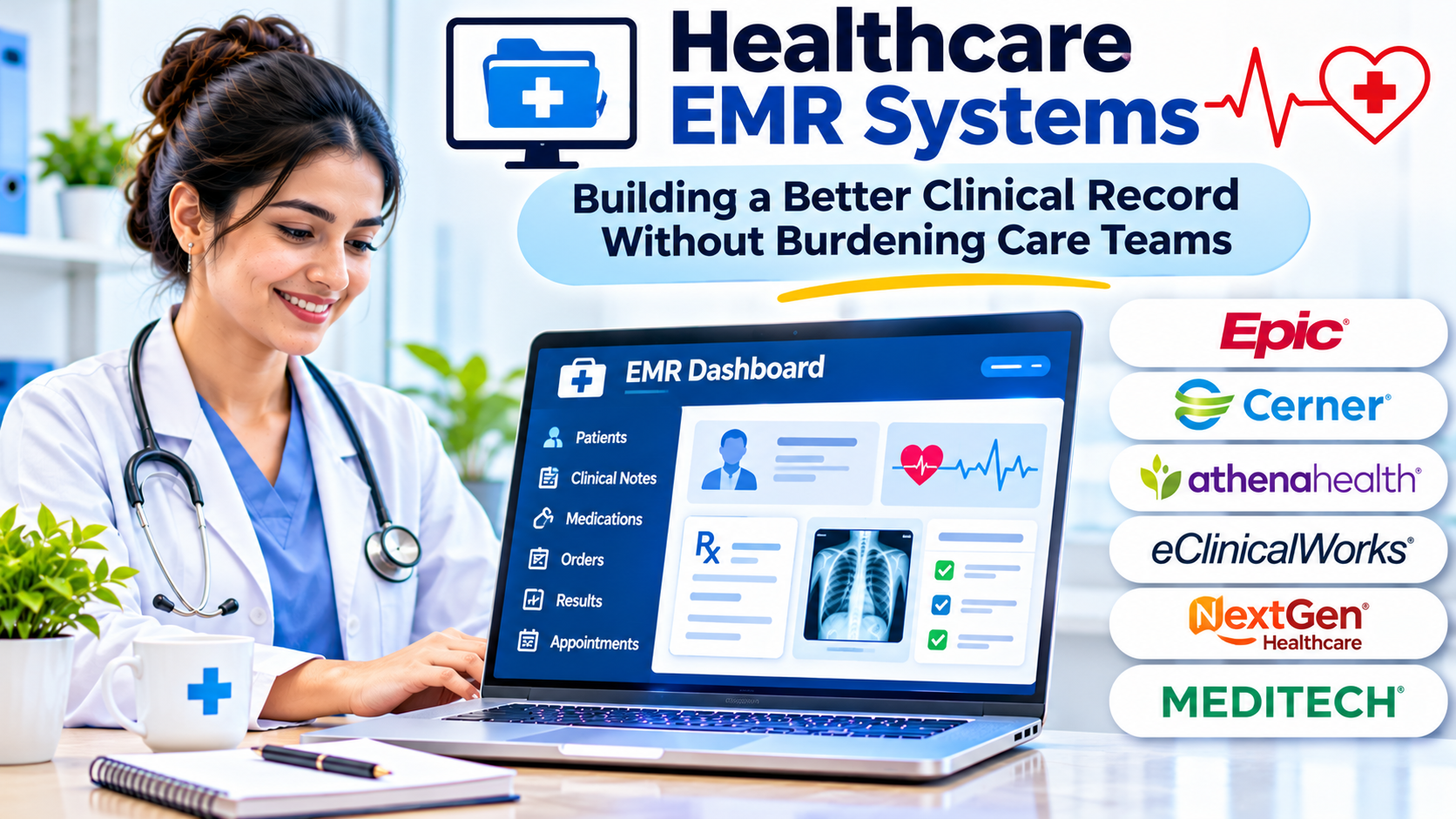
Healthcare EMR systems have become central to daily clinical operations. They support patient documentation, medication management, clinical orders, and coordination within medical practices.
The challenge is choosing software that fits how clinicians actually deliver care.
A system that works well in a primary care clinic may be unsuitable for a surgical specialty. A small practice may value simplicity, while a multispecialty group may require complex integrations and centralized administration.
The right EMR decision begins with clinical workflow, not a vendor’s feature list.
What Is a Healthcare EMR System?
An electronic medical record, or EMR, is a digital system used to create, maintain, retrieve, and manage patient clinical information.
It commonly replaces or supplements traditional paper charts.
Typical information includes:
- Patient medical histories
- Diagnoses and problem lists
- Medication and allergy records
- Clinical encounter notes
- Vital signs and observations
- Laboratory and diagnostic results
- Treatment plans
- Clinical orders and prescriptions
- Immunization records
- Follow-up instructions
Some EMR products also include appointment scheduling, billing, reporting, and patient communication.
Others integrate with separate practice-management or revenue-cycle applications.
The scope varies substantially between vendors.
How EMR Differs From EHR
The terms EMR and electronic health record, or EHR, are often used interchangeably.
Traditionally, an EMR emphasizes the digital medical record maintained within a particular practice or healthcare organization.
An EHR emphasizes a broader, longitudinal view of patient information that may be shared across care settings.
In real-world software markets, the distinction is not always clear.
Many products marketed as EMRs provide external data exchange, patient portals, and broader EHR functionality.
Buyers should evaluate actual capabilities rather than assume a product’s category label defines its limitations.
The Most Important EMR Decision: How Clinicians Document Care
Clinical documentation is often the most frequently used part of an EMR.
It is also where poor software design can create substantial frustration.
A clinician may need to review a patient’s history, document symptoms, record an examination, update diagnoses, and establish a treatment plan.
An efficient system should support that sequence naturally.
An inefficient system may require repeated navigation, unnecessary clicks, and duplication of information.
Structured Documentation
Structured documentation captures information in predefined fields.
It can improve consistency and make selected data easier to analyze.
However, rigid templates may fail to represent unusual clinical situations.
Too many mandatory fields can encourage low-value documentation.
Narrative Documentation
Narrative notes allow clinicians to describe clinical reasoning in their own words.
They can provide valuable context that structured fields cannot easily capture.
However, narrative information may be harder to search or reuse in automated workflows.
The best approach often combines structured information with sufficient flexibility for meaningful clinical notes.
Specialty-Specific Workflows
Different medical specialties require different documentation patterns.
An ophthalmology practice may need detailed eye examination records.
A dermatology clinic may rely on body maps and image documentation.
A behavioral health practice may require specialized assessments and confidentiality controls.
A general-purpose template cannot automatically meet every specialty’s needs.
Core EMR Capabilities to Evaluate
Patient Chart Management
The patient chart should present important information clearly.
Medication lists, allergies, diagnoses, prior encounters, and relevant results should be accessible without excessive navigation.
Clinicians should be able to identify outdated or conflicting information.
Electronic Prescribing
Electronic prescribing can support prescription creation and transmission through applicable networks.
Depending on the product and jurisdiction, additional capabilities may include formulary information, refill requests, and medication history.
Controlled-substance prescribing may involve specific legal and technical requirements.
Organizations should verify the exact functionality available in their region.
Laboratory and Diagnostic Integration
An EMR may receive laboratory orders and results through external interfaces.
Successful integration requires reliable patient matching, order identification, and result handling.
Displaying a result is not enough.
Practices need clear procedures for reviewing abnormal findings and ensuring appropriate follow-up.
Clinical Decision Support
Some EMR systems provide reminders, warnings, and other clinical guidance.
These features can support care delivery when configured appropriately.
Poorly targeted alerts can interrupt workflows and contribute to alert fatigue.
Clinical staff should participate in reviewing decision-support settings.
Patient Communication
Patient portals and messaging functions can help practices share information and manage requests.
However, messaging creates operational responsibilities.
Organizations need clear policies for response times, message routing, and urgent clinical concerns.
A portal should not be treated as a substitute for emergency communication.
Healthcare EMR Software Options Worth Evaluating
The following products illustrate different approaches to clinical record management. They are not ranked, and their capabilities should be verified for the specific product version and contract.
athenaOne
athenaOne, from athenahealth, combines ambulatory clinical and practice-management capabilities.
It is relevant to medical groups seeking connected documentation, scheduling, and administrative workflows.
Best fit: Ambulatory practices that want clinical and operational functions within a coordinated service environment.
Trade-off: Buyers should review service arrangements, integrations, specialty requirements, and total contractual costs.
eClinicalWorks
eClinicalWorks provides ambulatory electronic health record and practice-management software.
Its ecosystem includes clinical documentation and related practice functions.
Best fit: Outpatient practices evaluating an established ambulatory clinical platform.
Trade-off: Implementation planning should examine template configuration, workflow adoption, training, and interoperability.
NextGen Healthcare
NextGen Healthcare provides clinical and practice-management technology for ambulatory organizations.
Its offerings are relevant to practices with specialty and operational requirements.
Best fit: Medical groups that need to evaluate specialty workflows alongside broader practice operations.
Trade-off: Buyers should confirm which modules, integrations, and services are included in their proposed deployment.
Tebra
Tebra provides technology for independent medical practices, including clinical and practice-related capabilities.
Its approach may interest organizations seeking a connected environment for patient care and practice administration.
Best fit: Independent practices evaluating integrated clinical and business workflows.
Trade-off: Practices should examine the exact functionality required by their specialty and the dependencies between available services.
OpenEMR
OpenEMR is an open-source electronic medical records and practice-management project.
It offers flexibility for organizations prepared to manage implementation and technical operations.
Best fit: Practices and organizations with suitable technical support that want greater control over customization and deployment.
Trade-off: Hosting, security, updates, support, and compliance remain organizational responsibilities.
Comparing EMR Options by Practice Type
| Practice need | Software approaches to investigate | Main evaluation question |
|---|---|---|
| Independent outpatient clinic | Tebra, athenaOne, OpenEMR | How much administration and technical support is required? |
| Multispecialty ambulatory group | eClinicalWorks, NextGen Healthcare, athenaOne | Can workflows differ by specialty without fragmenting records? |
| Technically managed deployment | OpenEMR | Can the organization maintain security, support, and upgrades? |
| Practice with complex revenue-cycle needs | Integrated EMR and practice-management systems | How well do clinical records connect to billing operations? |
These examples are starting points, not endorsements.
Actual suitability depends on geography, specialty, product configuration, and available support.
Interoperability: The Difference Between Having Data and Using It
A practice may receive information from hospitals, laboratories, pharmacies, and specialists.
The EMR must help clinicians understand and use that information.
Healthcare interoperability standards can support this exchange.
HL7 messaging remains important for many laboratory and clinical interfaces.
FHIR provides a structured approach to exchanging healthcare information through modern interfaces.
However, supporting a standard does not mean every integration is available automatically.
A vendor may support particular FHIR resources while lacking an interface required by the practice.
Buyers should request specific interface documentation and test representative data exchanges.
Questions to Ask About Integration
Can the EMR receive laboratory results from the organization’s existing providers?
Can it send appropriate orders electronically?
Can clinicians distinguish imported information from locally recorded information?
What happens when patient identifiers do not match?
How are failed interfaces detected and corrected?
These operational questions matter more than a broad claim of interoperability.
Data Quality and Patient Safety
Clinical records are only useful when their contents are reliable.
Duplicate patient records can fragment important information.
Incorrect medication lists can create confusion.
Imported diagnoses may remain visible after they are no longer clinically relevant.
An EMR should support appropriate review and correction processes.
Organizations also need clear responsibility for maintaining problem lists, reconciling medications, and resolving conflicting information.
Software can help enforce these workflows, but it cannot independently determine the correct clinical interpretation of every record.
Security and Privacy Requirements
EMR systems contain sensitive health information.
Security controls should match the organization’s responsibilities and applicable laws.
Important considerations include:
- Role-based access permissions
- Multifactor authentication where appropriate
- Encryption in storage and transit
- Audit records
- Backup and recovery
- User provisioning and deactivation
- Secure remote access
- Vendor and subcontractor responsibilities
- Data retention and deletion policies
In the United States, HIPAA may impose relevant requirements on covered entities and business associates.
Other countries have different privacy and healthcare regulations.
A vendor’s security certification or compliance statement does not automatically make every customer deployment compliant.
Organizations should assess their own configuration and operating procedures.
Cloud-Hosted Versus Self-Hosted EMR
Cloud-hosted systems can reduce some local infrastructure responsibilities.
They may provide centralized updates and remote access, subject to vendor arrangements.
However, organizations remain dependent on network connectivity, service availability, and contractual terms.
Self-hosted systems provide greater direct control over infrastructure.
They also require internal expertise for maintenance, backups, monitoring, and security.
The correct choice depends on the practice’s resources and risk tolerance.
Neither deployment model is inherently secure or insecure.
The Hidden Costs of EMR Implementation
Software subscription fees represent only part of the financial commitment.
Other costs may include:
- Data migration
- Hardware and devices
- Interface development
- Template configuration
- Staff training
- Workflow redesign
- Support services
- Downtime planning
- Data export and termination services
A practice should request a clear breakdown of one-time and recurring charges.
It should also understand whether pricing depends on clinicians, locations, transactions, or selected modules.
Unverified public pricing should not replace a formal quotation.
A Practical EMR Evaluation Exercise
Instead of relying on a polished demonstration, ask vendors to complete a realistic clinical scenario.
For example, follow a patient through an outpatient visit.
The clinician should review existing records, document the encounter, update a medication, place a laboratory order, and create follow-up instructions.
The administrative team should then verify that the encounter information supports its downstream workflow.
Evaluate the process using measurable observations.
Record the number of interruptions, navigation difficulties, missing information, and manual workarounds.
Include users with different levels of technical experience.
A system that performs well only when operated by a vendor specialist may create problems after implementation.
Migrating From an Existing EMR
Replacing an EMR can be more difficult than selecting the new product.
Historical records may include structured data, scanned documents, attachments, and free-text notes.
Not all information will transfer cleanly.
Organizations should identify which records require structured migration and which can remain accessible through a secure archive.
Clinical staff should validate migrated allergies, medications, diagnoses, and other critical information.
A technically successful import does not guarantee clinical accuracy.
Before switching systems, establish procedures for correcting errors and accessing historical records.
Common EMR Selection Mistakes
Buying Without Clinical Participation
Administrators may focus on contracts and operational reporting.
Clinicians may identify documentation and patient safety problems that are invisible during procurement.
Both perspectives are necessary.
Assuming More Features Mean Better Software
Unused functions can increase complexity without improving care.
Prioritize the workflows that matter most.
Overlooking Data Ownership and Export
Practices should understand how they can retrieve records if they change vendors.
Contract terms and export formats deserve early review.
Ignoring Support Quality
A clinical system needs dependable assistance when problems occur.
Evaluate escalation procedures, service arrangements, and support responsibilities.
Underestimating Training
Even familiar clinical tasks may change significantly after implementation.
Training should be role-specific and supported after launch.
How to Make the Final Decision
A strong EMR selection process should balance clinical usefulness, interoperability, security, implementation effort, and total cost.
The organization should document essential requirements before evaluating vendors.
It should then test representative workflows, validate important integrations, and review contractual obligations.
Where possible, conduct a limited pilot with realistic data and clinical participation.
Avoid making a decision based on the interface’s appearance alone.
The best healthcare EMR system is one that allows clinicians to understand the patient, document care accurately, and complete essential tasks without unnecessary friction.
A well-chosen EMR should strengthen the clinical record while leaving healthcare professionals more time and attention for the people they serve.