Introduction
A dental practice depends on more than excellent clinical care. Appointment schedules, patient records, treatment plans, insurance claims, payments, and follow-up communication must work together every day.
When these processes rely on disconnected systems, even a well-organized dental clinic can experience scheduling conflicts, incomplete records, delayed collections, and unnecessary administrative work.
Dental practice management software helps coordinate these responsibilities within a connected operational environment.
However, selecting the right platform requires more than comparing appointment calendars or billing features. Dental practices differ in size, treatment specialties, insurance arrangements, technology infrastructure, and patient expectations.
A solo dentist may prioritize simplicity and predictable operating costs. A multi-location dental group may need centralized reporting, standardized procedures, and stronger administrative controls.
Understanding these differences is the foundation of a successful software decision.
What Is Dental Practice Management Software?
Dental practice management software is a specialized application that supports the clinical, administrative, and financial operations of dental practices.
Unlike generic appointment scheduling or accounting applications, dental software is designed around the relationship between patients, dental procedures, treatment plans, clinical documentation, and payments.
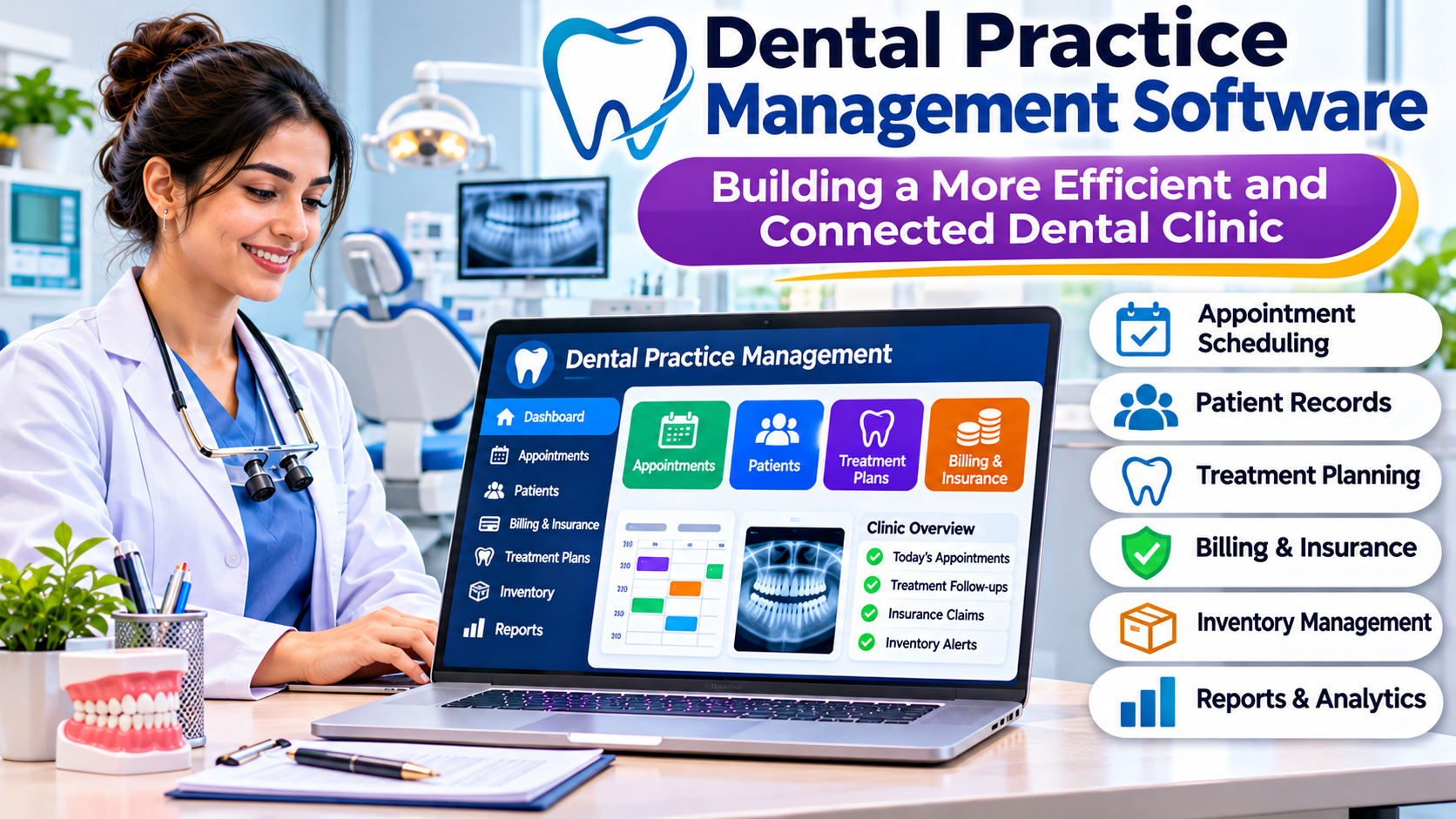
Typical capabilities include:
- Patient registration and contact management.
- Appointment scheduling and calendar coordination.
- Dental charting and clinical records.
- Treatment planning and estimates.
- Insurance claims and payment tracking.
- Patient billing and collections.
- Appointment reminders and communication.
- Clinical imaging integrations.
- Practice performance reporting.
- User permissions and administrative controls.
Some platforms combine most of these functions. Others depend on separate products for imaging, communication, analytics, or revenue management.
The distinction affects implementation costs and daily usability.
Why Dental Practices Need Specialized Management Tools
Dental care involves recurring appointments, complex treatment sequences, and financial decisions that often extend across multiple visits.
Consider a patient who needs an examination, imaging, restorative treatment, and a follow-up appointment.
The practice must document findings, explain the treatment plan, estimate charges, schedule procedures, coordinate insurance, and track payments.
If these activities happen in separate applications, staff may repeatedly enter the same information.
A connected system can reduce duplicated administrative work and make relevant information easier to access.
However, software alone cannot correct unclear responsibilities or inconsistent procedures.
Practices should first understand how information moves between reception, clinical staff, treatment coordinators, and billing teams.
The Most Important Features
Appointment Scheduling
Scheduling software should accommodate different appointment lengths, providers, rooms, equipment, and treatment requirements.
A useful calendar needs to show more than whether a dentist has an available hour.
For example, an appointment may require a particular treatment room, hygienist, or piece of equipment.
The scheduling system should help staff identify these constraints before confirming the appointment.
Automated reminders and online booking may reduce some administrative work, but practices should verify how the platform handles cancellations, rescheduling, and appointment confirmations.
Dental Charting and Clinical Documentation
Dental charting provides a structured record of oral health findings, completed procedures, and planned treatment.
The system should support the practice’s clinical documentation requirements without creating excessive data-entry work.
Important considerations include charting conventions, periodontal records, treatment history, clinical notes, and authorized changes.
A demonstration should include both routine examinations and more complex treatment scenarios.
Treatment Planning
Treatment plans connect clinical recommendations with the patient’s expected care journey.
A useful system should help staff organize procedures, estimate costs, document acceptance, and monitor progress.
Treatment planning also creates an important connection between clinical and financial operations.
When estimates and billing records are disconnected, misunderstandings become more likely.
Insurance and Billing
Dental billing can involve procedure codes, coverage rules, claim submissions, patient balances, and adjustments.
Software should help the practice manage these activities while preserving accurate financial records.
Insurance workflows differ significantly by country and payer.
A platform designed for one healthcare market may not support the requirements of another without additional configuration or integrations.
Patient Communication
Dental practices often need to send appointment reminders, treatment follow-ups, and administrative messages.
Communication tools can help, but their design should respect patient preferences and privacy requirements.
Practices should also understand whether communication records become part of the patient history.
Dental Practice Management Platforms to Consider
Dentrix
Dentrix is an established dental practice management software family offering tools for scheduling, clinical documentation, billing, patient communication, and practice analytics.
Its broader ecosystem can appeal to practices seeking connected dental operations.
However, buyers should distinguish between specific Dentrix products and deployment options rather than assuming every feature is included in one package.
Integration requirements and total ownership costs deserve particular attention.
Open Dental
Open Dental is a dental practice management platform known for its configurable approach to clinical and administrative workflows.
It is worth evaluating for practices that want detailed control over operational settings and integration possibilities.
That flexibility also creates implementation responsibilities.
Practices should examine how much configuration, staff training, and technical administration their chosen setup requires.
Eaglesoft
Eaglesoft is another established dental practice management product.
It is relevant to practices evaluating clinical charting, scheduling, imaging-related workflows, and administrative operations.
Buyers should confirm current product support, integration compatibility, deployment requirements, and the availability of local implementation assistance.
Cloud-Based Dental Platforms
Cloud-oriented dental management platforms may appeal to practices that want browser-based access and less responsibility for maintaining local application servers.
However, cloud deployment is not automatically simpler in every situation.
Internet reliability, imaging performance, migration complexity, access controls, and service availability remain important.
A practice should evaluate its complete technology environment before choosing a deployment model.
Comparing Dental Software by Practice Type
| Practice type | Important priorities |
|---|---|
| Solo dental clinic | Simple scheduling, charting, billing, and affordable support |
| Multi-dentist practice | Provider calendars, shared records, treatment coordination |
| Specialist clinic | Specialty-specific charting, imaging, referral workflows |
| Multi-location group | Centralized administration, reporting, standardized processes |
| Growing dental business | Flexible integrations, scalable operations, migration options |
A software demonstration should reflect the buyer’s actual practice model.
Generic demonstrations often emphasize attractive dashboards while overlooking difficult operational details.
The Importance of Imaging Integration
Dental practices frequently depend on digital radiography, panoramic imaging, and other diagnostic technologies.
An effective workflow should make relevant images accessible from the appropriate patient record.
However, imaging integration can involve separate software, hardware drivers, storage systems, and vendor interfaces.
Practices should verify:
- Compatibility with existing imaging equipment.
- Access to historical images.
- Image association with patient records.
- Storage and backup responsibilities.
- Performance across workstations and locations.
- Data export options when changing vendors.
Replacing a management system without addressing imaging dependencies can create serious operational disruption.
Security and Patient Privacy
Dental practice software stores sensitive patient and financial information.
Appropriate safeguards include role-based access, authentication controls, audit logs, backups, and secure data transmission.
Staff should receive access according to their responsibilities.
For example, reception employees may need scheduling and contact information without unrestricted access to every clinical or financial function.
Privacy requirements vary by jurisdiction.
Dental practices should assess their legal obligations and vendor agreements before adopting a platform.
How to Evaluate Software Before Purchasing
A practical evaluation should follow real patient journeys.
Begin with a new patient booking an examination.
Continue through registration, clinical charting, treatment planning, insurance processing, payment collection, and follow-up scheduling.
Then repeat the exercise using more difficult scenarios.
Test cancelled appointments, treatment changes, insurance rejections, duplicate patient records, and corrections to completed documentation.
These scenarios reveal how software behaves when daily operations become complicated.
The evaluation should involve reception staff, clinicians, treatment coordinators, billing personnel, and practice administrators.
Their requirements may differ substantially.
Understanding the Real Cost
Software licensing is only one part of the total investment.
Additional expenses may include data migration, implementation, imaging integrations, communication services, payment processing, training, hardware, and technical support.
Cloud subscriptions can make recurring costs more predictable, but practices should examine contract terms and additional charges.
On-premises deployments may introduce infrastructure maintenance and backup responsibilities.
A meaningful comparison should consider several years of ownership.
Common Implementation Mistakes
Migrating Incomplete Patient Records
Historical patient information may contain treatment notes, images, financial balances, and unfinished treatment plans.
A migration should preserve the relationships between these records.
Underestimating Staff Training
Even experienced dental professionals need time to adapt to unfamiliar software.
Role-specific training and realistic practice scenarios can reduce confusion during the transition.
Ignoring Workflow Differences
A platform that works well for general dentistry may require additional functionality for orthodontics, oral surgery, or other specialties.
Practices should confirm their specialty requirements before committing.
Choosing Based Only on Price
The cheapest subscription may become expensive if the practice needs numerous add-ons or manual workarounds.
Operational fit is often more important than the advertised starting price.
Frequently Asked Questions
What is the main purpose of dental practice management software?
It helps dental practices coordinate appointments, clinical records, treatment planning, billing, communication, and administration.
Does dental software include electronic patient records?
Many platforms include dental charting and clinical record capabilities, but the depth of functionality varies.
Can dental practice software connect with imaging systems?
Many products offer imaging integrations. Compatibility depends on the software, imaging equipment, and supported interfaces.
Is cloud dental software better than on-premises software?
Neither model is universally better. The choice depends on infrastructure, connectivity, security requirements, support arrangements, and operational needs.
Can a small dental clinic use practice management software?
Yes. Small clinics can benefit from connected scheduling, records, and billing, provided the system is appropriately sized and affordable.
Final Thoughts
Dental practice management software should make patient care and daily administration easier to coordinate.
The most suitable platform is not necessarily the one with the largest feature catalog.
Practices should prioritize dependable clinical documentation, scheduling flexibility, financial accuracy, imaging compatibility, and manageable operating costs.
A carefully planned evaluation helps dental teams select software that supports both patient care and sustainable business operations.