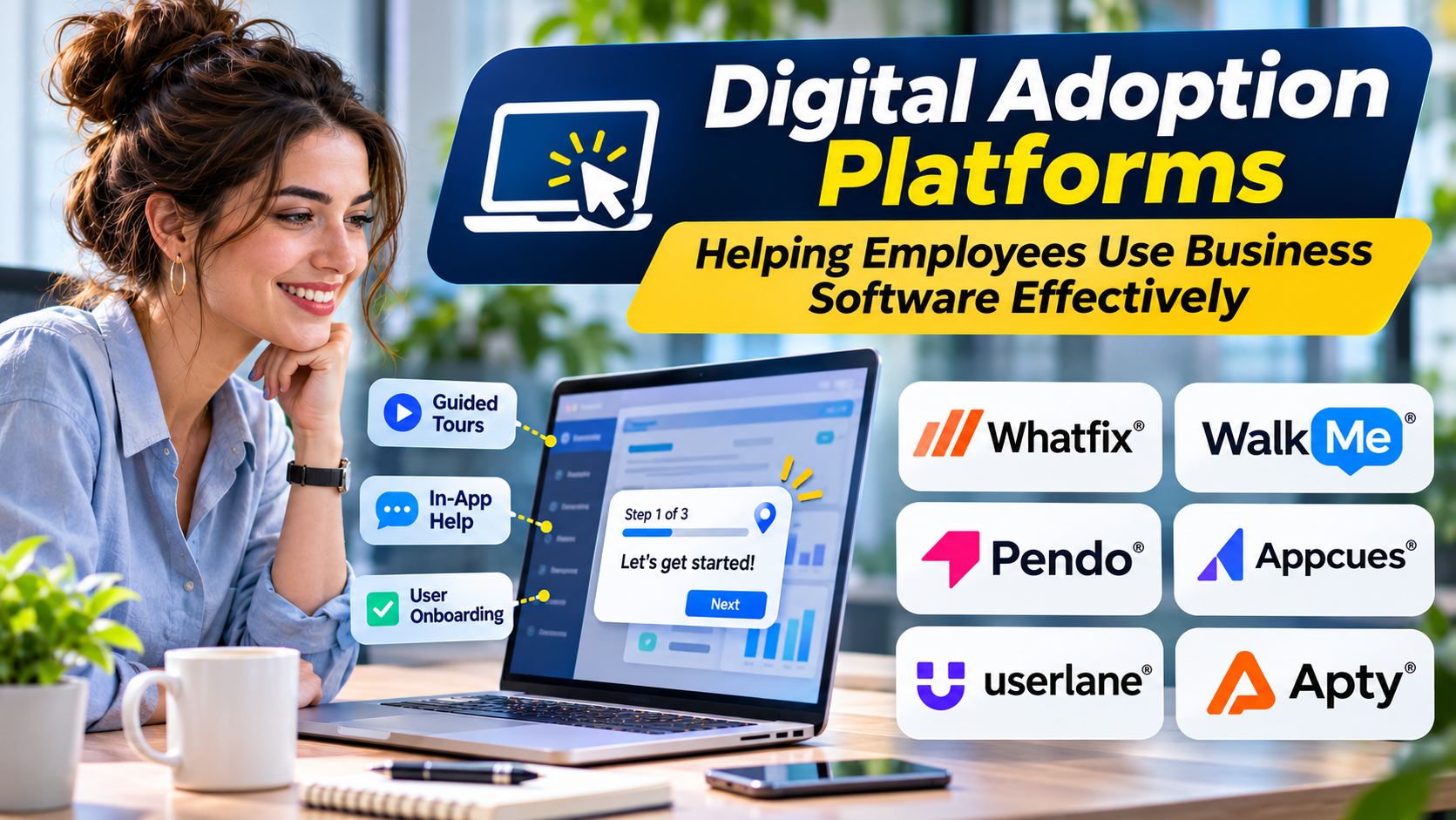
Organizations invest heavily in business applications. Yet purchasing software does not guarantee employees will use it correctly.
A new CRM may introduce unfamiliar workflows. An ERP implementation may change daily procedures. Employees may struggle to find the right features or complete tasks without assistance.
Digital adoption platforms help bridge the gap between software availability and effective software use.
What Is a Digital Adoption Platform?
A digital adoption platform, or DAP, provides guidance and support within or alongside business applications.
Instead of requiring users to leave an application to search for instructions, a DAP can display relevant help during a workflow.
Common capabilities include interactive walkthroughs, contextual tips, announcements, and usage analytics.
The goal is to reduce confusion and help people complete tasks correctly.
How Digital Adoption Platforms Work
A DAP typically adds a guidance layer to supported applications.
For example, a company introducing a new expense management system might create a walkthrough that helps employees submit their first expense report.
The guidance could explain required fields, approval steps, and common mistakes.
Some platforms also provide analytics that help administrators identify where users struggle.
However, guidance quality depends on how well the platform understands the application and how carefully administrators maintain the content.
Digital Adoption Platforms Worth Considering
WalkMe
WalkMe provides digital adoption capabilities for guiding users through software workflows.
It is relevant to organizations managing complex enterprise applications and large-scale software changes.
Evaluation should include supported applications, implementation requirements, analytics, and ongoing maintenance.
Whatfix
Whatfix offers in-app guidance, digital adoption capabilities, and related user assistance tools.
It may suit organizations that need to support employees across multiple business applications.
Buyers should test how reliably guidance responds to changes in application interfaces.
Pendo
Pendo combines product analytics with in-app guidance capabilities.
Its approach is especially relevant to product teams seeking to understand software usage and guide users toward important features.
Organizations should distinguish its product experience use cases from broader enterprise employee adoption requirements.
Userlane
Userlane focuses on helping employees navigate and adopt enterprise applications.
It is worth evaluating when software usage visibility and contextual assistance are important.
Appcues
Appcues provides user onboarding and in-app engagement capabilities for digital products.
It is particularly relevant to product-led onboarding and customer-facing application experiences.
Digital Adoption Platforms vs. Traditional Training
Traditional training teaches users about an application, often before they need to complete a task.
Digital adoption tools can provide assistance while the task is being performed.
The two approaches complement each other.
Formal training remains important for understanding concepts, policies, and responsibilities. Contextual guidance helps users apply that knowledge during daily work.
Essential Evaluation Criteria
Application compatibility
Confirm that the platform supports the specific applications, browsers, and environments your organization uses.
Compatibility should be tested using real workflows.
Guidance maintenance
Business software interfaces change frequently.
A DAP should make it practical to identify and update broken walkthroughs.
Analytics
Useful analytics should reveal workflow friction, incomplete processes, and guidance usage.
High interaction counts do not necessarily indicate successful adoption.
Accessibility
Guidance should work with keyboard navigation, screen readers, and other accessibility requirements where applicable.
Security and privacy
Review how the platform accesses application interfaces and processes usage information.
Consider sensitive fields, employee monitoring concerns, administrative permissions, and data retention.
A Practical Digital Adoption Strategy
Start with one business process that causes frequent support requests.
Document the intended workflow and identify where employees encounter difficulties.
Build guidance for those specific steps.
Test it with employees who have different levels of experience.
Measure whether task completion improves and support requests decline.
Expand only after the initial implementation demonstrates value.
Common Mistakes
Too many pop-ups can interrupt work rather than support it.
Outdated walkthroughs can create confusion.
Poorly designed business processes cannot always be fixed through guidance.
Organizations should improve the underlying workflow when possible instead of relying on a DAP to compensate for every usability problem.
Final Thoughts
Digital adoption platforms can help organizations get more value from their existing software.
The strongest implementations combine useful guidance, clear workflows, reliable analytics, and continuous improvement.
The right platform should make employees more confident and independent, not more dependent on instructions.