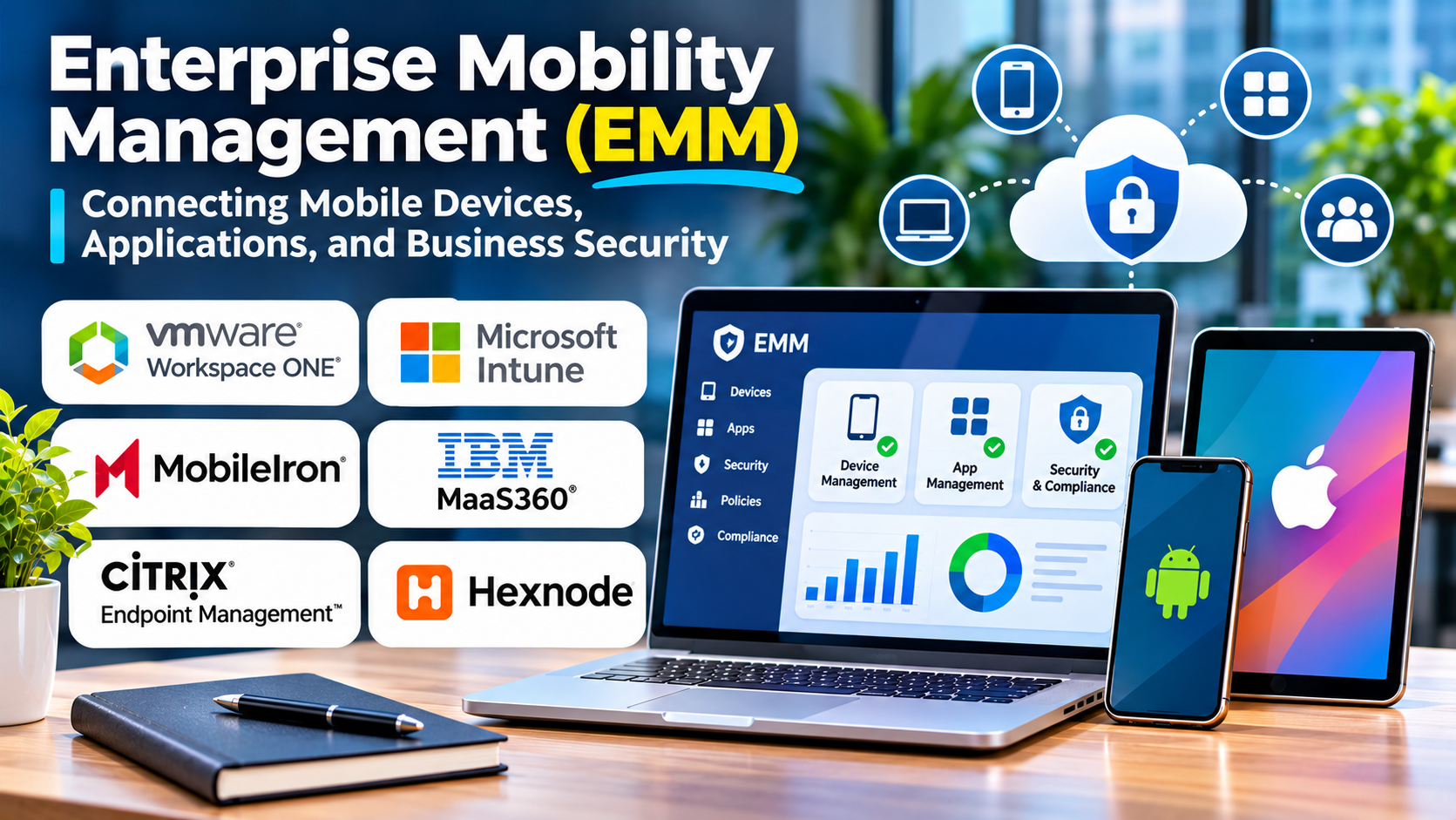
Managing a smartphone is only one part of enterprise mobility.
Organizations also need to protect business applications, control access to sensitive information, and support employees working across different locations.
Enterprise mobility management addresses these broader requirements.
It brings device administration, application controls, identity integration, and information protection into a coordinated approach.
What Is Enterprise Mobility Management?
Enterprise mobility management is a collection of technologies and practices used to manage mobile devices, applications, and business data.
It commonly includes several related capabilities.
Mobile Device Management
MDM controls supported device settings, enrollment, and administrative policies.
Mobile Application Management
MAM focuses on deploying, configuring, and protecting supported applications.
Mobile Content Management
Content management capabilities help organizations control access to business information on mobile devices.
Identity and Access Integration
Identity systems help determine which users and devices can access business applications.
The exact combination of capabilities varies by platform.
EMM Versus MDM Versus UEM
MDM primarily focuses on managing mobile devices.
EMM extends management to mobile applications, data, and related access controls.
Unified endpoint management, or UEM, expands the scope to include a broader range of endpoints, such as laptops and desktops.
In practice, many modern products are marketed as UEM platforms while still supporting EMM use cases.
Organizations should evaluate capabilities rather than relying only on terminology.
Enterprise Mobility Management Platforms
Microsoft Intune
Microsoft Intune supports device and application management.
It is relevant to organizations using Microsoft identity, productivity, and security services.
IBM MaaS360
IBM MaaS360 provides enterprise mobility and unified endpoint management capabilities.
It is worth evaluating for organizations managing diverse mobile environments.
Workspace ONE UEM
Workspace ONE UEM supports centralized management of different endpoint categories.
It may be relevant to enterprises seeking coordinated device and application controls.
Ivanti Neurons for UEM
Ivanti provides unified endpoint management capabilities.
Organizations should evaluate its current product modules and supported device management functions.
SOTI MobiControl
SOTI MobiControl focuses on enterprise mobility and specialized device administration.
It may be relevant to organizations with frontline and operational mobile fleets.
BlackBerry UEM
BlackBerry UEM provides enterprise endpoint management capabilities.
It is worth considering where centralized policy administration and enterprise mobility governance are important.
Why Application Management Matters
A company may not need complete control over an employee’s personal smartphone.
However, it may still need to protect business email, documents, and applications.
Application-level policies can help manage business data without applying every possible device restriction.
Available controls depend on the application, operating system, and management architecture.
This distinction is particularly important for bring-your-own-device programs.
Building an EMM Strategy
Begin by identifying mobile business workflows.
Determine which applications and data employees need.
Classify devices by ownership and risk.
Define acceptable access conditions.
Choose appropriate enrollment and application management methods.
Integrate identity and security policies.
Test employee onboarding, device replacement, and offboarding.
Document privacy expectations clearly.
Important Evaluation Criteria
Device and Operating System Support
Confirm support for the exact device models and operating system versions in use.
Application Protection
Review available controls for managed applications and business data.
Identity Integration
Determine how the platform works with existing authentication and access systems.
Administrative Security
Evaluate role-based permissions, audit logging, and administrative authentication.
Employee Experience
Security controls should not unnecessarily disrupt normal work.
Reporting
Administrators need useful information about compliance, enrollment, and policy exceptions.
Common EMM Mistakes
One mistake is applying identical policies to personal and company-owned devices.
Another is focusing only on device enrollment while ignoring application security.
Organizations may also underestimate employee communication.
A technically sound mobility program can fail when employees do not understand what the organization manages.
Frequently Asked Questions
Is EMM the same as UEM?
Not exactly. EMM focuses on enterprise mobility, while UEM generally covers a wider range of endpoint types.
Can EMM protect company data on personal phones?
Some platforms support application-level protection, subject to operating system and application capabilities.
Does EMM replace identity management?
No. It commonly integrates with identity and access management systems.
Is EMM useful for frontline workers?
Yes. It can help organizations manage mobile applications and devices used in operational workflows.
Final Thoughts
Enterprise mobility management connects mobile productivity with security and governance.
The strongest EMM strategy does not simply control devices.
It protects business information while respecting ownership models and employee needs.
Organizations should prioritize practical workflows, application security, and reliable identity integration when evaluating platforms.