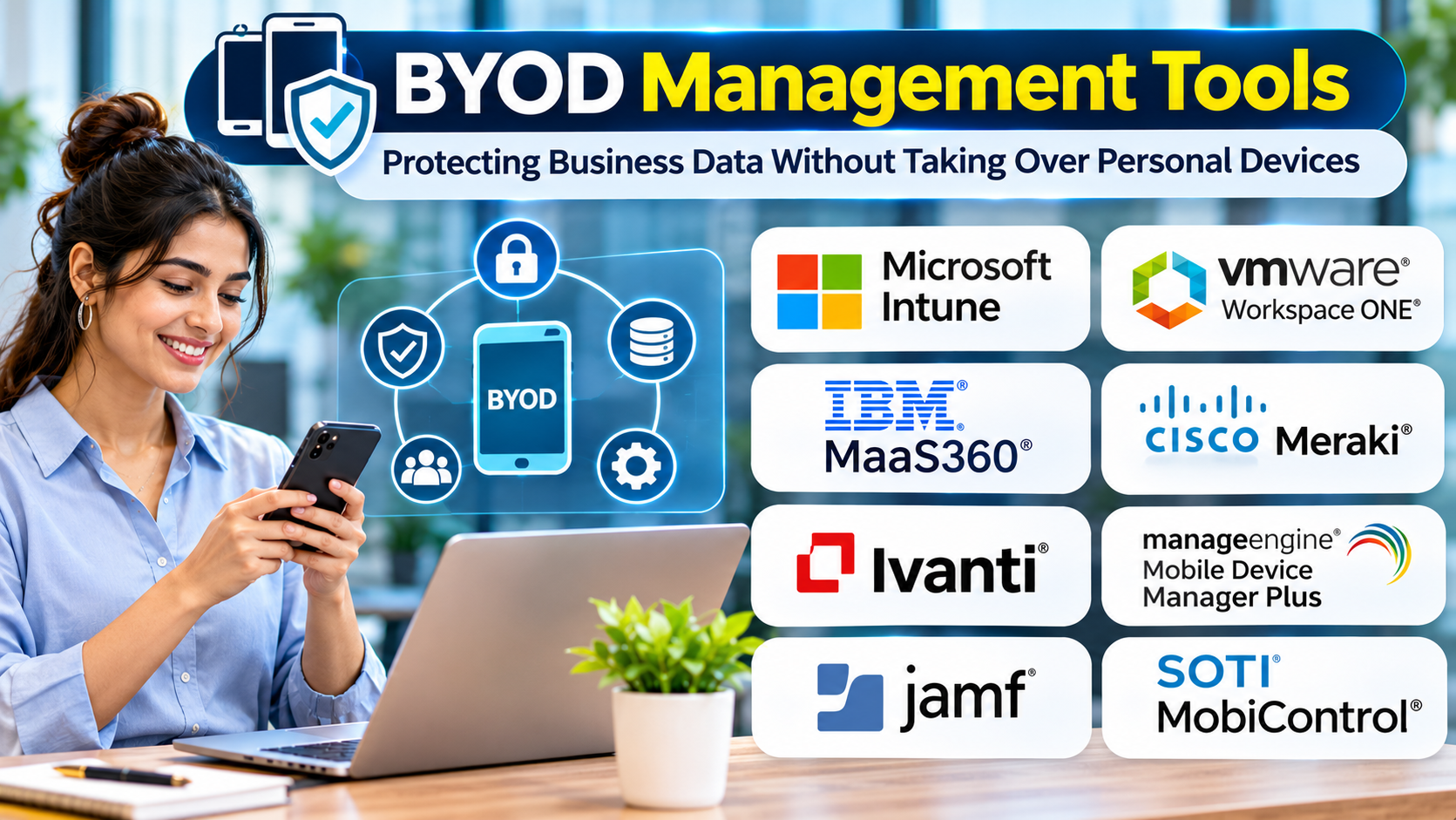
Employees often prefer using devices they already know.
Personal smartphones and laptops can provide flexibility, convenience, and faster access to work applications.
But allowing employee-owned devices to access business information creates important security and privacy questions.
Organizations need to protect sensitive data without unnecessarily controlling personal technology.
Bring-your-own-device management tools help establish that balance.
What Is BYOD?
Bring Your Own Device, or BYOD, is a workplace approach that allows employees to use personally owned devices for approved business activities.
Common examples include accessing work email, collaboration applications, documents, and internal systems.
BYOD does not mean every personal device should receive unrestricted access.
Organizations need clear policies and suitable technical controls.
What Do BYOD Management Tools Do?
BYOD management solutions may provide:
- Application-level data protection
- Device compliance checks
- Identity-based access controls
- Managed application configuration
- Business data removal
- Encryption requirements
- Authentication policies
- Access monitoring
- Conditional access integration
The available controls depend on the operating system, applications, and management method.
The Central BYOD Decision: Device Control or Application Control?
Traditional device management may provide broad administrative capabilities.
That level of control is not always appropriate for employee-owned devices.
Application management can offer a narrower approach.
For example, an organization may protect corporate documents inside managed applications without controlling unrelated personal content.
However, application-level protection does not address every device security risk.
The correct approach depends on business requirements and data sensitivity.
BYOD Management Platforms to Evaluate
Microsoft Intune
Microsoft Intune provides device and application management capabilities.
Its application protection features are relevant to organizations seeking controls over supported business applications.
IBM MaaS360
IBM MaaS360 provides endpoint management capabilities that can support different device ownership models.
Organizations should evaluate available enrollment and privacy controls.
Workspace ONE UEM
Workspace ONE UEM supports enterprise device and application management workflows.
It is worth considering for organizations managing a mixture of personal and company-owned endpoints.
Jamf Pro
Jamf Pro focuses on Apple device management.
It may be relevant to organizations that need supported Apple enrollment and management approaches.
BlackBerry UEM
BlackBerry UEM provides enterprise mobility management capabilities.
Buyers should assess application protection, device support, and ownership-specific policies.
Google Workspace Endpoint Management
Google Workspace provides endpoint management capabilities for supported devices.
It may suit organizations whose BYOD needs center on access to Google Workspace applications.
Feature availability depends on the relevant subscription and management configuration.
Privacy Must Be Part of the Design
Employees should understand what the organization can and cannot see.
A BYOD policy should explain:
- Which devices are eligible
- Which applications can be managed
- What security requirements apply
- What information administrators can access
- What happens when a device is lost
- How business data is removed
- What happens when employment ends
- Who provides technical support
The policy should reflect actual platform capabilities.
Organizations should avoid promising privacy protections that their selected management configuration cannot deliver.
BYOD Security Essentials
Strong Authentication
Require appropriate authentication for business applications.
Conditional Access
Access decisions can consider identity, device state, and other supported signals.
Application Protection
Supported applications may enforce restrictions on business data handling.
Encryption
Sensitive information should be protected using appropriate device and application security controls.
Offboarding
Organizations need a reliable way to revoke access and remove managed business data where supported.
Incident Response
Employees should know how to report lost devices or suspected compromise.
Common BYOD Mistakes
One mistake is introducing device management without employee communication.
Another is applying company-owned device policies to personal phones.
Some organizations also rely entirely on employee consent without defining technical security requirements.
BYOD programs need both clear agreements and enforceable controls.
How to Implement BYOD
Start by classifying business applications and data.
Identify which activities can safely occur on personal devices.
Define minimum device requirements.
Select appropriate application or device management methods.
Test enrollment and privacy behavior.
Create support and incident response procedures.
Train employees.
Review the program regularly as devices, operating systems, and business requirements change.
Frequently Asked Questions
Can an employer see personal photos through BYOD software?
Visibility depends on the operating system and enrollment method. Organizations should document and verify exactly what administrators can access.
Can a company erase a personal phone?
Some management configurations support device wipe actions, while others allow more limited removal of managed business data. The distinction must be understood before enrollment.
Is BYOD always cheaper?
Not necessarily. Support, security, licensing, and compliance costs can offset hardware savings.
Can BYOD work without full device enrollment?
Some platforms support application-focused controls, depending on the applications and operating systems involved.
Final Thoughts
BYOD management succeeds when security and employee privacy are treated as equally important design considerations.
Organizations should protect business information through the least intrusive controls that meet their requirements.
Clear policies, reliable access management, and tested offboarding procedures are essential.
The goal is to support flexible work without creating unnecessary risks for the organization or its employees.