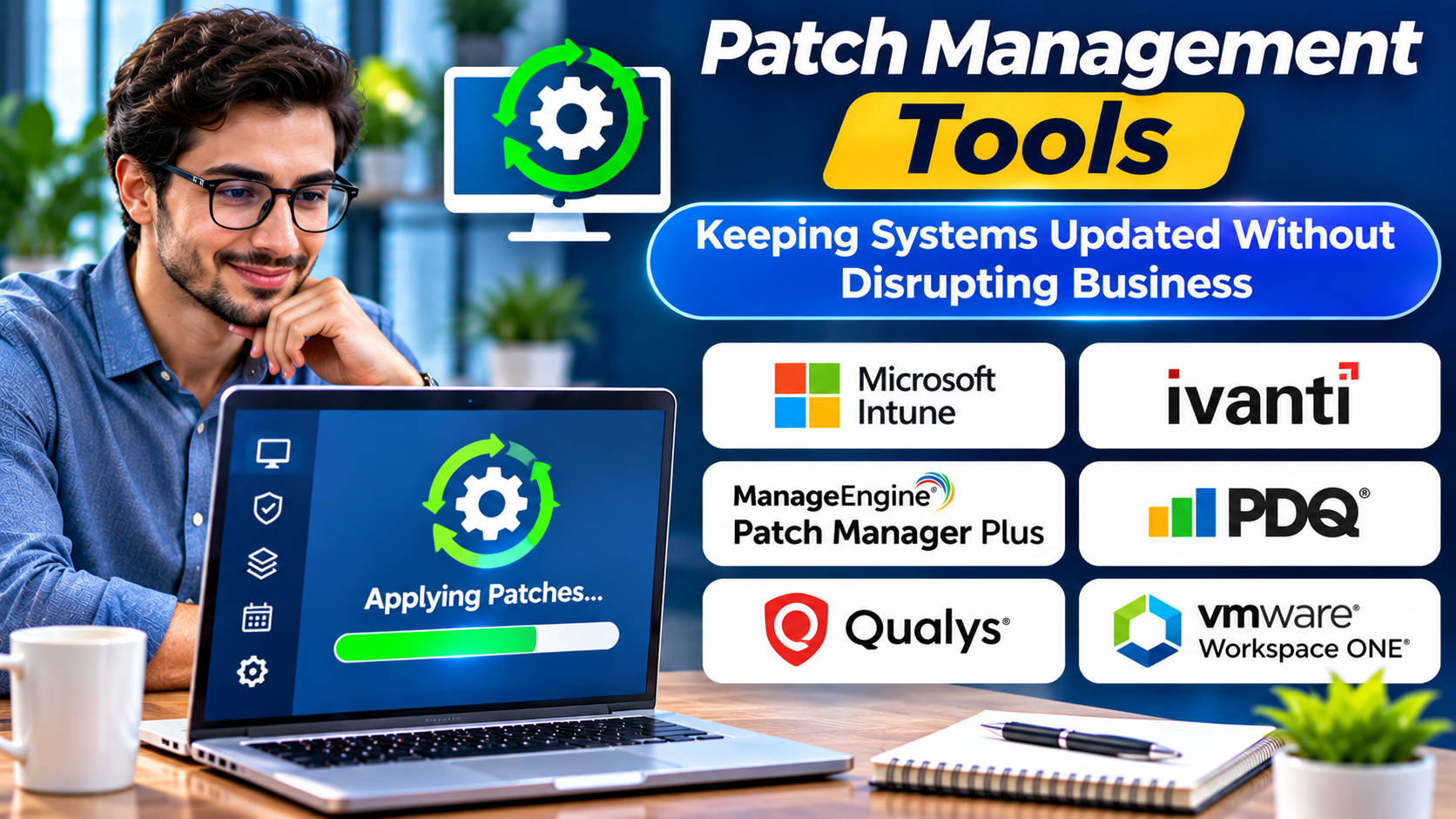
Software updates are necessary, but deploying them carelessly can create new problems.
An urgent security patch may need rapid deployment.
A major operating system update may require testing because it could affect critical applications.
IT teams must balance security, stability, and operational continuity.
Patch management tools help coordinate that work.
They provide visibility into missing updates and support more consistent deployment processes.
What Is Patch Management?
Patch management is the process of identifying, evaluating, testing, deploying, and verifying software updates.
Patches may address:
- Security vulnerabilities
- Software defects
- Reliability problems
- Compatibility issues
- Performance concerns
Patch management applies to operating systems, applications, servers, and other supported technology.
The objective is not simply to install every update immediately.
It is to reduce risk through controlled and timely maintenance.
The Patch Management Lifecycle
Asset Identification
Teams must know which systems and applications require maintenance.
Patch Discovery
Available updates are identified through supported sources.
Risk Assessment
Updates are prioritized based on severity, exposure, business importance, and operational context.
Testing
Relevant patches are tested against representative systems.
Deployment
Updates are distributed according to approved schedules and policies.
Verification
Teams confirm installation and identify failures.
Exception Management
Systems that cannot be updated immediately require documented risk decisions and alternative controls where appropriate.
Patch Management Platforms to Evaluate
Microsoft Intune
Microsoft Intune supports Windows update management and related endpoint administration capabilities.
It is relevant to organizations using Microsoft-managed endpoint environments.
ManageEngine Patch Manager Plus
ManageEngine Patch Manager Plus focuses on patch management across supported operating systems and applications.
It may suit organizations seeking dedicated patch deployment workflows.
Action1
Action1 provides cloud-based patch management and endpoint administration capabilities.
It is worth evaluating for teams prioritizing remote patch visibility and deployment.
Automox
Automox provides cloud-based endpoint patching and automation capabilities.
It may appeal to distributed organizations seeking centralized update workflows.
NinjaOne
NinjaOne includes patch management within its broader endpoint management environment.
It is relevant when organizations want patching connected with device monitoring and maintenance.
HCL BigFix
HCL BigFix provides endpoint management and patch-related capabilities.
It is worth considering for organizations managing complex endpoint estates.
Patch Prioritization Is More Than a Severity Score
A critical vulnerability may deserve urgent attention.
However, severity alone does not describe the complete risk.
Teams should consider whether a system is exposed, whether exploitation is occurring, what business service is affected, and whether compensating controls exist.
A vulnerable internet-facing service may require different treatment from an isolated test system.
Patch management should therefore connect with vulnerability management and asset information.
Features That Matter
Coverage
Confirm support for required operating systems and third-party applications.
Deployment Scheduling
Maintenance windows should reflect business requirements.
Testing Groups
Pilot deployments help identify compatibility problems before broad rollout.
Reporting
Teams need clear information about successful updates, failures, and outstanding risks.
Remote Device Support
Distributed devices may require cloud-based update workflows.
Automation
Routine updates can be automated while preserving appropriate controls for high-risk changes.
Common Patch Management Mistakes
Patching Without Testing
Some updates can disrupt applications or services.
Delaying Every Update
Excessive caution can leave exploitable vulnerabilities unresolved.
Ignoring Third-Party Software
Operating system patching alone does not cover every application risk.
Measuring Only Installation Counts
A high patch completion percentage may hide critical unpatched systems.
Failing to Verify Results
A deployment command does not prove that an update installed successfully.
How to Choose a Patch Management Tool
Identify the systems and applications that require updates.
Determine how many devices operate outside the corporate network.
Test deployment scheduling and restart controls.
Review reporting accuracy.
Evaluate administrator permissions and audit logs.
Test failure recovery.
Check integrations with vulnerability and endpoint management systems.
The platform should help teams understand both patch status and unresolved risk.
Frequently Asked Questions
Is patch management the same as vulnerability management?
No. Vulnerability management identifies and prioritizes weaknesses. Patch management deploys and verifies applicable updates.
Can patch management be fully automated?
Many routine tasks can be automated, but testing, exceptions, and risk decisions may still require human oversight.
Do patch tools support third-party applications?
Some do. Application coverage varies and should be verified.
How often should systems be patched?
Schedules should reflect risk, vendor guidance, business criticality, and applicable requirements.
Final Thoughts
Effective patch management requires more than automated update installation.
It combines visibility, prioritization, testing, deployment, and verification.
The best tools support these activities while reducing unnecessary operational disruption.
Organizations should measure success through reduced exposure and reliable system operation, not simply the number of patches deployed.