A backup is valuable only when the organization can restore the information it needs.
Many businesses discover this distinction during a serious incident.
Backup jobs may appear successful while important applications, databases, or recovery dependencies remain unprotected.
Reliable data protection requires more than copying files.
It requires a clear understanding of what must be recovered, how quickly it must return, and how much data loss the business can tolerate.
What Are Backup and Recovery Tools?
Backup and recovery tools create protected copies of data and support restoration after deletion, corruption, hardware failure, cyberattacks, or other incidents.
Depending on the platform, they may protect:
- Physical servers
- Virtual machines
- Databases
- Cloud workloads
- Employee devices
- File systems
- Business applications
- Supported SaaS data
Not every product protects every workload.
Organizations should verify application-specific backup and restoration capabilities.
Understanding Backup Methods
Full Backup
A full backup copies the selected data set.
It can simplify restoration but may require substantial storage and processing time.
Incremental Backup
An incremental backup captures changes since a previous relevant backup.
It can reduce routine backup volume.
Recovery may require multiple backup components, depending on the implementation.
Differential Backup
A differential backup captures changes since the most recent full backup.
It can simplify some restoration workflows compared with long incremental chains.
Snapshot
A snapshot records a point-in-time state of supported storage or workloads.
Snapshots can support recovery workflows, but they should not automatically be treated as independent backups.
Their protection depends on storage architecture and retention design.
Backup and Recovery Platforms to Consider
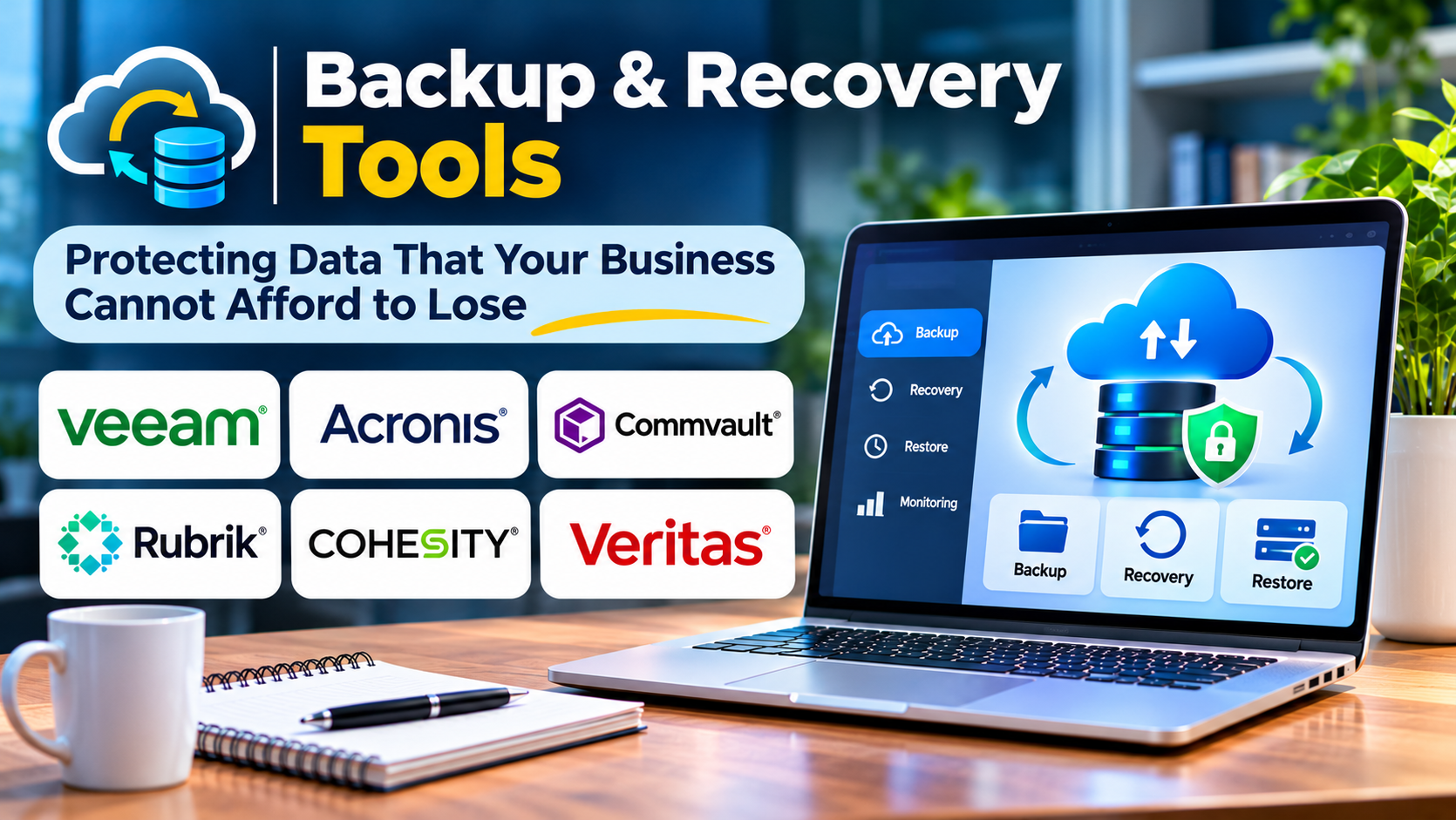
Veeam
Veeam provides backup and recovery capabilities for supported virtual, physical, and cloud workloads.
It is relevant to organizations seeking broad infrastructure data protection.
Acronis Cyber Protect
Acronis Cyber Protect combines backup-related functionality with security-oriented capabilities.
It may appeal to businesses and service providers seeking integrated protection workflows.
Commvault
Commvault provides enterprise data protection and recovery capabilities.
It is worth evaluating for organizations managing complex workloads and retention requirements.
Rubrik
Rubrik provides data protection and cyber recovery capabilities.
It is relevant to organizations prioritizing recovery resilience and centralized data protection.
Cohesity
Cohesity provides enterprise data protection and related recovery capabilities.
It is worth considering for organizations seeking consolidated backup operations.
Bacula
Bacula provides open-source backup software, with related commercial offerings available through the broader Bacula ecosystem.
It may suit technically capable teams seeking flexible backup architectures.
Implementation and maintenance requirements should be assessed carefully.
The Importance of RPO and RTO
Two concepts guide backup design.
Recovery Point Objective (RPO) describes the maximum acceptable amount of data loss measured in time.
For example, an RPO of one hour means the organization aims to avoid losing more than approximately one hour of data.
Recovery Time Objective (RTO) describes the target time for restoring a service or system.
A business may tolerate several hours of data loss for a noncritical archive but require much stricter objectives for transaction systems.
These targets should be defined before selecting backup schedules and infrastructure.
The 3-2-1 Backup Principle
The traditional 3-2-1 approach recommends maintaining three copies of data, using two types of storage, with one copy off-site.
Modern resilience strategies may add offline or immutable copies and regular recovery verification.
The exact architecture should reflect the organization’s risks.
No single rule guarantees protection.
Why Immutable Backups Matter
Attackers may attempt to delete or encrypt backups during ransomware incidents.
Immutable storage can help prevent protected backup data from being altered or deleted during a defined retention period.
However, immutability must be configured correctly.
Administrative access, retention policies, and recovery procedures still require protection.
Features to Evaluate
Workload Coverage
Confirm support for every critical application and data source.
Recovery Granularity
Determine whether the platform supports restoring individual files, application objects, or entire systems.
Encryption
Review protection for data in transit and at rest.
Access Controls
Backup administration should use strong authentication and restricted permissions.
Retention Policies
Retention must support operational and applicable legal requirements.
Monitoring
Failed jobs and incomplete protection should trigger meaningful alerts.
Recovery Testing
The platform should support practical restoration exercises.
Common Backup Mistakes
One mistake is assuming that a successful backup job guarantees recoverability.
Another is storing every backup within the same security boundary as production systems.
Organizations also overlook application consistency and dependencies.
Finally, many teams fail to test restoration until an emergency occurs.
How to Evaluate Backup Software
Identify critical workloads.
Define recovery objectives.
Calculate data volumes and expected growth.
Test backup performance.
Restore representative data and applications.
Measure actual recovery time.
Review security controls and administrative separation.
Estimate storage, network, licensing, and operational costs.
The strongest backup solution is the one that meets verified recovery requirements.
Frequently Asked Questions
Is cloud storage the same as backup?
No. Cloud storage may include synchronization or versioning, but those features do not necessarily provide a complete backup strategy.
Can backups protect against ransomware?
Properly designed backups can support recovery, but they do not prevent attacks.
How often should backups be tested?
Testing frequency should reflect business criticality, risk, and recovery requirements.
Is one backup copy enough?
A single copy creates significant risk. Organizations should design redundant and appropriately isolated protection.
Final Thoughts
Backup and recovery tools protect an organization’s ability to recover valuable information.
The most important measure is not how much data has been copied.
It is whether critical information and services can be restored within acceptable limits.
Organizations should prioritize tested recovery procedures, secure backup architecture, and realistic recovery objectives.
Reliable backups turn data protection from an assumption into a demonstrated capability.