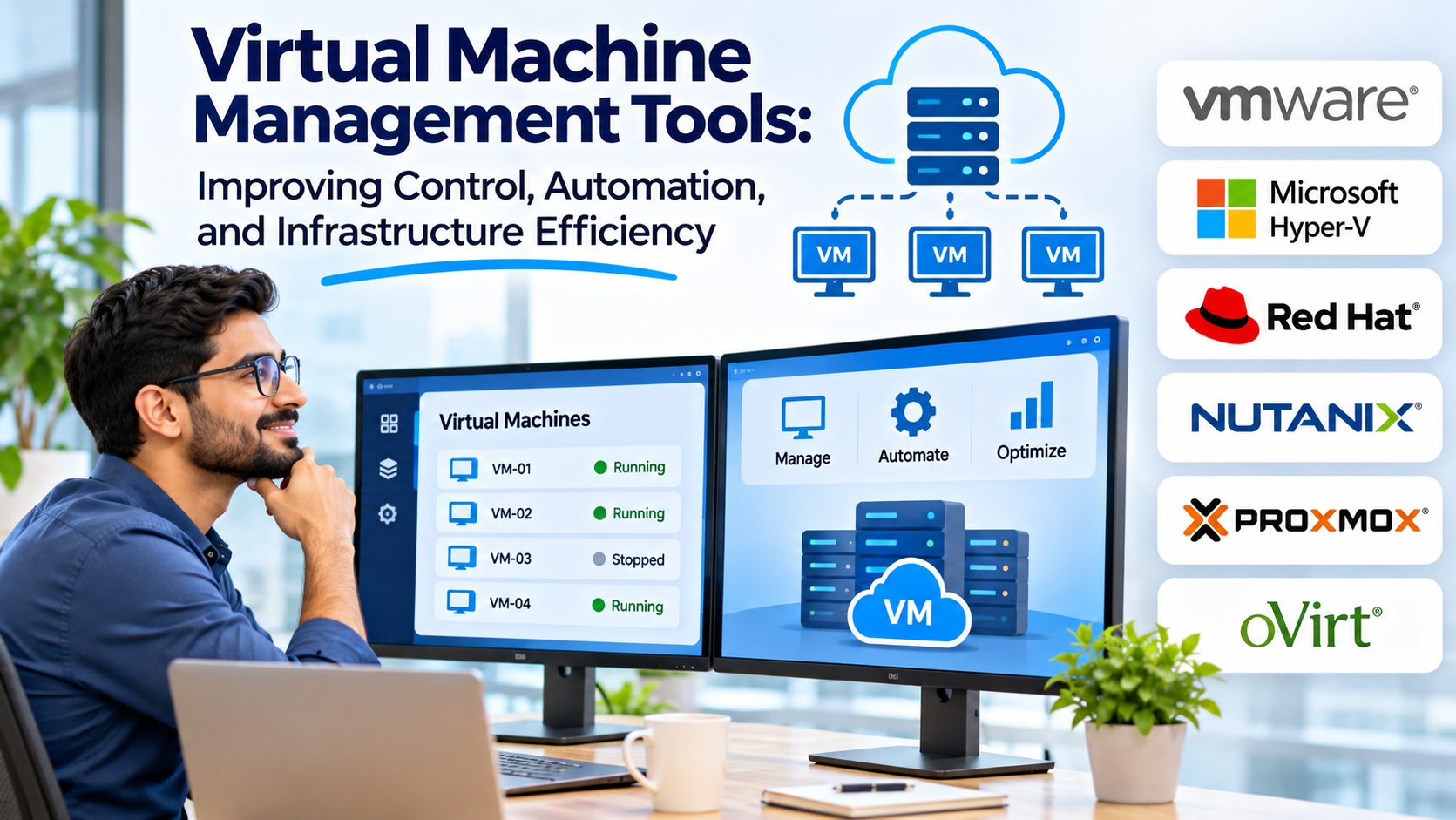
Virtual machines make infrastructure more flexible, but managing them becomes increasingly difficult as environments grow.
A small organization may operate only a few virtual servers. A larger enterprise may manage hundreds or thousands of virtual machines across multiple hosts, clusters, and locations.
Without consistent administration, virtual infrastructure can become expensive and difficult to maintain.
Unused virtual machines consume resources, inconsistent configurations create security risks, and poorly planned changes can disrupt important applications.
Virtual machine management tools help IT teams maintain control over these environments.
The right platform improves visibility, simplifies operations, and supports more reliable infrastructure management.
What Are Virtual Machine Management Tools?
Virtual machine management tools are software solutions used to create, configure, monitor, automate, and maintain virtual machines.
They often operate alongside hypervisors and virtualization platforms.
Depending on the product, capabilities may include:
- Virtual machine provisioning
- Resource allocation
- Centralized administration
- Performance monitoring
- Snapshot management
- Migration workflows
- Template management
- Automation
- Access controls
- Capacity planning
- Lifecycle management
Some products manage a specific virtualization ecosystem.
Others provide broader infrastructure monitoring or multivendor management.
Why Virtual Machine Management Matters
Preventing virtual machine sprawl
Virtual machines are relatively easy to create.
This convenience can lead to unused systems that continue consuming storage, memory allocations, licenses, and administrative effort.
Management tools help organizations identify unnecessary workloads and establish lifecycle controls.
Improving resource utilization
Virtual machines share physical infrastructure.
Poor resource allocation can create performance problems even when overall hardware capacity appears sufficient.
Monitoring and capacity planning help administrators make more informed decisions.
Standardizing deployment
Templates and automation reduce configuration differences between virtual machines.
Standardization can improve security, reduce deployment time, and simplify troubleshooting.
Supporting operational reliability
Centralized management helps administrators monitor infrastructure health, plan maintenance, and respond to failures.
It also improves visibility into dependencies between virtual machines and physical hosts.
Virtual Machine Management Tools Worth Evaluating
VMware vCenter Server
VMware vCenter Server provides centralized management for supported VMware vSphere environments.
It helps administrators manage hosts, virtual machines, clusters, and related infrastructure resources.
Best suited for: Organizations operating VMware virtualization infrastructure.
Strengths:
- Centralized virtual machine management
- Cluster administration
- Resource management
- Automation interfaces
- Integration with VMware infrastructure
Considerations: vCenter is designed for the VMware ecosystem.
Organizations should review current licensing and compatibility requirements.
Microsoft System Center Virtual Machine Manager
Microsoft System Center Virtual Machine Manager, commonly called SCVMM, provides centralized management for supported virtualized environments.
It is especially relevant to organizations using Microsoft virtualization technologies.
Best suited for: Enterprises managing Hyper-V infrastructure.
Strengths:
- Virtual machine provisioning
- Host and cluster management
- Template-based deployment
- Infrastructure administration
- Microsoft ecosystem integration
Considerations: Deployment requires planning around supported hosts, management infrastructure, and licensing.
Proxmox Virtual Environment
Proxmox VE provides integrated management for KVM virtual machines and Linux containers.
Its web interface supports provisioning, configuration, storage management, and clustering.
Best suited for: Organizations seeking an integrated open-source virtualization management platform.
Strengths:
- Web-based administration
- Virtual machine management
- Cluster capabilities
- Backup integration
- Storage and network configuration
- API access
Considerations: Proxmox VE is both a virtualization platform and a management environment, rather than a vendor-neutral management layer for arbitrary hypervisors.
Nutanix Prism
Nutanix Prism provides management capabilities within the Nutanix infrastructure ecosystem.
It helps administrators monitor and operate supported virtualized and hyperconverged environments.
Best suited for: Organizations using Nutanix infrastructure.
Strengths:
- Centralized infrastructure visibility
- Virtual machine administration
- Capacity and performance insights
- Operational workflows
- Integration with the Nutanix ecosystem
Considerations: Features and management scope depend on the selected Nutanix products and editions.
Red Hat Virtualization Management Technologies
Red Hat provides virtualization management capabilities through technologies associated with its enterprise Linux and OpenShift ecosystems.
Red Hat OpenShift Virtualization enables supported virtual machine workloads to operate within OpenShift environments.
Best suited for: Organizations integrating virtual machines with container-oriented infrastructure.
Strengths:
- Virtual machine lifecycle management
- Integration with Kubernetes-based infrastructure
- Centralized platform operations
- Support for modernization strategies
Considerations: OpenShift Virtualization is not a simple standalone replacement for every traditional hypervisor management product.
Organizations should evaluate its architectural and operational requirements.
Xen Orchestra
Xen Orchestra provides management capabilities for compatible Xen-based virtualization environments, including XCP-ng.
It offers web-based administration and related operational features.
Best suited for: Organizations using XCP-ng or supported Xen virtualization infrastructure.
Strengths:
- Centralized VM management
- Web-based administration
- Backup capabilities
- Infrastructure monitoring
- Automation options
Considerations: Compatibility and supported functionality should be verified for the target virtualization environment.
Virtual Machine Management Comparison
| Tool | Primary ecosystem | Main strength | Important consideration |
|---|---|---|---|
| VMware vCenter | VMware vSphere | Enterprise VM administration | VMware dependency |
| Microsoft SCVMM | Microsoft virtualization | Hyper-V management | Microsoft infrastructure requirements |
| Proxmox VE | KVM and Linux containers | Integrated open-source management | Platform-specific scope |
| Nutanix Prism | Nutanix | Unified infrastructure operations | Ecosystem dependency |
| OpenShift Virtualization | Red Hat OpenShift | VM and container convergence | Kubernetes operational complexity |
| Xen Orchestra | XCP-ng and compatible Xen | Web-based VM administration | Platform compatibility |
Features That Matter Most
Virtual machine provisioning
Provisioning tools should make it easy to deploy systems consistently.
Templates can standardize operating systems, resource settings, and initial configuration.
Performance monitoring
Administrators need visibility into CPU utilization, memory pressure, storage latency, and network activity.
Monitoring should help distinguish virtual machine problems from host-level bottlenecks.
Capacity planning
Capacity planning estimates future infrastructure requirements.
Useful tools examine resource consumption trends and identify potential shortages.
Automation
Automation can reduce repetitive administration.
Common workflows include virtual machine creation, configuration changes, scheduled maintenance, and retirement.
Automation should include approval controls for sensitive operations.
Access management
Virtual infrastructure administrators can control critical business systems.
Management platforms should support appropriate role-based permissions, authentication, and audit records.
Backup integration
Virtual machine management should work with a reliable backup and recovery strategy.
Snapshots alone are not sufficient for long-term protection.
Virtual Machine Lifecycle Management
Effective VM management covers the entire lifecycle of a virtual machine.
Planning
Determine the workload’s purpose, owner, operating system, resource requirements, and security classification.
Provisioning
Create the virtual machine using approved templates and configuration standards.
Operation
Monitor performance, apply updates, and maintain appropriate access controls.
Optimization
Review resource allocation and remove unnecessary capacity reservations.
Retirement
Decommission systems that are no longer needed.
Retirement should include data retention decisions, backup handling, credential removal, and inventory updates.
A formal lifecycle process helps reduce virtual machine sprawl.
How to Choose a VM Management Tool
Start with the virtualization platforms already in use.
An organization running VMware infrastructure may naturally evaluate vCenter.
A Hyper-V environment may benefit from Microsoft management technologies.
Proxmox and XCP-ng environments have their own integrated or associated management tools.
Next, identify the main operational challenges.
If administrators struggle with manual provisioning, prioritize automation and templates.
If infrastructure costs are rising, focus on capacity visibility and resource optimization.
If security is the main concern, evaluate access controls, audit logging, and configuration consistency.
During testing, create representative virtual machines, apply permissions, perform maintenance, and verify monitoring.
The management platform should support real operational workflows rather than simply provide an attractive dashboard.
Common VM Management Mistakes
One common mistake is creating virtual machines without assigning an owner.
Unowned systems can remain active long after their original purpose disappears.
Another is allocating excessive CPU and memory resources to every workload.
This can reduce infrastructure efficiency and increase costs.
Organizations also sometimes rely on snapshots as their primary backup strategy.
Snapshots can support short-term operational recovery but should not replace independent backups.
Finally, management systems themselves require protection.
Compromised administrative credentials can provide broad control over virtual infrastructure.
Final Thoughts
Virtual machine management tools help organizations operate virtual infrastructure more efficiently and consistently.
VMware vCenter and Microsoft SCVMM provide centralized administration within established enterprise ecosystems.
Proxmox VE and Xen Orchestra offer management options for supported open-source virtualization environments.
Nutanix Prism integrates management with the Nutanix platform, while OpenShift Virtualization supports organizations combining virtual machine and container operations.
The best choice depends on the underlying virtualization architecture and the operational capabilities required.
Effective VM management should reduce unnecessary work, improve visibility, strengthen security, and support reliable infrastructure throughout each workload’s lifecycle.