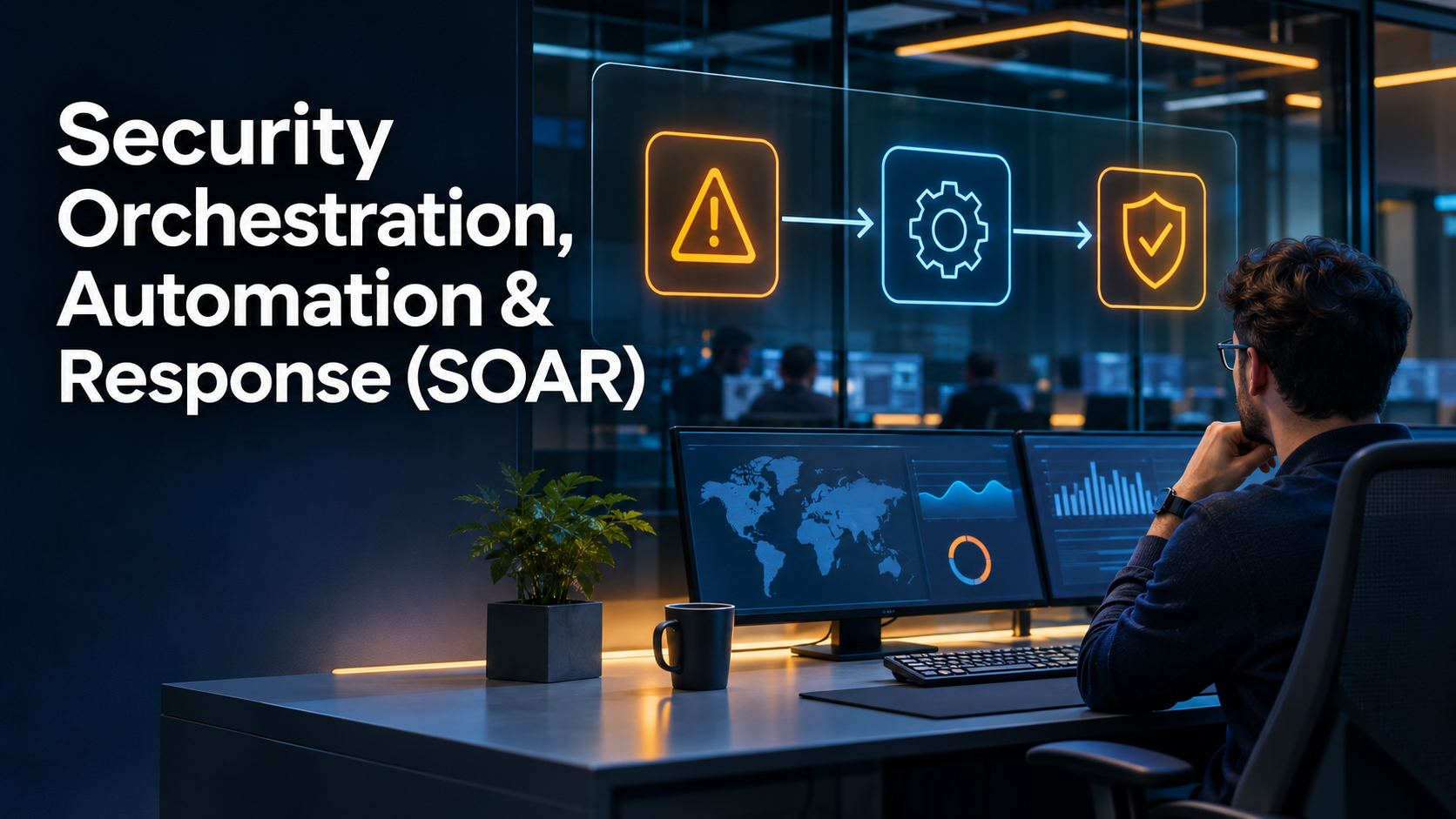
Security operations centers rarely suffer from a shortage of alerts. Their bigger challenge is deciding which alerts matter, collecting the evidence needed to investigate them, and coordinating the right response before an incident spreads.
A suspicious login might require identity information, endpoint telemetry, threat intelligence, and approval from an incident responder. Without automation, analysts repeat many of these steps manually.
Security Orchestration, Automation and Response (SOAR) platforms help connect those activities into consistent workflows. The goal is not to remove human judgment. It is to reduce repetitive work while keeping consequential security decisions controlled and auditable.
What Is SOAR?
SOAR refers to technologies that coordinate security tools, automate repeatable investigative tasks, and support incident response.
Its three components have distinct responsibilities:
- Orchestration: Connects security systems, APIs, and workflows.
- Automation: Executes defined tasks when specified conditions are met.
- Response: Coordinates investigation, containment, escalation, and remediation.
For example, a phishing investigation might involve retrieving message headers, examining URLs, checking threat intelligence, identifying other recipients, and preparing a removal action.
A SOAR platform can coordinate these steps rather than requiring an analyst to move between several consoles.
However, automation is only as reliable as its inputs, permissions, and decision logic.
How SOAR Works in a Security Operations Center
A typical SOAR workflow begins when a security product generates an alert.
The platform then collects context, evaluates predefined conditions, and executes permitted actions.
1. Alert ingestion
SOAR platforms receive alerts from sources such as:
- Security Information and Event Management (SIEM) systems
- Endpoint Detection and Response (EDR) platforms
- Email security gateways
- Identity providers
- Cloud security services
- Network detection systems
The quality of the incoming data affects everything that follows.
2. Context enrichment
An automation workflow may retrieve device ownership, user identity, asset criticality, recent authentication activity, and known threat indicators.
Enrichment helps analysts distinguish an isolated suspicious event from a broader incident.
3. Decision logic
The platform evaluates conditions to determine the next action.
Low-risk events might be enriched and queued for review. High-confidence threats might trigger containment procedures.
4. Response execution
Depending on permissions and policy, a workflow may:
- Create or update an incident ticket
- Notify an assigned analyst
- Request additional evidence
- Block a malicious indicator
- Revoke a compromised session
- Isolate an affected endpoint
Destructive or business-disrupting actions should generally require stronger evidence and appropriate authorization.
5. Documentation and audit
A reliable SOAR implementation records workflow decisions, executed actions, approvals, errors, and investigation outcomes.
This evidence is important for incident reviews, compliance, and improving automation.
SOAR Platforms Worth Evaluating
SOAR capabilities are available through dedicated orchestration products, integrated security operations platforms, and open-source automation frameworks.
Microsoft Sentinel
Microsoft Sentinel combines SIEM capabilities with security automation.
Its automation rules support incident-handling actions, while playbooks built with Azure Logic Apps coordinate more complex workflows.
This approach can be particularly relevant to organizations already invested in Microsoft security and Azure services.
The main consideration is operational complexity. Teams must understand Logic Apps, access permissions, connectors, and associated consumption costs.
Google Security Operations SOAR
Google Security Operations includes playbook automation, alert management, and coordinated incident response.
Its SOAR capabilities are designed to help security teams connect investigation tasks with operational response.
Organizations evaluating the platform should examine supported integrations, case management workflows, playbook testing, and the effort required to maintain custom actions.
Splunk SOAR
Splunk SOAR is designed around automated security playbooks and coordinated response actions.
It is a relevant option for organizations that use Splunk for security monitoring or need a dedicated automation layer.
Evaluation should focus on connector support, playbook development, deployment requirements, and the operational skills needed to maintain integrations.
Cortex XSOAR
Cortex XSOAR from Palo Alto Networks combines security orchestration with incident management and automated response workflows.
It is relevant to security teams seeking structured investigations and integration with a broader security ecosystem.
Buyers should validate integration depth, content customization, licensing arrangements, and migration requirements before committing.
Tines
Tines offers workflow automation that can support security operations and other technical teams.
Its visual workflow approach may appeal to organizations seeking flexible API-driven automation.
However, teams should distinguish general workflow orchestration from the specialized incident-management capabilities provided by some SOAR platforms.
Shuffle
Shuffle is an open-source security automation platform that supports workflows connecting security tools and services.
It may interest teams that want greater implementation control or are exploring self-managed automation.
Open-source adoption still requires attention to hosting, security, connector maintenance, and operational support.
SOAR vs. SIEM: Why the Difference Matters
SIEM and SOAR solve related but different problems.
A SIEM primarily collects, analyzes, and correlates security telemetry to help identify suspicious activity.
SOAR focuses on coordinating the investigative and response actions that follow.
An organization may use both capabilities within one platform or integrate separate products.
The important question is whether the complete workflow supports detection, investigation, response, and documentation without unnecessary duplication.
Where Automation Creates the Most Value
The best starting workflows are usually frequent, predictable, and low risk.
Phishing enrichment is one example. A playbook can collect message details, analyze attachments through approved services, check indicators, and prepare an investigation summary.
Identity-alert triage is another. A workflow can retrieve sign-in history, device context, and account risk signals before assigning an incident.
Vulnerability-response coordination can also benefit from automation. Security teams can enrich findings with asset ownership and create remediation tickets.
These workflows reduce repetitive activity without requiring immediate autonomous containment.
Risks That SOAR Buyers Should Not Ignore
Unreliable integrations
Connectors can fail when APIs change, credentials expire, or rate limits are reached.
A successful demonstration does not establish long-term reliability.
Excessive permissions
An automation service with broad administrative access can create substantial security exposure.
Use narrowly scoped identities and review the permissions of every connected system.
Incorrect automated decisions
False positives become more dangerous when automation can disable accounts or isolate production systems.
Implement approval checkpoints, confidence thresholds, and rollback procedures.
Maintenance overhead
Playbooks require ownership, testing, documentation, and updates.
Automation without ongoing maintenance can become another source of operational risk.
How to Evaluate a SOAR Platform
Start with three existing workflows rather than a large vendor feature checklist.
For each workflow, identify the alert source, required enrichment, decision points, approval requirements, and final response action.
Then assess:
- Integration support for existing tools
- Workflow-building and testing capabilities
- Human approval and escalation controls
- Auditability and execution history
- Error handling and retry behavior
- Access controls and credential management
- Deployment and maintenance requirements
- Total operational cost
A practical pilot should include failed API calls, incomplete alert data, duplicate events, and interrupted workflows.
A platform that handles these situations predictably is more valuable than one that succeeds only during ideal demonstrations.
When SOAR May Be Unnecessary
A small security team with limited alert volume may not need a dedicated SOAR platform.
Existing SIEM automation, endpoint security workflows, or carefully governed scripts may address the immediate problem.
Dedicated orchestration becomes more compelling when multiple tools, repetitive investigations, and cross-team response processes create measurable operational friction.
Final Thoughts
SOAR is most effective when it turns proven incident-response procedures into reliable, repeatable workflows.
Organizations should begin by understanding their existing investigations, removing unnecessary steps, and identifying tasks that can be automated safely.
The strongest implementation is not necessarily the one with the most automated actions. It is the one that helps analysts respond consistently while preserving visibility, control, and accountability.