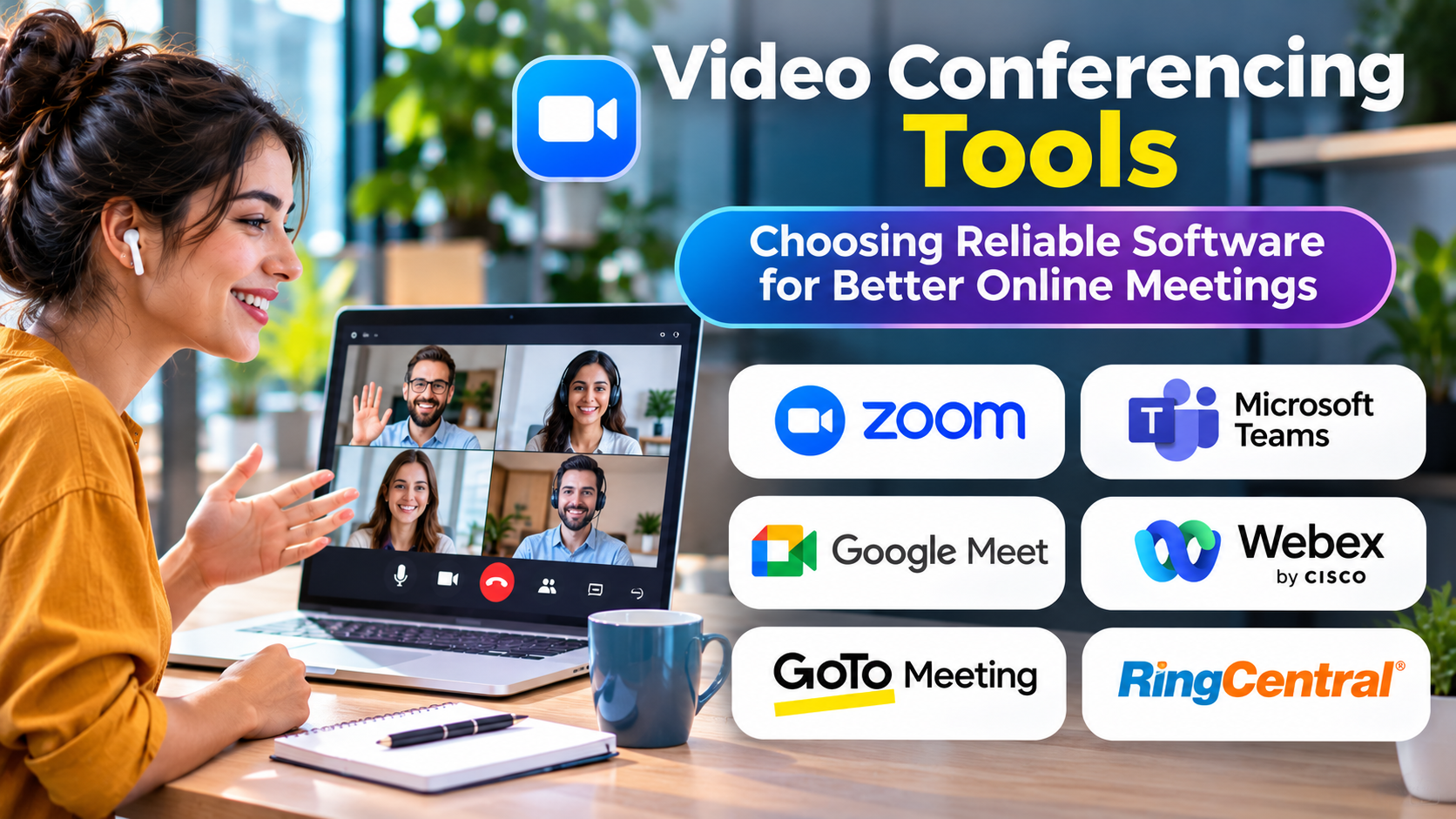
Video meetings have become an important part of business, education, and remote collaboration.
Yet meeting quality varies widely.
Poor audio, confusing controls, unreliable screen sharing, and difficult guest access can interrupt even a well-planned discussion.
Video conferencing tools should make communication easier, not introduce additional obstacles.
What Are Video Conferencing Tools?
Video conferencing tools allow people in different locations to communicate through live audio and video.
Most platforms also provide screen sharing, chat, meeting invitations, and participant controls.
Some support recordings, breakout rooms, captions, webinars, and meeting room hardware.
The most suitable platform depends on meeting size, participant needs, existing technology, and security requirements.
Video Conferencing Platforms to Consider
Zoom Meetings
Zoom provides video meetings and related collaboration capabilities.
It is relevant to organizations that need meetings involving employees, customers, and external participants.
Evaluation should include meeting administration, guest access, recording controls, and required integrations.
Microsoft Teams
Microsoft Teams combines meetings with messaging and collaboration workflows.
It may suit organizations using Microsoft 365 for daily work.
Buyers should examine how meeting functionality interacts with their broader Microsoft environment.
Google Meet
Google Meet provides video conferencing within Google’s collaboration ecosystem.
It may be convenient for organizations using Google Workspace.
Cisco Webex Meetings
Webex Meetings supports business video conferencing and collaboration.
It is worth considering when organizations need meeting administration and compatibility with supported conferencing environments.
Jitsi Meet
Jitsi Meet is associated with open-source video conferencing technology.
It may appeal to organizations interested in deployment flexibility and greater technical control.
Self-managed implementations require appropriate infrastructure and operational expertise.
Whereby
Whereby emphasizes browser-based video meeting experiences.
It may suit workflows where straightforward guest participation is important.
Features That Matter Most
Audio quality
Clear audio is usually more important than high-resolution video.
Test the platform with real headsets, microphones, and network conditions.
Guest accessibility
External participants should be able to join without unnecessary complications.
Consider browser support, authentication requirements, and mobile access.
Screen sharing
Teams need reliable sharing for presentations, demonstrations, and collaborative discussions.
Accessibility
Evaluate live captions, keyboard controls, screen reader compatibility, and other relevant accessibility features.
Security
Important controls may include meeting passwords, waiting rooms, participant permissions, encryption, and administrative policies.
Security capabilities and their availability can vary by plan and configuration.
Video Conferencing vs. Webinar Platforms
Video meetings are usually designed for interactive communication among participants.
Webinars often prioritize presenter-led sessions involving larger audiences.
Some platforms support both formats, but the administrative requirements can differ.
Organizations hosting public events should evaluate registration, audience controls, moderation, and recording workflows.
How to Compare Video Conferencing Tools
| Requirement | What to test |
|---|---|
| Meeting reliability | Performance under typical network conditions |
| Ease of joining | Experience for external guests |
| Collaboration | Screen sharing and participant interaction |
| Administration | Meeting policies and user management |
| Accessibility | Captions and assistive technology support |
| Integration | Calendar and workplace application compatibility |
| Cost | Licensing and optional services |
Privacy and Recording Considerations
Meeting recordings may contain confidential business information or personal data.
Organizations should establish policies for recording permissions, storage, retention, and access.
Automated transcription and meeting summaries require similar attention.
Participants should receive appropriate notice when recording or automated processing is used.
Improving Online Meeting Quality
Choose appropriate microphones and quiet meeting spaces.
Encourage participants to test their equipment before important sessions.
Use agendas and clear meeting objectives.
Avoid requiring video when audio participation is sufficient.
Provide alternative ways to contribute for people experiencing connectivity or accessibility difficulties.
Final Thoughts
The best video conferencing tool is not necessarily the one offering the most features.
It is the platform that helps participants join easily, communicate clearly, and collaborate securely.
Reliable everyday performance should guide the final decision.