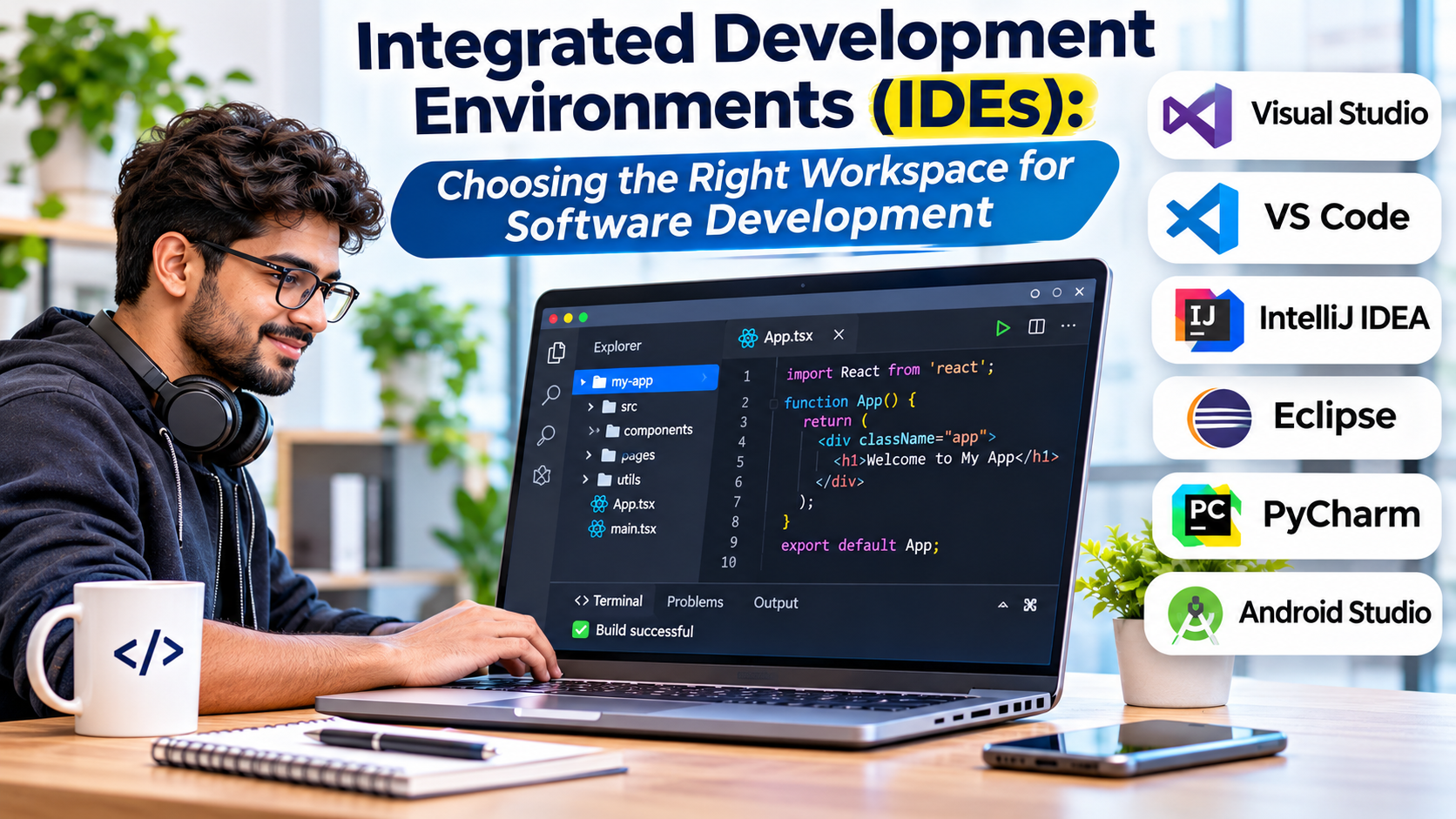
Writing code is only one part of building software.
Developers also need to understand project structure, manage dependencies, investigate errors, execute tests, and prepare applications for deployment.
Switching between disconnected tools can make these tasks harder.
Integrated development environments, commonly called IDEs, bring important development capabilities into one workspace.
However, different IDEs serve different programming languages, platforms, and engineering workflows.
Choosing the right IDE requires understanding what your project needs and which features genuinely improve development.
What Is an Integrated Development Environment?
An integrated development environment is software that combines tools used throughout the application development process.
A typical IDE provides a source code editor alongside features such as:
- Code completion
- Syntax and error analysis
- Project management
- Debugging
- Build tools
- Test execution
- Refactoring
- Version control integration
- Dependency management
- Framework-specific tooling
Some IDEs also support database management, deployment, profiling, and remote development.
The purpose is to reduce the friction between writing, understanding, testing, and maintaining software.
How IDEs Improve Development
Code Intelligence
An IDE can analyze project structure and provide context-aware suggestions.
It may identify types, navigate references, and detect certain problems before execution.
Debugging
Integrated debuggers allow developers to pause execution, inspect variables, and step through code.
This can make complex errors easier to investigate.
Refactoring
Refactoring tools help developers change code structure while preserving intended behavior.
Examples include renaming symbols, extracting methods, and reorganizing classes.
Project Integration
An IDE can connect build systems, testing frameworks, package managers, and version control.
This reduces the need to configure every development task separately.
Framework Awareness
Some IDEs understand the conventions of particular frameworks.
This can improve navigation, configuration assistance, and error detection.
IDEs Worth Considering
IntelliJ IDEA
IntelliJ IDEA is an IDE developed by JetBrains.
It is strongly associated with Java and Kotlin development.
It provides code intelligence, refactoring, debugging, and integration with common development tools.
Best suited for: Java and Kotlin developers working on applications with complex project structures.
Strengths: Deep code analysis, navigation, and refactoring capabilities.
Limitations: Resource requirements and commercial feature availability should be evaluated.
IntelliJ IDEA is especially relevant when understanding and maintaining a large Java codebase is a major priority.
Visual Studio
Visual Studio is Microsoft’s integrated development environment.
It supports development workflows associated with .NET, C++, and other supported technologies.
Its capabilities include debugging, profiling, testing, and project management.
Best suited for: Developers building .NET applications, Windows software, and supported C++ projects.
Strengths: Integrated debugging, project tooling, and Microsoft ecosystem support.
Limitations: Edition licensing, platform support, and installation requirements vary.
Visual Studio is distinct from Visual Studio Code, which is a separate editor product.
Eclipse IDE
Eclipse IDE is an open-source development environment with a plugin-based architecture.
It is widely associated with Java development but can support other workflows through extensions.
Best suited for: Java developers and organizations using Eclipse-based tooling.
Strengths: Open-source availability, extensibility, and established Java support.
Limitations: Plugin management and configuration can become complicated.
Eclipse remains relevant to organizations with established Java development environments.
Apache NetBeans
Apache NetBeans is an open-source IDE.
It provides project management, editing, debugging, and development capabilities for supported languages.
Best suited for: Developers seeking an integrated, open-source development environment.
Strengths: Built-in development workflows and accessible project management.
Limitations: Ecosystem preferences and specialized framework support should be evaluated.
PyCharm
PyCharm is an IDE designed for Python development.
It provides Python-aware code intelligence, debugging, testing, and project tools.
Best suited for: Python developers working on substantial applications and complex projects.
Strengths: Python-focused development features and integrated tooling.
Limitations: Resource consumption and edition-specific capabilities may influence selection.
PyCharm can be useful when developers want a Python-focused environment rather than a general-purpose editor.
WebStorm
WebStorm is an IDE focused on JavaScript and TypeScript development.
It supports modern web application workflows, code analysis, debugging, and refactoring.
Best suited for: Professional frontend and full-stack JavaScript developers.
Strengths: Language-aware navigation and integrated web development tooling.
Limitations: Licensing and resource requirements should be considered.
Android Studio
Android Studio is Google’s official IDE for Android development.
It includes tools for Android application development, debugging, testing, and device emulation.
Best suited for: Developers building native Android applications.
Strengths: Android-specific tooling, emulator integration, and platform development support.
Limitations: Android builds and emulators can require substantial system resources.
Xcode
Xcode is Apple’s development environment for its application platforms.
It provides tools for writing, building, testing, debugging, and distributing applications.
Best suited for: Developers creating applications for iOS, macOS, and other Apple platforms.
Strengths: Integration with Apple SDKs, simulators, and development workflows.
Limitations: Platform requirements and Apple ecosystem dependencies shape its use.
CLion
CLion is a JetBrains IDE focused on C and C++ development.
It offers code analysis, navigation, debugging, and integration with supported build systems.
Best suited for: Developers working on C and C++ projects.
Strengths: Code intelligence and tooling for native development.
Limitations: Toolchain configuration, resource use, and licensing should be evaluated.
IDE Comparison
| IDE | Main development focus | Key advantage |
|---|---|---|
| IntelliJ IDEA | Java and Kotlin | Advanced code intelligence |
| Visual Studio | .NET and C++ | Integrated Microsoft development |
| Eclipse IDE | Java and extensible tooling | Open-source plugin ecosystem |
| Apache NetBeans | General development, especially Java | Integrated open-source workflow |
| PyCharm | Python | Python-specific tools |
| WebStorm | JavaScript and TypeScript | Web development intelligence |
| Android Studio | Android | Android SDK and emulator integration |
| Xcode | Apple platforms | Native Apple development |
| CLion | C and C++ | Native code analysis and debugging |
Choosing an IDE Based on Your Technology Stack
Java and Kotlin
IntelliJ IDEA, Eclipse, and NetBeans are relevant choices.
Compare project navigation, build system integration, refactoring, and framework support.
Python
PyCharm provides a Python-focused environment.
A general-purpose editor may also be sufficient for smaller Python projects.
JavaScript and TypeScript
WebStorm provides integrated web development capabilities.
Visual Studio Code is another common choice when developers prefer an extensible editor.
.NET
Visual Studio is particularly relevant to supported .NET development workflows.
Platform requirements and project types should guide the decision.
Mobile Applications
Android Studio and Xcode provide platform-specific development tools.
The correct environment depends heavily on the target operating system.
C and C++
Visual Studio, CLion, and other native development environments may be appropriate.
Compiler, debugger, build system, and platform compatibility are especially important.
What to Evaluate Before Choosing an IDE
Language Intelligence
Test whether the IDE accurately understands your project.
Code completion and refactoring should work with your actual dependencies and frameworks.
Debugging Experience
Evaluate breakpoints, variable inspection, call stacks, and debugging across processes or services.
Build and Test Integration
The IDE should work reliably with the project’s existing build and testing tools.
Avoid introducing a new build process merely to accommodate the IDE.
Performance
Large projects can place significant demands on memory and processing resources.
Test indexing time, responsiveness, and build performance.
Collaboration and Version Control
Review Git integration and compatibility with code review workflows.
Licensing
Some IDEs are open source, while others provide commercial editions.
Consider team size, support requirements, and total licensing cost.
AI-Assisted Development in IDEs
AI coding features are increasingly integrated into development environments.
They may help explain code, generate suggestions, and assist with repetitive changes.
However, developers remain responsible for correctness, security, and maintainability.
Organizations should review how AI features handle source code and sensitive project information.
AI-generated changes should pass the same review and testing processes as manually written code.
When a Lightweight Editor Is Better
Not every project requires a full IDE.
A lightweight editor may be sufficient for shell scripts, configuration files, documentation, and small applications.
Developers who frequently switch languages may also prefer one configurable editor.
A full IDE becomes more valuable when language-specific analysis, complex debugging, and project-aware refactoring save substantial time.
Common IDE Selection Mistakes
One mistake is choosing an IDE because it has the most features.
Unused features do not improve productivity.
Another is overlooking hardware requirements.
Teams may also underestimate the time needed to configure plugins, build tools, and language environments.
Finally, standardizing an IDE without considering developer roles can create unnecessary friction.
Final Thoughts
Integrated development environments help developers manage the complete process of writing, testing, debugging, and maintaining software.
IntelliJ IDEA, Visual Studio, Eclipse, NetBeans, PyCharm, WebStorm, Android Studio, Xcode, and CLion serve different technology stacks.
The right IDE should understand your project, simplify important workflows, and remain reliable as the codebase grows.
The goal is not to use every available feature. It is to spend less time managing development tools and more time building dependable software.
Frequently Asked Questions
What is the difference between an IDE and a code editor?
An IDE generally combines editing, debugging, building, testing, and project management. A code editor focuses on source editing but may gain similar capabilities through extensions.
Which IDE is best for Java?
IntelliJ IDEA, Eclipse, and Apache NetBeans are established options. The best choice depends on project requirements and developer preferences.
Is Visual Studio the same as Visual Studio Code?
No. Visual Studio is an integrated development environment, while Visual Studio Code is a separate extensible code editor.
Do professional developers need an IDE?
Not always. Many professional workflows use configurable code editors and command-line tools.
Are open-source IDEs suitable for enterprise development?
Yes. Suitability depends on technical requirements, support expectations, security, and maintenance practices.