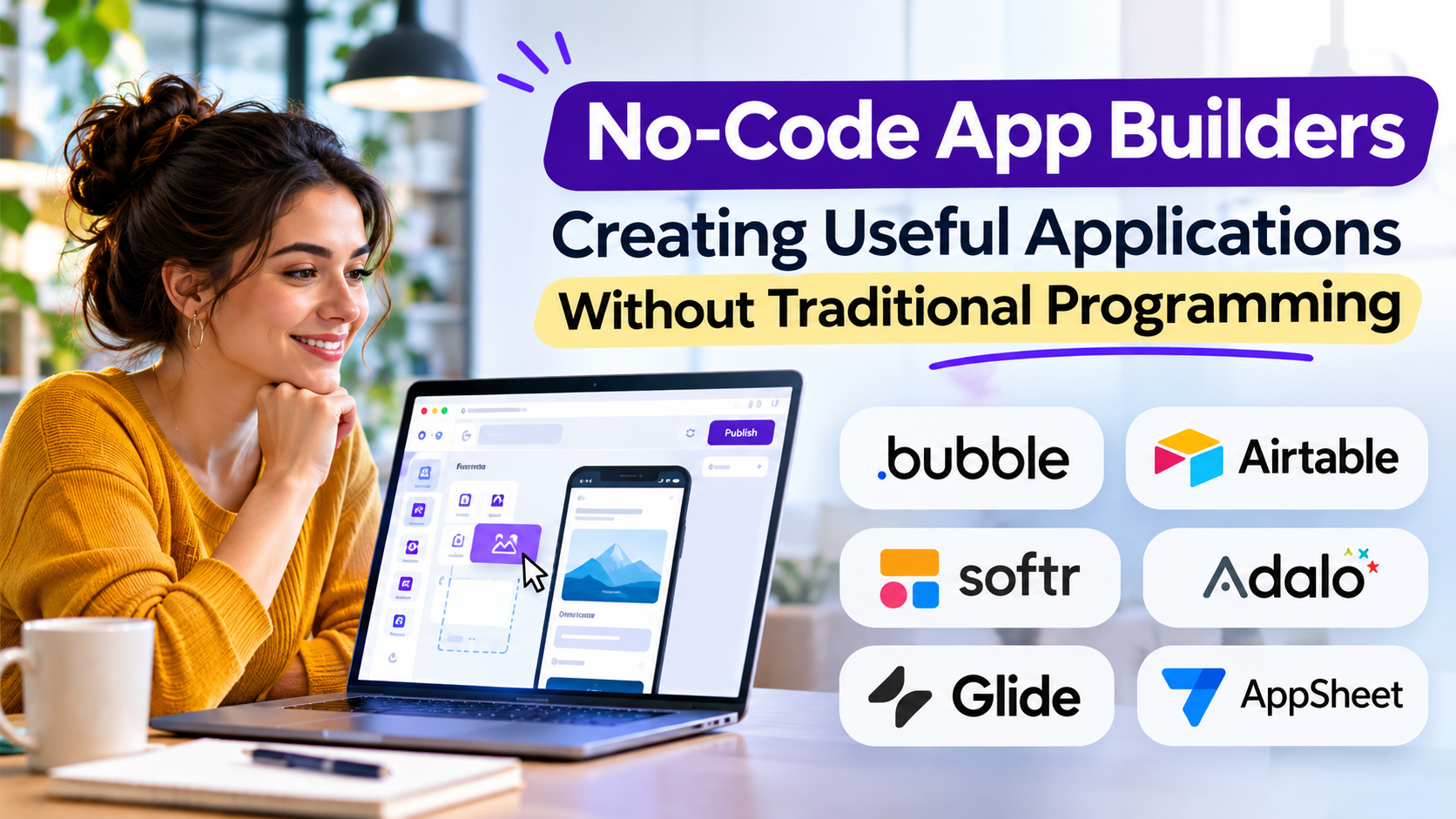
Many business problems are too specific for spreadsheets but too small to justify a large custom software project.
A team may need a customer portal, approval workflow, inventory tracker, booking application, or internal reporting tool.
No-code app builders provide a way to create these applications through visual interfaces, predefined components, and configurable logic.
They can reduce the technical barrier to application development. However, eliminating traditional coding does not eliminate the need for sound data design, security, testing, and maintenance.
The key is understanding which applications can be built effectively with no-code tools and where their limitations become important.
What Are No-Code App Builders?
No-code app builders are platforms that allow users to create software applications without writing most or all of the underlying application code.
Users typically configure applications through:
- Visual interface editors
- Database and data-source connections
- Forms and reusable components
- Conditional logic
- Workflow automation
- Authentication and permissions
- Third-party integrations
- Publishing and deployment controls
The platform manages much of the technical infrastructure behind these features.
Some no-code tools are designed for internal business applications. Others support customer-facing websites, mobile apps, and complex interactive products.
Why Businesses Adopt No-Code Development
Traditional application development requires technical expertise, planning, infrastructure, and ongoing maintenance.
No-code platforms simplify certain parts of that process.
Business teams can experiment with ideas, build prototypes, and automate repetitive workflows without waiting for every change to enter a development backlog.
This can be valuable for organizations with limited engineering resources.
However, the actual time savings depend on application complexity, integrations, governance requirements, and the experience of the people building the application.
No-Code Platforms to Consider
Bubble
Bubble provides a visual environment for building interactive web applications.
It combines interface design, application logic, and data management capabilities.
It can suit founders and teams developing custom web applications without traditional full-stack programming.
Its flexibility introduces a learning curve, particularly for complex workflows and database structures.
Glide
Glide focuses on building applications around structured business data.
It is relevant for internal tools, directories, operational applications, and workflow-oriented interfaces.
Its approach can simplify application development when the underlying data model is relatively clear.
Highly specialized application behavior may require another platform.
Softr
Softr helps teams create portals, directories, and business applications using connected data sources and configurable interfaces.
It can be useful for membership experiences, customer portals, and internal applications.
Buyers should examine authentication, permissions, and data-source limitations carefully.
Adalo
Adalo offers visual application-building tools for mobile-oriented experiences.
It can support applications that require mobile interfaces without starting with traditional native development.
Performance, platform-specific functionality, and publishing requirements deserve practical testing.
Google AppSheet
AppSheet focuses on data-driven applications and business workflows.
It can be useful for organizations managing forms, field operations, approvals, and structured records.
Integration with existing data sources is an important part of its value.
Microsoft Power Apps
Power Apps provides low-code and no-code application development capabilities within the Microsoft business technology ecosystem.
It is particularly relevant to organizations using Microsoft 365, Dataverse, and other Microsoft services.
Licensing, connectors, and administrative governance can become significant considerations.
Choosing the Right Platform
| Requirement | Platforms worth evaluating |
|---|---|
| Custom interactive web application | Bubble |
| Data-driven internal application | Glide, AppSheet |
| Customer or membership portal | Softr |
| Mobile-oriented application | Adalo |
| Microsoft-centered business workflow | Power Apps |
These are starting points, not universal rankings.
The Importance of Data Architecture
A visually attractive application can still fail if its data is poorly organized.
Before building, identify the main records, their relationships, and the rules governing access.
For example, an appointment management application might include customers, appointments, staff members, services, and payments.
Each record has different ownership and permission requirements.
Poor data modeling can create duplicated information, unreliable reporting, and difficult maintenance.
Security Is Still Your Responsibility
No-code platforms often provide authentication and permission features.
However, application creators must configure them correctly.
A customer portal should not expose one customer’s records to another customer.
An internal approval tool should prevent unauthorized changes.
Organizations handling sensitive information should review encryption, audit logging, data residency, access controls, and contractual requirements.
Platform security features do not automatically make every application secure.
Understanding No-Code Limitations
No-code applications can encounter challenges involving:
- Complex business logic
- High-volume data processing
- Specialized integrations
- Advanced performance requirements
- Platform-specific limitations
- Application portability
- Vendor pricing changes
Some platforms support custom code or external services, but that changes the development and maintenance model.
The important question is not whether a platform can build an initial prototype. It is whether the resulting application remains manageable as requirements expand.
A Practical No-Code Development Process
Start with one clearly defined business problem.
Identify users, essential data, required permissions, and the workflow that produces value.
Build a minimum useful version rather than attempting to reproduce an entire enterprise application.
Test it with real users and realistic records.
Measure whether the application improves task completion, reduces errors, or eliminates unnecessary manual work.
Only then should additional features be introduced.
No-Code Versus Low-Code Development
No-code development emphasizes visual configuration and minimal programming.
Low-code development also uses visual tools but generally provides more opportunities for custom code and technical extensions.
The boundary is not absolute.
Some platforms combine both approaches, and complex no-code projects may still require technical expertise.
Choose based on the application’s requirements rather than the terminology used in marketing.
Frequently Asked Questions
Can no-code platforms build real business applications?
Yes. They can support production applications when their capabilities, security controls, and operating limits match the use case.
Are no-code applications scalable?
Some can support substantial usage, but scalability depends on architecture, platform limits, data operations, and application design.
Can I export my application?
Export and portability capabilities vary. Some platforms allow data export without providing a complete portable application.
Is no-code suitable for startups?
It can be valuable for validating ideas and launching early products, provided the platform supports the expected business model.
Final Thoughts
No-code app builders make software creation more accessible, but they do not replace careful product thinking.
Successful applications still require clear requirements, reliable data, appropriate security, and ongoing ownership.
The best no-code platform is the one that solves the immediate problem without creating unnecessary limitations for the next stage of growth.