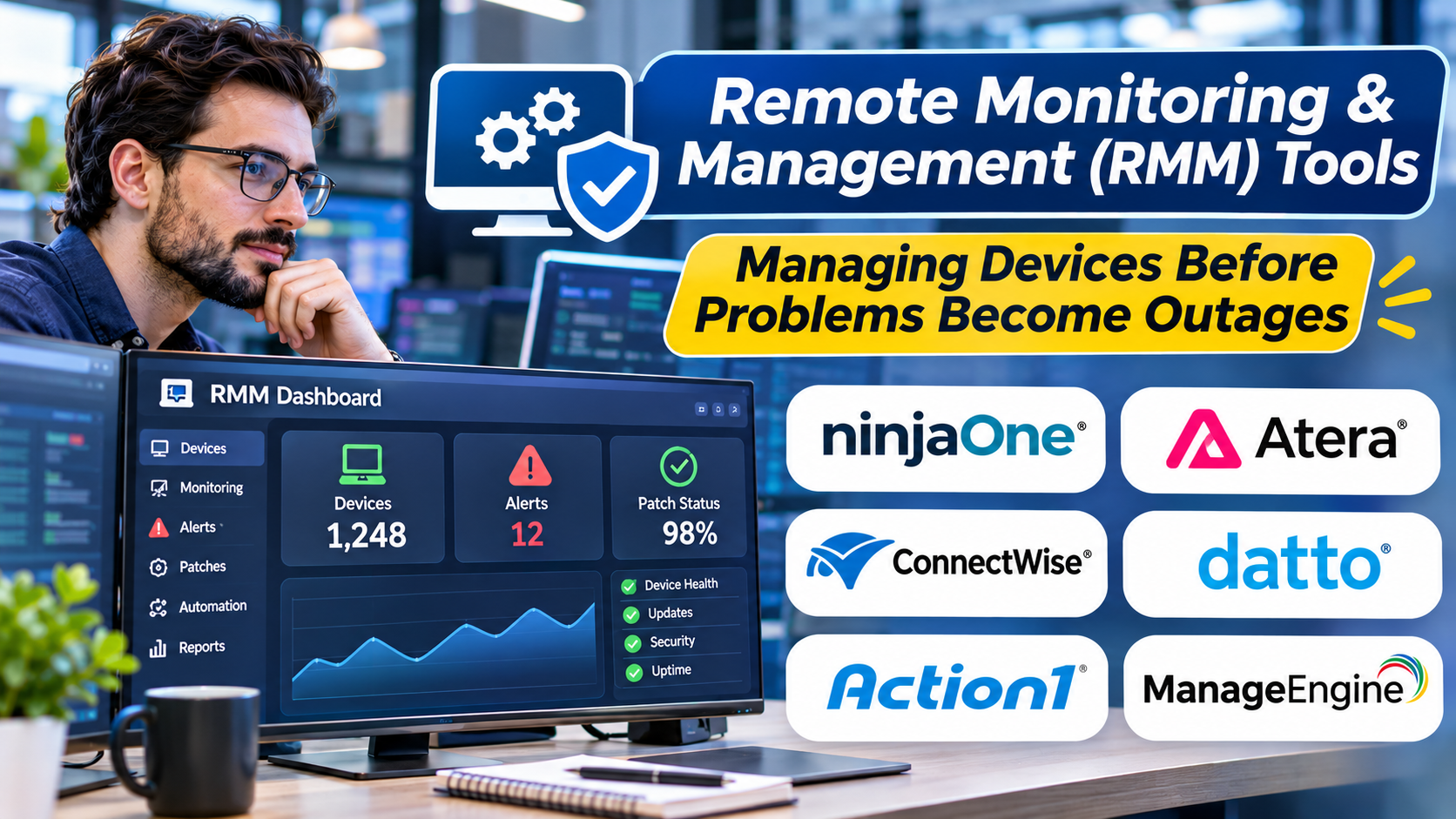
Managing a few computers is relatively straightforward.
Managing hundreds or thousands of devices across different offices, homes, and customer environments is a different challenge.
IT teams need to understand device health, identify problems, apply updates, and provide remote assistance without physically visiting every location.
Remote monitoring and management software supports these activities from a centralized platform.
For managed service providers and distributed IT teams, the right RMM system can improve visibility and reduce repetitive work.
However, remote administration also introduces significant security responsibilities.
What Are RMM Tools?
Remote monitoring and management tools help IT professionals monitor, maintain, and support computers, servers, and other managed endpoints.
Many platforms use software agents installed on supported devices.
These agents communicate with a management service and report operational information.
Typical capabilities include:
- Device monitoring
- Performance alerts
- Remote access
- Script execution
- Software deployment
- Patch management
- Hardware and software inventory
- Automated maintenance
- Reporting
- Integration with service desk systems
The exact capabilities depend on the product and supported operating systems.
Why RMM Matters for Distributed IT
Without centralized monitoring, IT teams often learn about problems only after users complain.
An RMM system can identify certain warning signs earlier.
Examples include low disk space, failed services, or devices missing important updates.
Remote administration also reduces the need for routine on-site visits.
For managed service providers, centralized visibility can help technicians support multiple customer environments.
However, the platform must keep customer environments appropriately separated.
RMM Platforms to Consider
NinjaOne
NinjaOne provides endpoint management and remote monitoring capabilities.
It is relevant to internal IT teams and service providers seeking centralized endpoint administration.
Buyers should evaluate operating system coverage, automation, and integration requirements.
N-able N-central
N-able N-central supports remote monitoring and management workflows for managed service providers and IT organizations.
It is worth evaluating when device monitoring, automation, and multi-customer operations are important.
Datto RMM
Datto RMM provides cloud-based remote monitoring and management capabilities.
It is relevant to service providers that need device administration and automated maintenance.
Organizations should assess its integration with their broader service delivery environment.
Atera
Atera combines remote monitoring and management with related IT service capabilities.
It may appeal to teams seeking a consolidated operational platform.
Buyers should examine pricing structure, workflow fit, and required integrations.
ConnectWise RMM
ConnectWise RMM supports endpoint monitoring and management within the ConnectWise ecosystem.
It is relevant to managed service providers seeking connected service operations.
The overall fit depends partly on existing service desk and business management systems.
Action1
Action1 focuses on endpoint patch management and related remote administration capabilities.
It is worth evaluating when patching is a primary requirement.
Organizations needing broader RMM functionality should compare its scope with dedicated RMM platforms.
Monitoring Is Only Useful When Alerts Lead to Action
One of the biggest RMM mistakes is collecting excessive alerts.
If every small change generates a notification, technicians may begin ignoring warnings.
Effective monitoring requires meaningful thresholds and escalation rules.
For example, a brief CPU spike may not require immediate attention.
Repeated resource exhaustion affecting a critical service is more important.
Monitoring should reflect operational impact rather than simply technical activity.
Security Requirements for RMM Platforms
RMM systems often have powerful access to managed devices.
That makes them valuable administrative tools and attractive targets for attackers.
Important controls include:
Strong Authentication
Require multifactor authentication for administrative access.
Role-Based Permissions
Technicians should receive only the access needed for their responsibilities.
Audit Logging
Administrative actions, remote sessions, and automation activity should be traceable.
Script Controls
Remote script execution should be restricted and reviewed.
Tenant Separation
Managed service providers must prevent accidental access between customer environments.
Secure Agent Management
Agent deployment, updates, removal, and communication should follow documented security procedures.
A compromised RMM platform can create risks across many endpoints.
Security evaluation should therefore be central to product selection.
How to Evaluate an RMM Tool
Build a representative test environment.
Include different operating systems, remote connections, and device types.
Test common activities such as:
- Identifying an offline device
- Receiving a meaningful performance alert
- Deploying a maintenance script
- Applying a supported update
- Opening a remote support session
- Recording administrative activity
- Producing a device health report
Also evaluate how the platform behaves when devices are disconnected.
Confirm which tasks resume automatically and which require manual intervention.
Understanding RMM Costs
RMM pricing may depend on endpoints, technicians, modules, or other commercial arrangements.
The subscription fee is only one component.
Consider deployment time, training, integration work, monitoring configuration, and ongoing administration.
A low-cost platform may become expensive if it creates excessive manual work.
Frequently Asked Questions
What is the difference between RMM and remote desktop software?
Remote desktop software primarily provides interactive access to a device. RMM software generally includes broader monitoring, automation, and maintenance capabilities.
Do RMM tools require agents?
Many do, although some monitoring functions may use agentless methods.
Can RMM software manage multiple customers?
Many platforms support managed service provider workflows, but tenant separation and permissions should be verified.
Are RMM tools suitable for internal IT teams?
Yes. They can help internal teams manage distributed devices and automate routine administration.
Final Thoughts
RMM tools can turn reactive device support into more organized IT operations.
Their value comes from accurate monitoring, reliable automation, secure remote access, and efficient technician workflows.
Organizations should evaluate operational fit and security together.
The best RMM platform helps teams maintain systems consistently without creating unnecessary administrative risk.