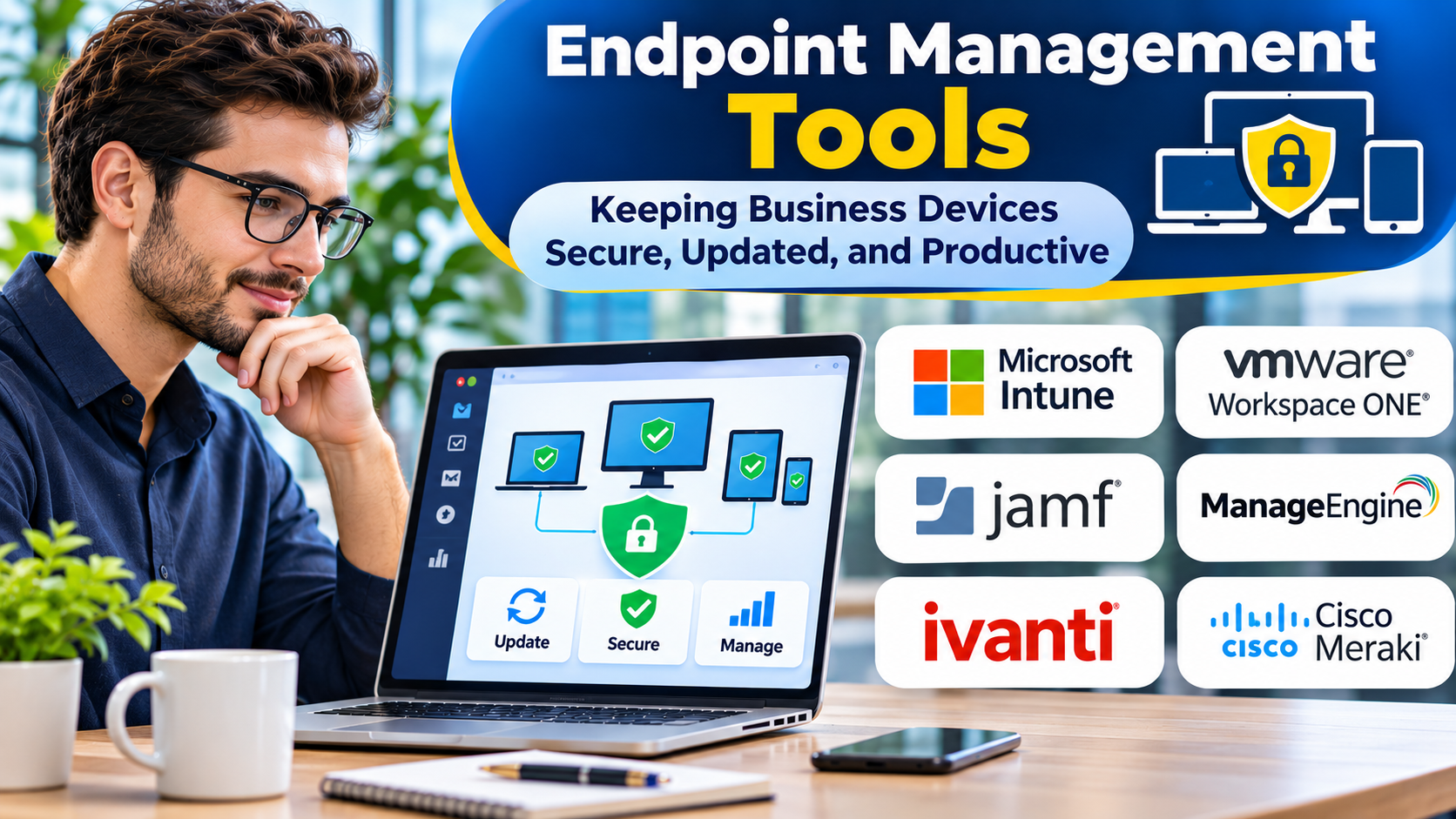
Business devices are no longer limited to computers inside an office.
Employees use laptops at home, desktops in branches, mobile devices while traveling, and specialized equipment in operational environments.
Managing these endpoints consistently is difficult without centralized controls.
Endpoint management tools help IT teams configure devices, deploy software, enforce policies, and maintain visibility.
The challenge is choosing a system that supports the organization’s actual device environment.
What Is Endpoint Management?
Endpoint management is the practice of administering devices that connect to an organization’s technology environment.
These devices may include computers, smartphones, tablets, and other supported endpoints.
Endpoint management platforms commonly provide:
- Device enrollment
- Configuration policies
- Software deployment
- Operating system updates
- Inventory information
- Compliance monitoring
- Remote administration
- Security policy enforcement
- Device retirement workflows
Capabilities vary by operating system and product.
Endpoint Management Versus Endpoint Security
Endpoint management and endpoint security are closely related but distinct.
Endpoint management focuses on configuration, administration, and device lifecycle activities.
Endpoint security tools focus on detecting, preventing, and responding to threats.
Some platforms integrate both areas.
However, device management does not automatically replace endpoint detection and response or other security controls.
Endpoint Management Platforms to Evaluate
Microsoft Intune
Microsoft Intune provides cloud-based endpoint management capabilities.
It is relevant to organizations managing Windows devices and other supported operating systems within Microsoft-oriented environments.
Buyers should evaluate licensing, enrollment methods, and platform-specific functionality.
VMware Workspace ONE UEM
Workspace ONE UEM provides unified endpoint management capabilities.
It is relevant to organizations managing different device types through centralized policies.
Organizations should verify current product ownership, packaging, and support arrangements.
ManageEngine Endpoint Central
ManageEngine Endpoint Central supports endpoint administration, software deployment, patch management, and related functions.
It may appeal to teams seeking centralized desktop and endpoint operations.
Jamf Pro
Jamf Pro focuses on Apple device management.
It is worth considering when macOS and other Apple devices represent a significant part of the environment.
NinjaOne
NinjaOne provides endpoint management and remote administration capabilities.
It may suit IT teams that need device monitoring alongside maintenance and support workflows.
IBM MaaS360
IBM MaaS360 provides unified endpoint management capabilities.
It is relevant to organizations managing mobile and other supported devices with centralized policy requirements.
The Importance of Operating System Coverage
A platform may support multiple operating systems without providing identical features on each.
Windows, macOS, Linux, Android, and Apple mobile platforms expose different management capabilities.
Buyers should test the actual controls required for each device category.
For example, application deployment, remote assistance, and update management may work differently across platforms.
Essential Endpoint Management Capabilities
Enrollment
Devices should enter management through a secure and repeatable process.
Configuration
Teams need consistent policies for settings, access, and approved applications.
Software Deployment
The platform should support reliable application installation and updates.
Patch Management
Operating system and application updates should follow defined maintenance policies.
Compliance Monitoring
Administrators need visibility into devices that do not meet required configurations.
Remote Support
Remote troubleshooting can reduce support delays for distributed employees.
Reporting
Useful reports identify unmanaged devices, failed deployments, outdated systems, and policy exceptions.
Building an Endpoint Management Strategy
Begin by identifying device categories and ownership models.
Separate company-owned devices from employee-owned devices.
Define baseline security and configuration policies.
Select enrollment methods appropriate to each operating system.
Test software deployment and update workflows.
Create exception handling procedures.
Integrate device compliance with identity and access systems where appropriate.
Finally, define retirement and data removal processes.
Common Endpoint Management Mistakes
One mistake is assuming all devices can be managed identically.
Another is deploying restrictive policies without testing their effect on employee workflows.
Organizations may also overlook devices that rarely connect to corporate networks.
Endpoint management requires continuous monitoring and adjustment.
How to Evaluate a Platform
Use representative devices during a pilot.
Test enrollment, application installation, policy changes, update failures, and device retirement.
Measure administrative effort and user disruption.
Review role-based access controls and audit logs.
Confirm that required integrations work as expected.
The best platform should simplify device administration without creating unnecessary friction.
Frequently Asked Questions
What is unified endpoint management?
Unified endpoint management, or UEM, refers to managing multiple endpoint categories through a coordinated platform.
Can endpoint management tools protect devices from malware?
They can enforce some security controls, but dedicated threat protection may still be required.
Do endpoint management tools support remote employees?
Many do, provided devices can communicate with the management service.
Is endpoint management the same as MDM?
MDM primarily focuses on mobile device administration. Endpoint management can cover a broader range of devices.
Final Thoughts
Endpoint management tools provide the operational foundation for maintaining business devices.
They help organizations deploy software, enforce policies, manage updates, and support employees.
Successful selection depends on device coverage, administrative reliability, security controls, and integration with existing systems.
The goal is consistent management that protects the business while allowing employees to work effectively.