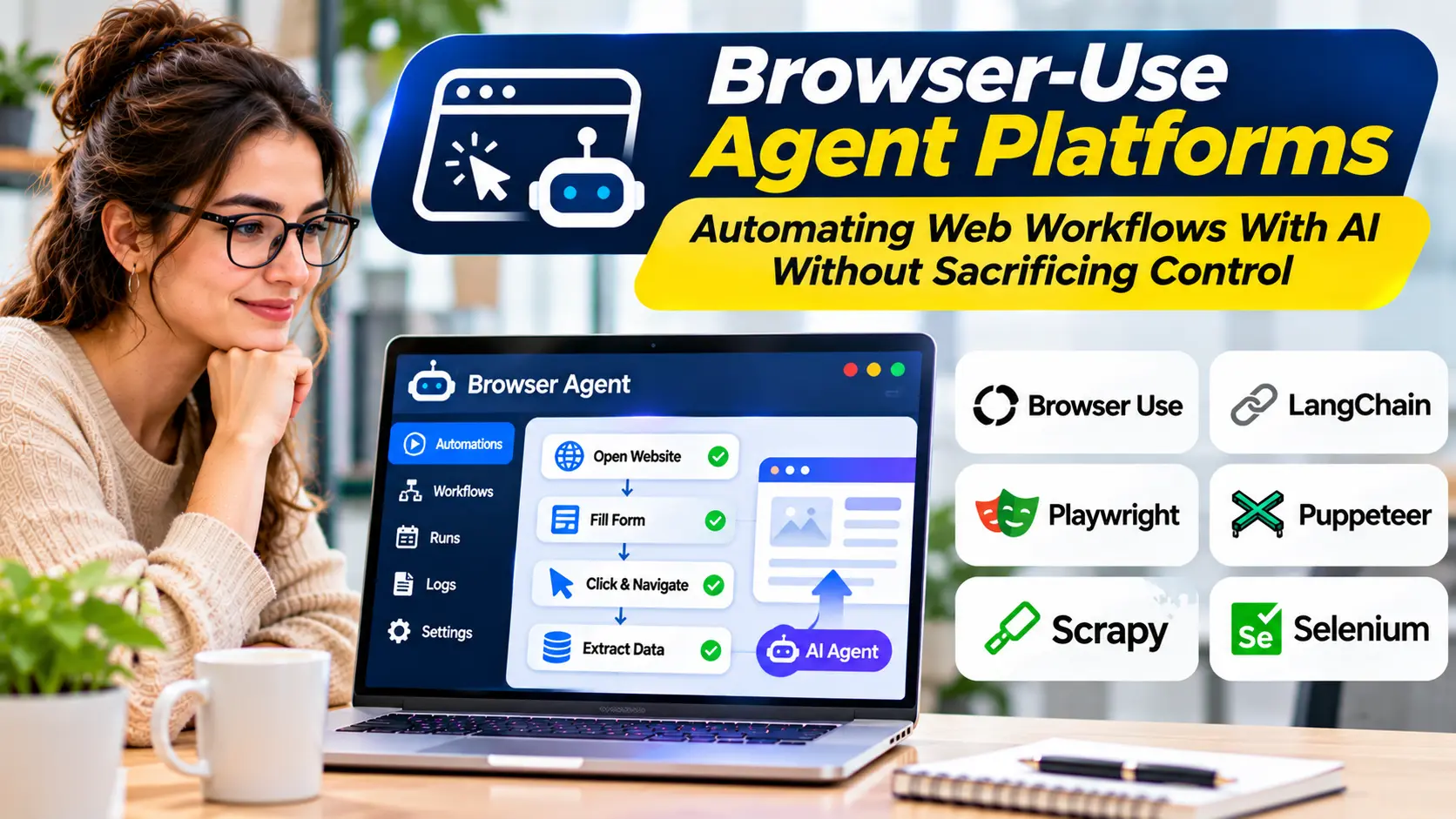
Modern businesses depend on web applications for almost everything. Employees use browser-based tools to manage customer records, process orders, review reports, update spreadsheets, and coordinate daily operations.
Many of these activities involve repetitive steps.
A user opens a website, navigates to the correct page, enters information, reviews the result, and repeats the process.
Traditional browser automation can handle predictable tasks, but maintaining automation scripts becomes difficult when websites change frequently.
Browser-use agent platforms introduce another approach.
They combine AI-driven reasoning with browser interaction capabilities, allowing software agents to interpret web pages and perform tasks through browser interfaces.
The technology offers opportunities for research, testing, and workflow automation. However, it also introduces risks involving permissions, unreliable actions, website restrictions, and sensitive information.
Understanding these trade-offs is essential before using browser agents in production.
What Are Browser-Use Agent Platforms?
Browser-use agent platforms are software systems that allow AI agents to interact with websites through a browser.
Instead of relying entirely on predefined scripts, an agent can interpret a task and decide which browser actions are needed.
These actions may include opening pages, selecting links, entering text, navigating menus, and extracting information.
For example, a user might instruct an agent to visit a supplier portal, locate a specific product, and collect publicly available specifications.
The agent could navigate the website, identify relevant information, and return structured results.
More advanced workflows may involve multiple pages, forms, and application states.
However, browser interaction does not automatically make an agent reliable.
The agent must correctly understand page content, identify suitable controls, and avoid unintended actions.
How Browser-Use Agents Work
Browser-use systems generally combine several technical components.
Browser Automation Engine
A browser automation engine provides the ability to control browser sessions.
It may support navigation, clicking, typing, scrolling, screenshots, and other browser operations.
Common browser automation technologies include Playwright and Puppeteer.
These tools provide deterministic browser-control capabilities that AI systems can use.
Page Understanding
The agent needs information about the current page.
Some systems inspect structured page information, such as the document object model.
Others use screenshots or accessibility information.
A hybrid approach may combine multiple representations.
Each method has advantages.
Structured page information can make elements easier to identify, while screenshots provide visual context.
However, complex layouts, dynamic interfaces, and inaccessible controls can create difficulties.
AI Reasoning
A language model interprets the user’s objective and determines the next action.
For example, it may decide to open a navigation menu before selecting a particular section.
This introduces flexibility compared with scripts that follow a fixed sequence.
It also introduces uncertainty because the model may misunderstand the interface.
Execution and Feedback
The system executes an action and observes the result.
The agent may then decide whether to continue, retry, or stop.
Reliable platforms should make these steps visible and support appropriate error handling.
Browser Agents Versus Traditional Browser Automation
Traditional browser automation is built around explicit instructions.
A developer defines which element to select, what information to enter, and how to verify the outcome.
This approach is often effective for stable, predictable workflows.
AI browser agents introduce greater flexibility.
They may interpret natural-language goals and adapt their actions when the interface differs from expectations.
However, this flexibility comes with additional model costs and unpredictable behavior.
| Factor | Traditional browser automation | AI browser agents |
|---|---|---|
| Task definition | Explicit scripts | Natural-language goals and instructions |
| Interface interpretation | Selectors and programmed logic | AI-assisted interpretation |
| Predictability | Generally higher for stable interfaces | Depends on model and controls |
| Maintenance | Scripts may require updates | Agents may adapt, but still need testing |
| Execution cost | Infrastructure and maintenance | Infrastructure plus model usage |
| Best suited for | Repetitive, structured tasks | Variable, less predictable workflows |
The two approaches are complementary.
A practical architecture may use conventional automation for stable operations and AI reasoning only where interpretation is necessary.
Browser-Use Agent Platforms and Technologies
Browser Use
Browser Use is an open-source-oriented project for connecting AI agents with browser automation.
It is relevant to developers building agents that navigate websites and interact with browser interfaces.
Its value lies in combining browser-control capabilities with model-driven task execution.
Teams should evaluate deployment requirements, supported integrations, security controls, and operational maintenance.
Stagehand
Stagehand, associated with Browserbase, provides AI-assisted browser automation capabilities.
It is designed to help developers combine browser interaction with natural-language-driven operations.
Its approach is relevant when teams want to integrate AI into browser automation without abandoning structured development workflows.
Evaluation should include execution transparency, supported actions, hosting requirements, and error recovery.
Browserbase
Browserbase provides browser infrastructure intended for programmatic and automated browser workloads.
It is relevant to teams that need managed browser sessions and infrastructure for browser-based automation.
However, browser infrastructure and AI agent reasoning are distinct components.
Organizations should determine which capabilities are provided directly and which require additional agent frameworks.
Playwright
Playwright is a browser automation framework rather than a complete AI agent platform.
It supports programmatic browser interaction and automated testing.
Developers can use it as part of an AI-driven browser architecture.
Its strength is deterministic browser control, but model-driven planning and reasoning require additional components.
Puppeteer
Puppeteer provides programmatic browser automation capabilities.
It can support navigation, page interaction, screenshots, and related tasks.
Like Playwright, it is an automation foundation rather than a complete autonomous agent system.
These distinctions matter when comparing products.
A managed browser service, an AI browser framework, and a conventional automation library solve different parts of the problem.
Common Business Use Cases
Web Research
Browser agents can help navigate public websites and collect relevant information.
For example, an agent may gather product specifications from several manufacturer websites.
The results should include source references and undergo verification.
Agents should respect website access restrictions and avoid treating unverified content as authoritative.
Data Entry
Organizations may use browser agents to populate forms in approved applications.
This can be useful when an application lacks a suitable API.
However, data entry workflows require validation.
A successful click does not necessarily mean that the intended information was saved correctly.
Quality Assurance
Browser agents can assist with exploratory testing.
They may navigate application workflows, identify unexpected behavior, and help document defects.
Traditional automated tests remain valuable for reproducible regression testing.
Internal Administration
Agents can assist employees with repetitive tasks in authorized web applications.
Examples include retrieving records, preparing reports, or navigating internal dashboards.
Permission boundaries are essential when these workflows involve sensitive information.
Workflow Coordination
Browser agents may connect steps across multiple web applications.
However, when reliable APIs exist, direct integrations are often preferable.
APIs usually provide clearer data structures and more predictable error handling than visual browser interaction.
Why Browser Reliability Is Difficult
Websites are dynamic environments.
Pages may load asynchronously, change their layouts, display pop-ups, or require authentication.
A button may appear in different locations depending on screen size.
A form may contain hidden validation rules.
An agent might click the correct-looking control but fail to notice that the action did not complete.
These problems can compound during long workflows.
For example, an incorrect selection early in a process may cause later actions to operate on the wrong record.
Reliable browser automation requires explicit verification after important steps.
Handling Authentication and Sessions
Many business workflows require authenticated access.
Browser agents may need to operate within existing sessions or use approved authentication mechanisms.
Organizations should avoid exposing passwords and other credentials directly to model prompts.
Authentication information should be managed through secure application controls.
Session isolation is also important.
One user’s browser session should not expose another user’s data.
Platforms should provide suitable mechanisms for session management, expiration, and access restrictions.
Prompt Injection and Untrusted Web Content
Browser agents regularly encounter content controlled by third parties.
A webpage might contain instructions designed to influence the agent.
For example, malicious content could attempt to persuade the agent to reveal information or visit an unauthorized destination.
This is a prompt-injection risk.
The agent should treat website content as task data, not as an authoritative source of instructions.
Application-level controls should determine which tools and destinations are permitted.
Sensitive actions must not depend solely on the model’s willingness to follow a written safety instruction.
Human Approval for Sensitive Actions
Browser agents may encounter actions with significant consequences.
Submitting an order, changing account permissions, deleting records, or sending external messages should receive stronger controls than ordinary navigation.
A useful design separates preparation from execution.
The agent may gather information and prepare a form, while a person reviews the details before final submission.
This approach preserves automation benefits without granting unnecessary authority.
Website Policies and Responsible Automation
Not every website permits automated access.
Organizations should review applicable terms, access requirements, and technical restrictions.
Browser agents should not be used to bypass authentication, access controls, or anti-abuse protections.
Automated traffic can also create operational burdens for websites.
Responsible systems should use appropriate request rates and avoid unnecessary repeated interactions.
When a supported API or approved integration is available, it may offer a more sustainable alternative.
Evaluating Browser Agent Accuracy
A browser agent should be tested against realistic workflows.
A useful evaluation includes simple navigation, complex forms, dynamic pages, and error conditions.
Measure whether the agent completes the intended task correctly.
Also record unnecessary actions, retries, execution time, and human intervention.
Test how the agent responds when a page changes or a required element is missing.
A reliable system should report failure rather than inventing a successful outcome.
Observability and Auditability
Browser automation can be difficult to debug without execution records.
Useful evidence may include action logs, screenshots, navigation history, and tool results.
These records help developers identify where a workflow failed.
However, screenshots and browser logs may contain sensitive information.
Organizations should apply access controls, redaction, and retention policies.
Audit records should support accountability without creating unnecessary privacy exposure.
Understanding Browser Agent Costs
Browser agent expenses may include model usage, browser infrastructure, session duration, storage, and operational monitoring.
Long workflows can generate repeated model calls.
Unexpected page behavior may increase execution time.
A low-cost browser session can become expensive if the agent repeatedly retries unsuccessful actions.
Organizations should measure the cost per correctly completed workflow.
This provides a better basis for comparison than advertised per-session pricing.
Building a Reliable Browser Agent Workflow
Begin with a clearly defined task.
Identify the websites involved, the required permissions, and the expected result.
Determine whether APIs or conventional automation can handle predictable steps.
Use AI reasoning only where it adds meaningful value.
Restrict the browser environment to approved destinations and actions.
Add validation after important operations.
Require approval before irreversible or sensitive submissions.
Finally, monitor real executions and maintain test cases for common failure conditions.
When Browser Agents Are Not the Right Choice
Browser agents may be unnecessary for stable workflows supported by reliable APIs.
They may also be unsuitable for highly sensitive operations without strong controls.
Tasks requiring exact timing, guaranteed execution, or strict reproducibility may benefit from conventional automation.
Likewise, websites with frequent authentication challenges or restrictive automation policies may not be appropriate targets.
Choosing the Right Browser-Use Agent Platform
The best browser-use agent platform depends on the workflow and operating environment.
Developers may prioritize integration flexibility and browser-control capabilities.
Businesses may need managed infrastructure, security controls, and reliable execution records.
Testing teams may value reproducibility and debugging tools.
Organizations should evaluate complete task outcomes rather than isolated browser actions.
Browser-use agents can reduce repetitive web work and make automation more adaptable. Their long-term value depends on combining AI flexibility with deterministic controls, clear permissions, and reliable verification.