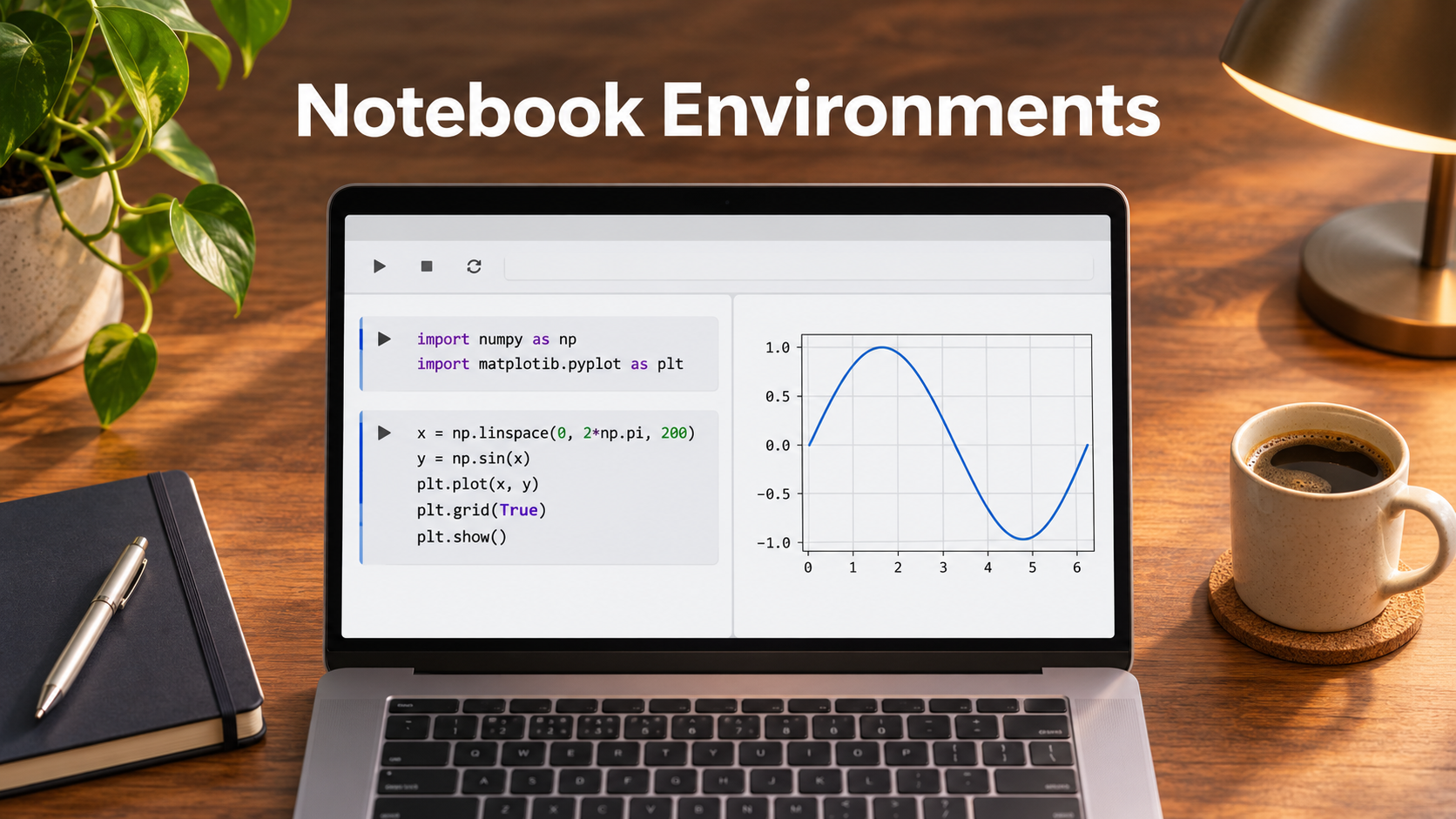
An analyst sends a notebook with a convincing chart. A colleague opens it, runs the first few cells, and gets a different result. The original session had a variable left over from an earlier query. The colleague also has a newer library version, and both users read from a table that changed overnight. The file traveled successfully. The conditions that produced the result stayed behind.
Notebook environments are useful precisely because they make exploration cheap. You can change a query, rerun one calculation, and see the outcome alongside your notes. Choosing an environment means deciding which parts of that interactive session should travel with the document and which should belong to shared infrastructure. The right answer for a course, a research group, and a finance team can differ even if all three use the same notebook format.
Follow the document, the kernel, and the data separately
A notebook document stores cells, their order, metadata, and sometimes saved output. A kernel is the process that runs the code and holds variables in memory. The data may live on a laptop, in a cloud bucket, or behind a database connection. A browser tab can make these three pieces look like one thing, even when they have different lifetimes and access rules.
This separation explains common surprises. Sharing a document may give a colleague the rendered chart without giving them the underlying dataset. Restarting a kernel can erase variables while leaving the saved output visible. Closing the browser may leave a remote process running, depending on the service. Deleting a temporary runtime can remove files that were never copied to durable storage. Build your workflow around the location and lifecycle of each piece.
The open notebook format is valuable because it gives teams a way to retain and move the document. A compatible reader still needs the right interpreter, dependencies, and credentials to execute it. During a pilot, export a representative file and run it outside the original environment. Verify what happens to interactive widgets, external files, and any platform-specific commands. JupyterLab notebook documentation
Choose the execution model that fits the work
JupyterLab is a practical default when researchers want a browser-based workspace and control over packages and kernels. It suits local work and can be part of a managed deployment. A local setup gives the researcher direct access to files and tools, but consistency across laptops requires an environment specification and maintenance. For a team hosting sessions centrally, decide how users authenticate, where their files persist, and what administrators can see.
JupyterHub addresses a different layer. It provides multi-user access to notebook servers. It makes sense when a school or research group wants users to launch workspaces under a common administrative setup. Evaluate the available deployment and spawning options against your infrastructure. Someone still needs to maintain images, storage, capacity, and upgrades. JupyterHub documentation
Google Colab is useful when setup time is the main barrier. A workshop can distribute a notebook and move directly to the exercise. A prototype can use a hosted runtime without everyone installing a local stack. Resource availability and session lifetimes can vary. For a long job, design checkpoints and send outputs to durable storage. Confirm the terms and access rules for the account and runtime you plan to use. Colab FAQ
Visual Studio Code with its Jupyter extension makes sense when notebooks live beside modules, tests, and configuration files. A developer can explore inputs interactively and then move stable logic into a shared module in the same repository. Users still need to select an appropriate kernel and understand where it executes. A repository checked out locally can be paired with a remote kernel whose files and network access differ from the editor’s. VS Code notebook documentation
Design for a clean rerun before adding collaboration features
A stable notebook starts with explicit inputs. Put paths, dataset identifiers, and analysis parameters near the top. Record the interpreter and dependencies in the project, and keep credentials outside the file. Version the dataset when possible. When a live query is necessary, capture the query and the relevant observation window so a reader can tell what the results describe.
A clean rerun means restarting the kernel and executing the document from top to bottom in a fresh environment. It reveals cells that rely on stale variables, manual edits, or private directories. For a notebook that feeds a recurring report, add a small check for the number of input rows, expected columns, or a known aggregate. A successful execution says more when it also confirms the expected input and output shape.
Some notebooks write to shared systems. Make their side effects visible and safe to repeat. Write results to a dedicated staging path, and use parameters to distinguish preview and publish runs. If a notebook creates records or changes a table, rerunning it after a partial failure should preserve consistency. Store the repeatable logic in a tested module or a managed job when other people depend on its schedule.
Set collaboration rules around access and review
Two people editing the same cells live solves a different problem from reviewing an analytical change before publication. A classroom may value immediate collaboration. A business reporting team may prefer a reviewable change history, clear owners, and controlled execution. Choose the mechanism that matches the handoff and examine both editing and runtime access.
Saved outputs deserve their own policy. A notebook that prints a sample of customer records can carry those rows into source control or a shared export. Environment variables can also leak through diagnostic output. Decide which outputs are useful to keep, strip sensitive output before sharing, and review attachments generated by the notebook. Where collaborators need to inspect results without running code, share an approved static output under the appropriate access policy.
For central hosting, test what happens when a user leaves the group. Can another owner recover approved reports? Who can start a session with access to production data? Do runtime identities expire? Notebook environments often make it easy to start working, which is valuable. The ability to withdraw access and locate durable results matters just as much after the first project ends.
Decide how to review changes when notebooks live in Git. Saved outputs and metadata can make a small analytical edit look like a large diff. Use a notebook-aware review workflow where it helps, and keep the key calculation in a module if it needs regular code review. A reviewer should be able to identify changed assumptions without inspecting every stored image.
Run a handoff exercise with a real notebook
Pick a notebook that combines a data query, local processing, and a chart. Give it to a colleague who has never run it. Ask them to create the environment, authenticate using their own account, rerun it, and explain any differences in output. Then stop the session unexpectedly and see what they can recover. The pilot should include the file format and editor, but much of the effort will show up in data access, dependencies, and state.
Budget for the capacity the group actually needs. A short exercise with bursts of demand has different economics from always-on GPU sessions. Record startup time, time spent waiting for a kernel, storage retention, and the amount of support needed when users encounter failures. If most work requires only modest local compute, a shared hosted service may earn its place through administration and collaboration rather than speed.
A notebook is ready to hand off when someone else can follow its reasoning, rebuild the environment, and reproduce the result from authorized inputs. Pick the environment that makes those steps routine. If the team can run the handoff exercise from a clean session and recover after an interruption, you have a stronger basis for selection than a polished demonstration with an already warm kernel.