A customer updates their address through an online account. The change appears in the e-commerce application but not in the billing system. A support representative sees an older address, while the marketing platform contains two versions of the same customer.
Each application may be working correctly on its own. The problem is that the organization lacks a consistent way to manage shared business information.
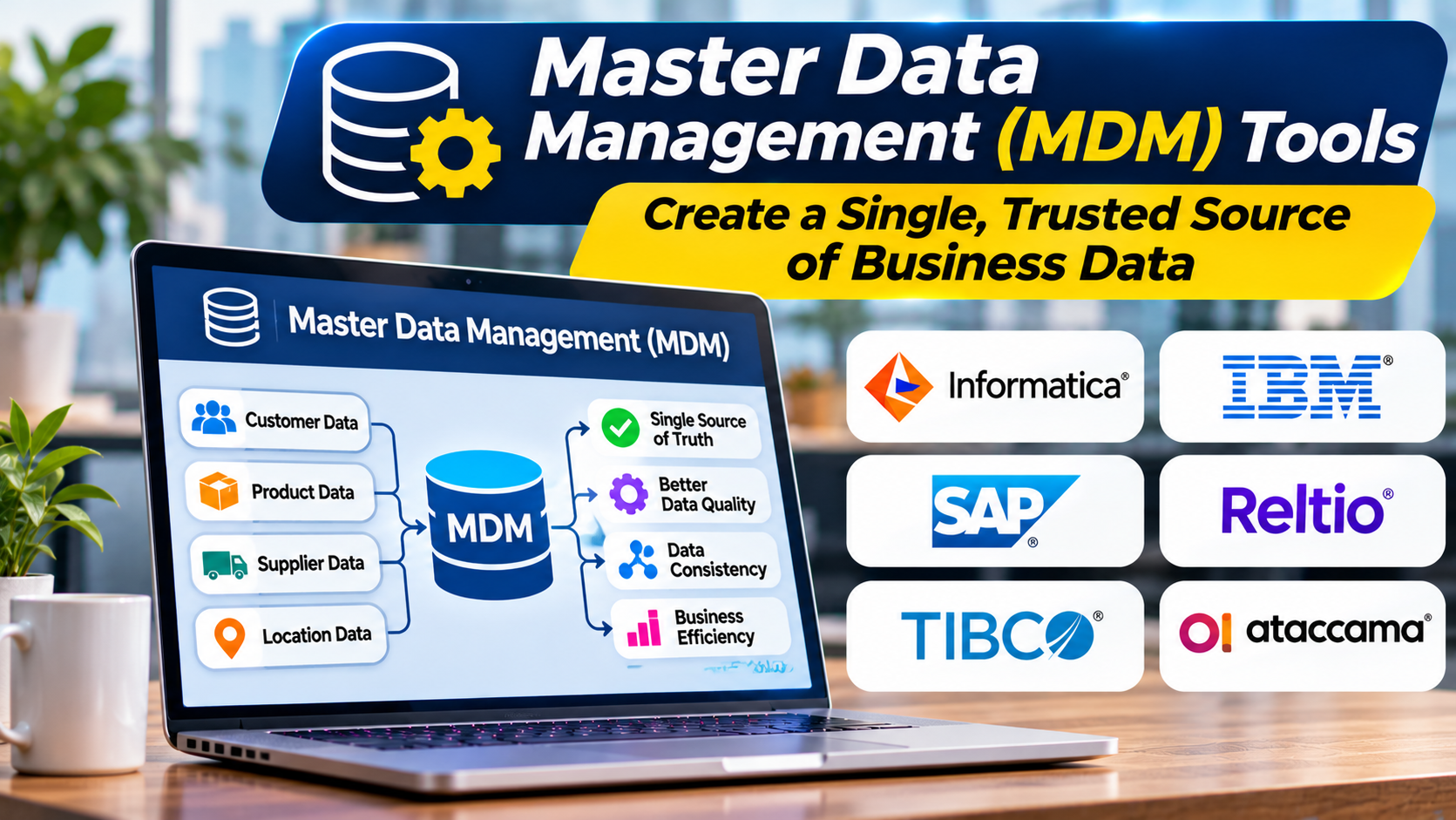
Master Data Management (MDM) tools help address this challenge.
They bring together important business records, identify duplicates, apply common definitions, and establish trusted information that multiple systems can use.
However, MDM is not simply a database cleanup project. Successful implementation requires decisions about ownership, matching rules, governance, integration, and how authoritative records should be maintained.
What Is Master Data Management?
Master Data Management is a combination of technology, processes, and governance practices used to maintain consistent information about important business entities.
These entities often include:
- Customers
- Products
- Suppliers
- Employees
- Business locations
- Organizational structures
- Assets
- Business partners
Such information is called master data because it describes core entities shared across business processes.
For example, a customer record may appear in a CRM, billing application, support system, and marketing platform.
Each application may contain useful information, but their records may not agree.
MDM helps organizations establish a consistent representation of that customer and manage how changes are shared.
Master Data vs. Transactional Data
Understanding the distinction between master data and transactional data is essential.
Master data describes business entities.
Transactional data records activities involving those entities.
For example, a customer name and customer identifier are master data attributes.
An order placed by that customer is transactional data.
A product catalog contains master data about products. Individual purchases and shipments are transactions.
These categories are connected, but they serve different purposes.
MDM platforms primarily manage the consistency and lifecycle of shared business entities rather than replacing transactional applications.
How Master Data Management Works
A typical MDM workflow contains several connected activities.
1. Collect data from source systems
The platform receives records from relevant business applications and databases.
Sources may include ERP systems, CRM applications, product information systems, and operational databases.
Organizations must determine which systems are authoritative for particular attributes.
2. Standardize information
Records may use inconsistent formats.
For example, one system may store a country as “United States,” while another uses “US.”
Standardization applies agreed formats and definitions.
It may also normalize names, addresses, classifications, and other attributes.
3. Identify matching records
The platform evaluates whether records from different systems refer to the same entity.
Matching may use exact identifiers, standardized attributes, or probabilistic methods.
For example, two customer records with slightly different names may represent the same person.
Matching rules must balance the risk of missing duplicates against the risk of combining unrelated records.
4. Create authoritative records
MDM systems may consolidate information into a trusted representation commonly called a golden record.
A golden record combines selected attributes according to defined business rules.
It does not necessarily mean that every original record is deleted or replaced.
The platform may preserve source identifiers and relationships for traceability.
5. Apply governance
Data stewards review exceptions, resolve conflicts, and approve important changes.
Governance helps ensure that automated matching and merging do not create incorrect business records.
6. Distribute trusted information
The resulting master data can be shared with downstream systems through supported integrations.
Some implementations synchronize updates back to operational applications.
Others maintain a central reference that applications query when needed.
The correct architecture depends on business requirements.
Common MDM Implementation Styles
MDM architectures vary according to how much control the central platform has over master records.
Registry style
A registry approach links records across systems while leaving much of the original data in place.
It can provide a consolidated view without requiring every application to move its records into one central repository.
This may reduce disruption, although source inconsistencies can remain.
Consolidation style
A consolidation approach brings information from multiple systems into a central environment.
It supports matching, reporting, and the creation of unified records.
However, the consolidated record may not automatically become authoritative for every operational application.
Coexistence style
A coexistence model allows the central MDM environment and operational systems to exchange updates.
It can support shared data management while preserving existing applications.
The challenge is establishing clear rules for conflicting changes.
Centralized style
A centralized model manages master records through a central authoritative environment.
This can provide strong control over data creation and updates.
It may also require substantial changes to existing business processes and applications.
No single implementation style is suitable for every organization.
Why Businesses Invest in MDM
More accurate customer information
Duplicate and inconsistent customer records can create problems across sales, billing, and support.
MDM helps teams identify related records and maintain a consistent customer view.
Better product information
Retailers and manufacturers often manage product attributes across multiple systems.
MDM can help standardize identifiers, categories, descriptions, and relationships.
Supplier management
A supplier may appear under several names across procurement systems.
MDM helps organizations identify shared entities and improve consistency in supplier information.
More reliable reporting
When business systems use different identifiers or definitions, consolidated reporting becomes difficult.
Trusted master records can help connect information across applications.
Improved operational efficiency
Employees spend less time investigating conflicting records when reliable master information is available.
The actual benefit depends on whether business processes use the managed data consistently.
Master Data Management Platforms Worth Evaluating
The MDM market includes multidomain enterprise platforms and products with more specialized strengths.
| Platform | Primary evaluation focus |
|---|---|
| Informatica MDM | Enterprise multidomain master data management |
| Reltio | Cloud-based master data unification and entity relationships |
| Semarchy | Multidomain MDM and governed data management |
| Profisee | MDM with strong relevance to Microsoft-oriented data environments |
| SAP Master Data Governance | Master data governance in SAP-centered enterprise landscapes |
| Stibo Systems STEP | Product-focused and multidomain master data management |
| IBM Master Data Management | Enterprise master data consolidation and management |
These platforms are not ranked. Their suitability depends on data domains, integration requirements, deployment preferences, and organizational maturity.
Informatica MDM
Informatica MDM is relevant to enterprises managing shared data across multiple business domains.
It is commonly evaluated for customer, product, supplier, and other master data initiatives.
Organizations should examine matching capabilities, stewardship workflows, integration requirements, and the complexity of implementing the intended data model.
A broad platform may support extensive requirements, but it can also require significant planning and specialist skills.
Reltio
Reltio provides cloud-based master data management capabilities.
It is relevant to organizations seeking unified entity records and relationships across multiple source systems.
Evaluation should focus on entity modeling, matching rules, integration behavior, data access, and the operational requirements of maintaining authoritative records.
Semarchy
Semarchy offers multidomain data management capabilities.
It may be suitable for organizations that need configurable master data models, validation rules, and stewardship workflows.
Buyers should examine the flexibility of the platform alongside the effort required to design and maintain their data management processes.
Profisee
Profisee is relevant to organizations seeking master data management that integrates with Microsoft-oriented data architectures.
It can be evaluated for record consolidation, matching, governance, and synchronization.
Organizations should confirm how the proposed implementation interacts with their existing databases, analytics platforms, and governance services.
SAP Master Data Governance
SAP Master Data Governance is particularly relevant to organizations with substantial SAP application environments.
It supports governance processes around important business entities.
However, organizations operating a highly diverse application landscape should evaluate the integration effort required beyond SAP systems.
Stibo Systems
Stibo Systems is known for its STEP master data management platform.
It is especially relevant to organizations with complex product information and related business data requirements.
Buyers should evaluate product hierarchies, attribute management, workflow requirements, and integration with commerce or enterprise applications.
IBM Master Data Management
IBM offers enterprise MDM capabilities for managing important business entities.
It may be relevant to organizations requiring sophisticated data models and enterprise integration.
Evaluation should consider deployment complexity, matching requirements, governance processes, and the availability of implementation expertise.
How to Choose the Right MDM Tool
Choosing an MDM platform begins with defining the business problem.
A company struggling with duplicate customer accounts may need different capabilities from a manufacturer managing millions of product attributes.
Identify the master data domain
Start by determining which entities require consistent management.
Common domains include customer, product, supplier, and location.
Some platforms provide specialized capabilities for particular domains.
Others support broader multidomain architectures.
Evaluate matching and merging
Matching is central to many MDM initiatives.
Test the platform with realistic records containing incomplete identifiers, spelling variations, and conflicting attributes.
Examine how the software handles uncertain matches.
Automatic merging should not be treated as inherently desirable.
A false match can cause serious operational problems.
Examine data modeling flexibility
Different industries have different entity structures.
A manufacturer may need complex product hierarchies.
A financial institution may need detailed customer relationships.
The platform should support the required entities, attributes, and relationships without excessive customization.
Review stewardship workflows
Not every conflict can be resolved automatically.
Data stewards need practical tools to review duplicates, investigate source information, approve changes, and document decisions.
Confirm integration capabilities
An MDM platform must fit the existing application landscape.
Evaluate APIs, supported connectors, synchronization patterns, and how the platform handles failures.
Assess security and privacy
Master records frequently contain personal or commercially sensitive information.
Review access controls, encryption, auditability, retention policies, and data residency requirements.
Understand total cost
Costs can include licensing, implementation services, infrastructure, integration development, stewardship staffing, and ongoing maintenance.
MDM programs often require organizational change as well as technology investment.
MDM vs. Data Quality Tools
MDM and data quality tools overlap, but their purposes differ.
Data quality tools evaluate and improve the condition of information.
MDM focuses on managing consistent records for shared business entities.
For example, a data quality tool may identify an invalid postal code.
An MDM platform may determine which customer record is authoritative and coordinate the correction across connected systems.
Many MDM platforms include data quality capabilities.
However, a data quality platform does not necessarily provide the entity management and governance functions required for MDM.
MDM vs. Customer Data Platforms
Customer Data Platforms (CDPs) commonly focus on collecting, unifying, and activating customer information for customer-facing use cases.
MDM generally emphasizes authoritative business records, governance, and consistency across enterprise systems.
The capabilities can overlap.
A business should choose according to whether its primary need is customer engagement, enterprise record management, or a combination of both.
A Practical MDM Implementation Strategy
A successful MDM program should begin with a limited, measurable scope.
Define the business outcome
For example, an organization may want to reduce duplicate customer records across sales and billing systems.
This is more actionable than simply deciding to create a single source of truth.
Identify authoritative sources
Determine which applications own specific attributes.
The CRM may own account assignment, while a billing system owns payment status.
Authority can differ by field.
Profile existing records
Examine duplicates, missing values, inconsistent identifiers, and conflicting information.
This reveals the actual complexity of the project.
Define matching rules
Establish how records will be compared and when automatic merging is allowed.
Create a review process for ambiguous cases.
Implement a pilot
Begin with a manageable group of records and a small number of source systems.
Validate golden records before distributing them widely.
Establish stewardship
Assign responsibility for reviewing exceptions and maintaining data definitions.
Measure results
Track duplicate rates, unresolved conflicts, record completeness, and downstream synchronization errors.
Measure business outcomes where possible, such as reduced manual correction work.
Common MDM Mistakes
One major mistake is assuming that a golden record is automatically correct.
A consolidated record can still contain inaccurate information if source data or matching rules are unreliable.
Another mistake is launching too many data domains simultaneously.
Each domain may involve different ownership rules and business processes.
Organizations also underestimate change management.
Employees may need to modify how they create, update, and approve business records.
Finally, MDM can fail when authoritative ownership remains unclear.
Technology cannot resolve every disagreement about which department controls a particular field.
Frequently Asked Questions
What is the main purpose of MDM tools?
MDM tools help organizations create and maintain consistent, governed information about important business entities across multiple systems.
What is a golden record?
A golden record is a consolidated representation of an entity created according to defined matching, validation, and authority rules.
Does MDM replace ERP or CRM software?
Usually not. MDM works alongside operational applications to improve the consistency of shared business records.
Is MDM suitable for small businesses?
It can be useful when multiple systems create serious record inconsistencies. Smaller organizations with simpler requirements may be better served by direct integrations and basic data quality controls.
What is the biggest challenge in MDM?
A major challenge is agreeing on ownership, matching rules, and authoritative definitions across departments.
Final Thoughts
Master Data Management tools help organizations create consistency across the systems that run their business.
They reduce confusion caused by duplicate records, conflicting attributes, and unclear ownership.
However, the strongest MDM programs are not defined by software alone.
They combine suitable technology with reliable matching, business stewardship, clear authority, and practical integration.
Start with one important data domain, demonstrate measurable improvement, and expand only when the organization can maintain the resulting master records with confidence.