An AI application may begin with a single prompt stored directly in its source code.
A developer writes the instructions, tests a few examples, and deploys the application.
As the product grows, that simple arrangement becomes harder to maintain.
Customer support teams may need different prompts for billing and technical requests. Document-processing applications may use separate instructions for invoices, contracts, and forms. AI agents may depend on prompts that define tool use, response formats, and escalation procedures.
Soon, a business may rely on dozens or hundreds of prompts.
Without a management process, teams can lose track of which instructions are running in production, who changed them, and whether a recent update caused a problem.
Prompt management and versioning tools address these challenges.
They treat prompts as maintained application assets rather than informal text scattered across code repositories and documents.
What Are Prompt Management & Versioning Tools?
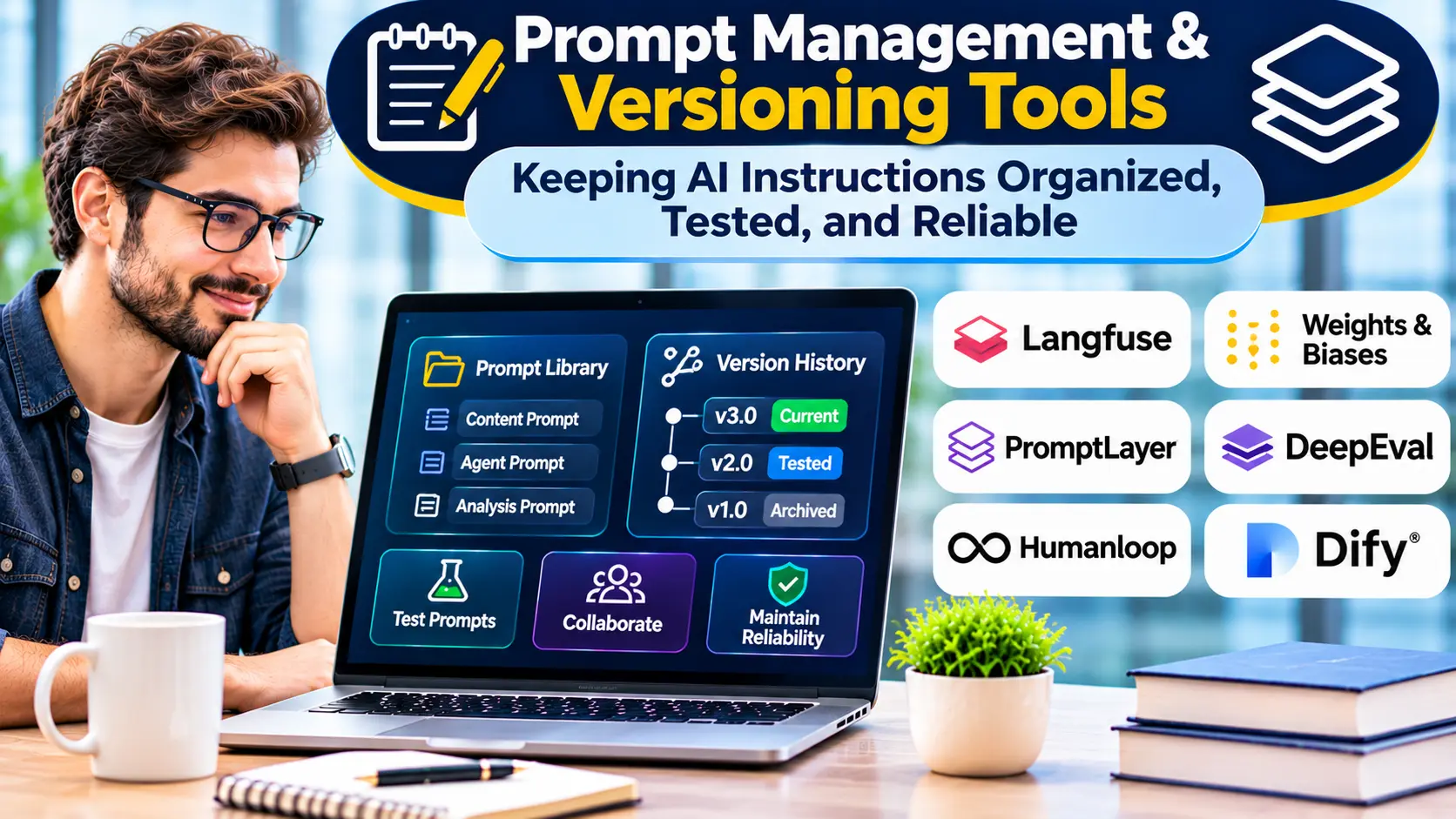
Prompt management and versioning tools are platforms used to store, organize, update, test, and deploy prompts for AI applications.
A prompt may include system instructions, reusable templates, examples, and configuration details.
Versioning records changes over time.
This allows teams to compare revisions and identify which version produced a particular result.
Some platforms also support approval workflows, environment labels, evaluations, and usage analytics.
The central goal is operational control.
Developers should be able to identify which prompt version an application used.
Teams should be able to test changes before release.
If a new version causes problems, organizations should have a reliable method for returning to a previously approved configuration.
Why Prompt Management Becomes Necessary
Consider a business that uses AI to classify customer messages.
The first prompt may contain only a few instructions.
Later, the business adds new categories, language requirements, and escalation rules.
Several employees begin editing the prompt.
One version works well for billing questions but performs poorly on account-access requests.
Another version improves classification but changes the required output format.
If changes are made without records or tests, the team may struggle to understand why performance changed.
Prompt management provides structure for this process.
It helps separate experimentation from production deployment.
It also creates a record of decisions.
Prompt Engineering Versus Prompt Management
Prompt engineering focuses on improving the instructions given to a model.
Prompt management focuses on controlling how those instructions are stored, changed, and used.
These activities are complementary.
A team may develop an improved prompt through testing.
The management system then records the new version, associates it with evaluation results, and controls its release.
A strong production workflow needs both.
Improving a prompt without version control makes results difficult to reproduce.
Versioning prompts without evaluating them creates an organized record of potentially unreliable instructions.
The Core Features of Prompt Management Platforms
Centralized Prompt Registry
A prompt registry stores reusable instructions in a managed location.
Each prompt can have a name, description, owner, and intended use.
This helps teams avoid maintaining multiple undocumented copies.
Version History
Version history records changes.
It allows developers to compare prompt revisions and investigate regressions.
A useful system should preserve enough information to reproduce previous behavior.
Prompt Templates
Templates separate fixed instructions from dynamic inputs.
For example, a support response template might include variables for customer questions and approved knowledge sources.
Templates reduce duplication and make prompts easier to maintain.
Environment Management
Development, staging, and production environments may use different prompt versions.
Environment labels can help teams control releases.
However, applications must resolve labels consistently to avoid unexpected changes.
Evaluation Integration
Evaluation tools help determine whether a prompt change improves results.
Teams can run test datasets against candidate versions before deployment.
Collaboration and Approval
Multiple stakeholders may need to review prompt changes.
A useful management system can support comments, ownership, and approval procedures.
Monitoring and Traceability
Prompt versions can be associated with application traces and production outcomes.
This helps teams identify whether a particular revision caused changes in quality, latency, or cost.
Prompt Management Platforms to Evaluate
Langfuse
Langfuse provides prompt management capabilities alongside observability and evaluation features.
Its approach includes centrally managed prompts, versioning, and labels for selecting deployed versions.
It is relevant to teams that want to connect prompt changes with execution traces.
Organizations should assess hosting options, SDK support, permissions, and operational requirements.
PromptLayer
PromptLayer focuses on prompt management, versioning, evaluation, and related workflows.
It provides capabilities for organizing prompt templates and managing changes across development processes.
It is relevant to teams seeking a dedicated prompt registry with collaboration and release controls.
Evaluation should consider integration requirements and the team’s preferred deployment workflow.
LangSmith
LangSmith provides prompt-related workflows alongside tracing and evaluation capabilities.
It is relevant to developers who want to connect prompt development with application testing.
Teams should assess how prompt versions, evaluation datasets, and production traces fit together.
Humanloop
Humanloop has been associated with tools for prompt development, evaluation, and collaborative AI workflows.
Organizations considering it should verify current product availability, support arrangements, and deployment options before making a selection.
Historical product capabilities should not be assumed to remain available.
Git-Based Prompt Management
Teams can also store prompts in Git repositories.
This approach provides established version control, code review, and deployment practices.
It may be sufficient for smaller engineering-led applications.
However, nontechnical collaboration, runtime retrieval, and prompt-specific evaluation may require additional tooling.
Comparing Prompt Management Approaches
| Approach | Main advantage | Main consideration |
|---|---|---|
| Dedicated prompt platform | Centralized prompt workflows | Platform dependency |
| Observability-integrated management | Links prompts to execution results | Integration and data handling |
| Git-based management | Familiar developer controls | Less accessible to nondevelopers |
| Application database | Flexible custom design | Additional engineering work |
| Configuration files | Simple for small projects | Limited collaboration and governance |
The right approach depends on the number of prompts, team structure, and deployment requirements.
Why Immutable Versions Matter
A production system should be able to identify the exact prompt used for a request.
If a prompt changes without preserving the previous version, debugging becomes difficult.
Immutable versions solve part of this problem.
Each revision receives a distinct identifier.
A production application can then reference an approved version or a controlled deployment label.
This makes it easier to compare behavior and reproduce historical results.
However, prompt versions are only part of the execution environment.
Model versions, parameters, retrieval sources, and tool behavior can also affect outcomes.
Complete reproducibility requires recording these dependencies.
Environment Labels and Release Management
Labels such as development, staging, and production can simplify prompt deployment.
A team may test a new version in staging before assigning it to production.
This reduces the need to edit application code for every prompt change.
However, dynamic labels introduce operational risks.
If a production label changes unexpectedly, the application may begin using a different prompt without a conventional software deployment.
Organizations should establish release permissions and approval procedures.
Important changes should be documented and traceable.
Testing Prompts Before Deployment
A prompt change should be evaluated against representative examples.
For a classification application, tests may measure category accuracy.
For document extraction, they may measure field-level correctness.
For customer support, they may examine factual accuracy, policy compliance, and response usefulness.
Testing should include previously observed failures.
A new prompt may improve one category while making another worse.
Regression testing helps identify these trade-offs.
The evaluation process should define what constitutes an acceptable change.
Prompt Versioning and Model Changes
A prompt that performs well with one model may behave differently with another.
Model providers may change supported features or release new model versions.
Organizations should therefore track the relationship between prompts and model configurations.
When changing models, rerun relevant evaluations.
Do not assume that an approved prompt remains equally effective.
Prompt management systems can help organize these relationships, but testing remains necessary.
Managing Prompt Variables
Prompt templates often contain variables.
For example, an instruction might include a document, customer message, or business policy.
Variable handling should be explicit.
Applications must validate required inputs and avoid accidental substitution errors.
Sensitive information should not be inserted unnecessarily.
Developers should also distinguish trusted application instructions from untrusted user or document content.
A template engine is not a security boundary.
Prompt Management for Multi-Agent Systems
Multi-agent applications may contain prompts for several specialized agents.
One agent might retrieve information.
Another might analyze it.
A third might prepare an output.
Changes to one agent’s prompt can affect the behavior of the entire workflow.
Teams should therefore test integrated execution, not only individual prompts.
A versioning strategy should identify which prompt versions belong to a particular workflow release.
This helps reproduce results and investigate coordination failures.
Security and Access Controls
Prompts can contain sensitive business logic.
They may describe internal procedures, escalation rules, or connected tool behavior.
Organizations should control who can view, edit, approve, and deploy prompts.
Different roles may require different permissions.
For example, a domain expert may be authorized to suggest wording changes without receiving permission to deploy them directly.
Audit records should capture important modifications.
Credentials and secrets should not be stored in prompt templates.
Prompt Injection and Template Safety
Prompt management does not eliminate prompt-injection risks.
An application may still insert untrusted documents or user messages into a template.
Malicious content could attempt to redirect the model.
Developers should separate trusted instructions from external data.
Sensitive operations should remain subject to application-level authorization.
Prompt versions should also be reviewed for unintended instructions or unsafe tool behavior.
Performance and Availability
Applications may retrieve prompts from a remote management service.
This introduces operational considerations.
What happens if the service becomes unavailable?
Can the application use an approved cached version?
How are changes propagated?
Does the system preserve the correct version during an active workflow?
Teams should test these conditions.
A prompt management platform should not become an unnecessary source of production outages.
Caching and fallback behavior must be designed carefully.
Observability and Prompt Performance
Linking prompt versions to execution traces helps teams understand production behavior.
For example, an organization may discover that a new prompt increases response length and model usage.
Another revision may reduce classification errors but increase latency.
Observability allows teams to compare these outcomes.
However, correlation does not always establish causation.
Changes in user traffic, retrieved data, or model behavior may also affect results.
Controlled evaluations provide stronger evidence.
Understanding Costs
Prompt management platforms may charge for storage, usage, collaboration, or related observability services.
Self-hosted systems create infrastructure and maintenance costs.
Git-based approaches may have lower direct software costs but require additional engineering work.
Organizations should consider the cost of maintaining prompts without dedicated tooling.
Manual coordination, failed releases, and difficult debugging can create significant operational overhead.
The appropriate investment depends on application scale and business impact.
A Practical Prompt Governance Workflow
Begin by inventorying prompts currently used in applications.
Assign each prompt a clear name and owner.
Move important prompts into an approved versioning system.
Define development and production release procedures.
Create representative evaluation datasets.
Require testing before significant changes.
Record the model configuration associated with each release.
Monitor production behavior and preserve rollback options.
Review unused or outdated prompts regularly.
This approach creates a manageable lifecycle without requiring unnecessary complexity.
Common Prompt Management Mistakes
One mistake is treating every prompt edit as harmless text maintenance.
A small wording change can affect application behavior.
Another mistake is allowing production labels to change without review.
Teams may also fail to associate prompt versions with model configurations.
A further problem is storing prompts centrally while leaving evaluation results scattered across unrelated systems.
The goal should be traceability from prompt change to tested outcome and production behavior.
Choosing the Right Prompt Management Platform
Small engineering teams may begin with Git and automated tests.
Larger teams may benefit from dedicated prompt registries and collaborative editing.
Organizations with extensive AI applications may prioritize evaluation integration, observability, access controls, and release governance.
The best choice depends on how prompts are created, reviewed, tested, and deployed.
Prompt management and versioning tools help organizations treat AI instructions as production assets.
Their greatest value is not simply storing text. It is making prompt behavior easier to reproduce, evaluate, improve, and control over time.