A contract is approved, but nobody knows which version is final. An employee leaves the company, taking knowledge of an important folder structure with them. An auditor requests a document, and several departments begin searching through email attachments.
These problems are not simply about storage.
They arise when organizations cannot reliably control how documents are created, reviewed, accessed, retained, and retrieved.
Document management systems address these challenges by combining centralized document storage with organization, workflow, permissions, and governance capabilities.
However, the term covers a broad range of products.
Some platforms primarily support file sharing and collaboration. Others provide formal document control, automated workflows, records management, and compliance-oriented capabilities.
Choosing the right system requires understanding which documents matter most and what must happen to them throughout their lifecycle.
What a Document Management System Actually Does
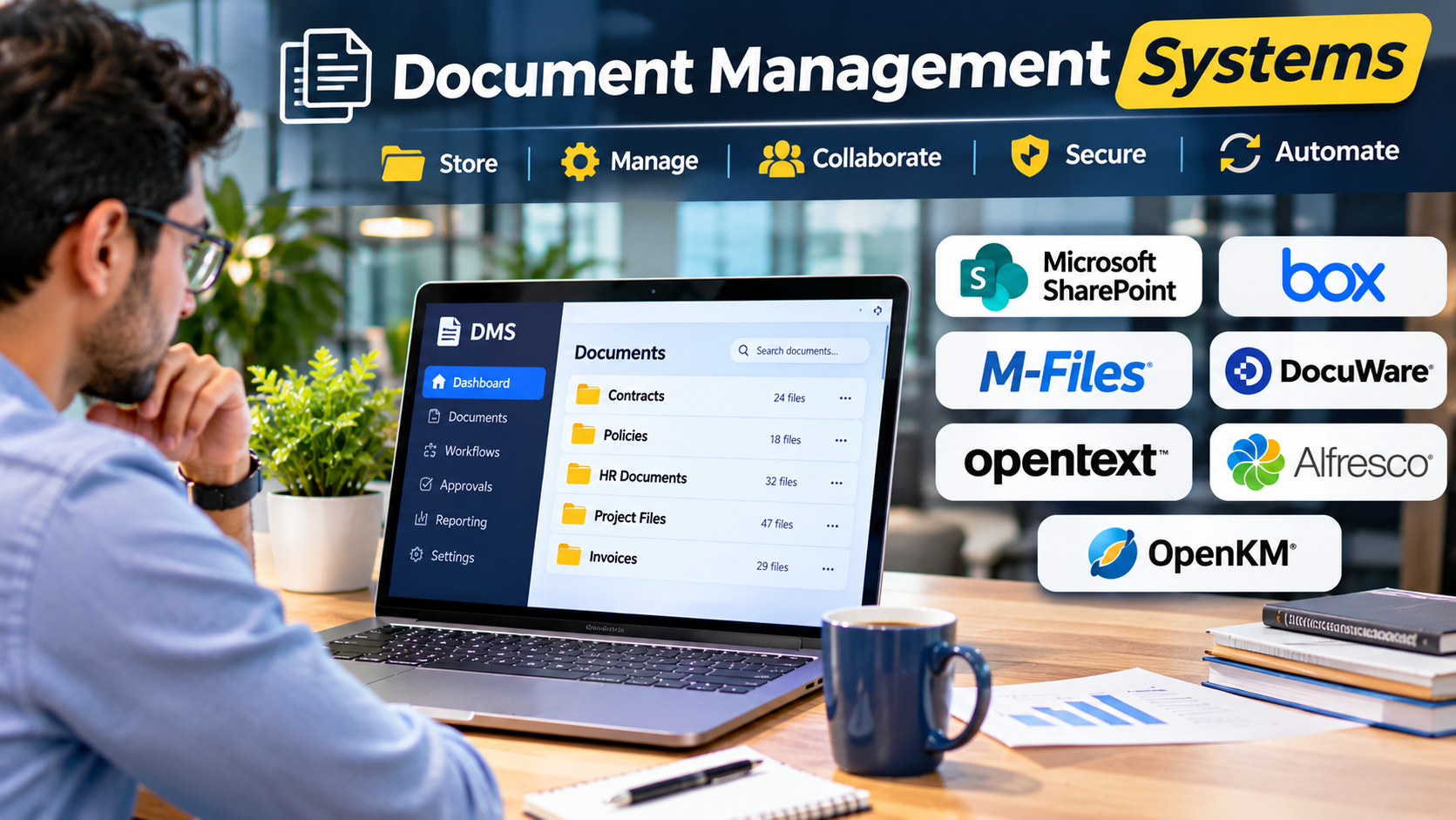
A document management system, or DMS, helps organizations store, organize, retrieve, and control electronic documents.
Depending on the product, it may support:
- Centralized document repositories
- Metadata and classification
- Full-text search
- Version history
- Access permissions
- Document approval workflows
- Check-in and check-out controls
- Audit trails
- Retention policies
- Integration with business applications
The most important distinction is between storing files and managing documents.
A shared folder can hold contracts. A document management system can help control who reviews them, which version is approved, and how long records must be retained.
Not every DMS includes every capability, and advanced governance features may depend on additional modules or subscription levels.
Document Management Versus Cloud File Storage
Cloud file storage and document management overlap, but their priorities can differ.
A file storage service focuses on making content available across users and devices.
A document management system may add structured business processes around that content.
Consider a supplier agreement.
A simple storage workflow might involve uploading the file and sharing it with colleagues.
A controlled document workflow could involve:
- Creating a draft agreement.
- Assigning document metadata.
- Sending the agreement for legal review.
- Recording approval.
- Publishing the approved version.
- Restricting changes to the final document.
- Applying an appropriate retention rule.
- Preserving an audit history.
This difference becomes especially important in regulated industries and organizations with formal operating procedures.
Document Management Platforms for Different Business Needs
Microsoft SharePoint: Document Collaboration Within Microsoft 365
Microsoft SharePoint is widely used for organizational document libraries, intranet content, and team collaboration.
Its document management capabilities include libraries, metadata, permissions, versioning, and integration with Microsoft 365 applications.
For organizations already using Teams, Word, Excel, and Microsoft 365, SharePoint can provide a familiar foundation for shared documents.
A human resources department might use SharePoint libraries to organize policies, onboarding materials, and internal forms.
A project team could maintain shared specifications and supporting documents in a dedicated site.
SharePoint’s flexibility is both an advantage and a challenge.
Without thoughtful information architecture, organizations can accumulate inconsistent sites, confusing permissions, and duplicated content.
Its governance capabilities also depend on how the wider Microsoft environment is configured and licensed.
SharePoint is particularly relevant when document management must fit an existing Microsoft productivity ecosystem.
Box: Cloud Content Management and External Collaboration
Box focuses on cloud content management and collaboration.
It is useful for organizations that regularly share documents with external partners, clients, and contractors.
For example, a consulting company may need to exchange project documents with several clients while maintaining appropriate access boundaries.
Box provides a centralized environment for managing shared content, with administrative and governance capabilities available across its product offerings.
Its main appeal is the connection between content access, collaboration, and organizational control.
However, buyers should distinguish between ordinary file sharing and advanced content governance or workflow requirements.
Features may vary by subscription and associated products.
Box is worth evaluating when secure content collaboration across organizational boundaries is a major priority.
M-Files: Document Management Built Around Metadata
M-Files takes a metadata-centered approach to document management.
Instead of requiring users to rely primarily on folder locations, documents can be classified through properties such as document type, customer, project, or status.
This is valuable when the same document belongs to several business contexts.
For example, a contract might relate to a particular customer, department, project, and renewal period.
A folder-only system forces users to choose where the file belongs or create duplicates.
Metadata-based organization allows users to find documents through relevant business attributes.
M-Files is particularly interesting for organizations with complex information structures and formal document processes.
The trade-off is implementation effort.
Metadata models must be designed carefully, and users need guidance on how to classify information consistently.
M-Files is most suitable when document organization and business context matter more than simple folder-based storage.
DocuWare: Document Workflows and Process Automation
DocuWare combines document management with workflow automation.
It is particularly relevant to organizations handling repeated document-driven processes.
Examples include invoice approvals, employee records, purchasing documentation, and administrative forms.
Consider an accounts payable process.
An invoice arrives, relevant information is captured, the document is routed for approval, and the approved record is stored for future reference.
A document workflow platform can reduce the need to move files manually between employees.
However, automation quality depends on the underlying process design.
If approval responsibilities are unclear, automating the process may simply make confusion happen faster.
DocuWare is worth evaluating when document processing and approval workflows are central business requirements.
OpenText: Enterprise Content and Information Governance
OpenText offers enterprise information management and content management technologies.
Its offerings are relevant to large organizations with complex document repositories, business processes, and governance requirements.
Enterprise content management often involves more than storing files.
It may include managing information across departments, supporting enterprise applications, and applying retention or compliance controls.
OpenText is particularly relevant when document management must operate at an organizational level and connect with established enterprise systems.
The main consideration is scope.
Large enterprise platforms may involve significant planning, implementation, integration, and administrative work.
Organizations should define their requirements carefully and evaluate the specific OpenText product rather than treating the entire portfolio as one application.
Alfresco: Content Services and Extensible Document Management
Alfresco is a content services platform associated with enterprise document management and process-oriented workflows.
It is relevant to organizations that require integration with business applications and greater flexibility in how content services are implemented.
Developers and enterprise architects may value its API-oriented approach.
For example, a business application could store and retrieve documents through a central content repository rather than maintaining a separate file system.
This can support consistent document handling across applications.
However, extensibility introduces technical responsibilities.
Organizations must consider deployment, upgrades, integrations, support arrangements, and the skills needed to maintain the environment.
Alfresco is worth considering when document management is part of a larger application architecture.
OpenKM: Document Management With Deployment Flexibility
OpenKM provides document management capabilities and offers options relevant to organizations evaluating different deployment and licensing approaches.
Its functionality is oriented toward organizing, searching, controlling, and managing business documents.
It may appeal to teams seeking a dedicated DMS rather than a broad productivity suite.
A company could use a document repository to organize operational procedures, contracts, and administrative records.
Before selecting OpenKM, buyers should examine the differences between available editions, support arrangements, and deployment models.
The important question is whether the chosen configuration meets requirements for document control, security, workflow, and long-term maintenance.
Comparing Document Management Systems
| Platform | Main Focus | Suitable Organizations | Main Evaluation Concern |
|---|---|---|---|
| SharePoint | Microsoft-connected document collaboration | Microsoft 365 organizations | Information architecture and governance |
| Box | Cloud content collaboration | Businesses sharing files externally | Advanced governance and plan requirements |
| M-Files | Metadata-driven document management | Information-intensive organizations | Metadata design and adoption |
| DocuWare | Document workflow automation | Process-heavy departments | Workflow configuration |
| OpenText | Enterprise content governance | Large organizations | Implementation scope and complexity |
| Alfresco | Extensible content services | Enterprises with integration needs | Technical administration |
| OpenKM | Dedicated document management | Organizations seeking deployment options | Edition and support differences |
This comparison identifies different product approaches rather than declaring a universal winner.
The Document Lifecycle: Where DMS Value Becomes Clear
A document may pass through several stages before it becomes an official business record.
Creation
The document is produced or captured from another source.
Examples include contracts, invoices, policies, and technical reports.
Classification
The document receives metadata that describes its purpose, ownership, and business context.
Good classification improves retrieval and supports later governance.
Review and Approval
Relevant stakeholders examine the document and authorize its use.
Some systems can route documents through defined workflows.
Publication or Distribution
The approved document becomes available to the intended audience.
Permissions should reflect business responsibilities.
Revision
Documents may change over time.
Version controls help distinguish current material from earlier drafts.
Retention and Disposal
Organizations may need to retain documents for legal, operational, or regulatory reasons.
Retention requirements depend on document type and applicable jurisdiction.
A DMS should support the organization’s policy, but software alone does not establish legal compliance.
Features That Deserve Close Evaluation
Metadata and Search
Search quality determines whether employees can find information efficiently.
Evaluate both full-text search and structured metadata.
A useful test is to ask employees to locate documents using the information they normally remember.
They may know the customer name or contract type but not the exact filename.
Version Control
Version history helps users understand how documents have changed.
For controlled documents, determine how the system distinguishes drafts from approved versions.
Also examine whether earlier versions remain accessible to authorized users.
Access Management
Document permissions should reflect business roles.
Check support for internal users, external collaborators, administrative privileges, and integration with identity management systems.
Permissions should be tested with realistic scenarios rather than accepted solely from a feature list.
Workflow Automation
Automated routing can improve repeatable processes.
However, workflows should remain understandable to administrators and business users.
Evaluate exception handling, delegation, notifications, and approval history.
Auditability
Organizations may need records of document access, changes, approvals, or administrative activity.
Check which events are recorded, how long logs remain available, and whether reports can be exported.
Do not assume that every audit feature satisfies a particular regulatory requirement.
Retention and Records Management
Retention rules can be essential for regulated information.
Organizations should verify support for retention schedules, holds, disposition procedures, and policy enforcement where applicable.
Legal and compliance teams should define the requirements before software selection.
Integration
A DMS rarely operates alone.
It may need to connect with:
- Enterprise resource planning systems
- Customer relationship management platforms
- Identity providers
- Email applications
- Workflow systems
- Electronic signature services
- Business intelligence tools
The quality of these integrations can determine whether the platform becomes a useful system of record or another isolated repository.
Cloud, On-Premises, and Hybrid Deployment
Deployment architecture affects cost, control, maintenance, and operational responsibility.
Cloud-Based DMS
Cloud services reduce the need to manage some infrastructure directly.
They may simplify remote access and vendor-managed updates.
However, organizations must evaluate data handling, service availability, contract terms, and the shared responsibility model.
On-Premises DMS
On-premises deployments provide greater direct control over infrastructure.
They may suit organizations with specific integration, network, or operational requirements.
The trade-off is responsibility for maintenance, backups, upgrades, and security.
Hybrid Approaches
Some organizations require content to remain in different environments.
Hybrid designs can support these needs, but they may introduce synchronization, governance, and integration complexity.
Deployment decisions should follow documented requirements rather than assumptions that one model is always more secure.
The Hidden Costs of Document Management
Software subscription or licensing fees are only part of the total cost.
Organizations should consider:
Migration: Preparing and transferring existing documents.
Classification: Designing metadata and organizing repositories.
Integration: Connecting the DMS with business applications.
Training: Helping employees adopt new document workflows.
Administration: Managing permissions, policies, and system changes.
Support: Maintaining the platform and resolving operational problems.
Governance: Reviewing retention rules, ownership, and access controls.
A low-cost product can become expensive if it requires substantial manual work.
Conversely, a more capable platform may be unnecessary when the organization only needs straightforward file collaboration.
How to Run a Successful DMS Pilot
A pilot should test a real document process rather than a collection of isolated features.
Consider an organization evaluating contract management.
Step 1: Select a Representative Process
Choose a process involving multiple users, document versions, approvals, and retrieval needs.
Step 2: Prepare Realistic Documents
Use a representative set of documents with appropriate test data.
Include different file formats, metadata requirements, and access restrictions.
Step 3: Configure Permissions
Create roles for document owners, reviewers, administrators, and external users where relevant.
Step 4: Test the Workflow
Move documents through creation, review, approval, and retrieval.
Include an exception, such as a rejected approval or reassigned reviewer.
Step 5: Measure Practical Outcomes
Evaluate:
- Time required to locate documents
- Number of manual handoffs
- Ease of identifying approved versions
- User errors
- Administrative effort
- Export and migration capabilities
Step 6: Review Operational Requirements
Assess backups, recovery, retention, auditability, and integration needs.
Step 7: Gather User Feedback
Ask employees which activities became easier and which became more complicated.
A technically capable system will still fail if employees consistently avoid using it.
Common DMS Implementation Mistakes
Migrating Every File Without Review
Moving years of disorganized content into a new repository can preserve the original problems.
Identify duplicates, outdated material, and unnecessary documents before migration.
Creating Too Many Metadata Fields
Metadata improves search only when employees can apply it consistently.
Begin with a small set of useful fields and expand when necessary.
Ignoring Document Ownership
Every important repository should have clear responsibility for content quality, permissions, and lifecycle decisions.
Automating Broken Processes
Workflow automation should follow process improvement.
Otherwise, organizations risk making inefficient procedures more rigid.
Assuming Compliance Comes With the Product
A vendor may offer controls that support compliance requirements.
Actual compliance depends on configuration, organizational policies, user behavior, contracts, and applicable law.
How to Select the Right Document Management System
For organizations already invested in Microsoft 365, SharePoint is a logical starting point.
For external content collaboration, Box deserves consideration.
For metadata-driven organization, M-Files offers a distinctive approach.
For document-heavy approval processes, DocuWare is worth evaluating.
Large organizations with extensive content governance needs may examine OpenText offerings.
Organizations requiring application integration and extensibility can investigate Alfresco.
Teams looking for a dedicated DMS with different deployment and licensing options may consider OpenKM.
The final decision should reflect documented workflows, governance obligations, implementation capacity, and total cost.
Frequently Asked Questions
What is the difference between a DMS and an ECM platform?
A document management system focuses on organizing and controlling documents. Enterprise content management has a broader scope that may include records, workflows, digital assets, and content across multiple business systems.
Can a small business benefit from document management software?
Yes. Small businesses can benefit from reliable document search, version control, permissions, and shared workflows. However, a complex enterprise platform may be unnecessary.
Is SharePoint a document management system?
SharePoint provides document management capabilities, including libraries, metadata, permissions, and versioning. Its suitability depends on configuration and organizational requirements.
Does document management software guarantee regulatory compliance?
No. Software can support compliance controls, but organizations remain responsible for applying the correct policies and meeting applicable legal obligations.
Can document management systems replace paper records?
They can support digitization and electronic document workflows. Whether original paper documents may be destroyed depends on legal, regulatory, and operational requirements.
What should organizations prioritize during migration?
Content quality, metadata, permissions, version history, business continuity, and verification of migrated documents should receive particular attention.
Conclusion
Document management systems should be evaluated as business infrastructure, not simply as storage applications.
The right platform helps employees locate information, collaborate on documents, control approved versions, and apply appropriate governance throughout the document lifecycle.
SharePoint, Box, M-Files, DocuWare, OpenText, Alfresco, and OpenKM approach these needs from different directions.
The strongest choice is not necessarily the platform with the largest feature set.
It is the system that fits the organization’s document processes, security requirements, operational capacity, and long-term information strategy.
Effective document management begins when people can trust that the information they find is accurate, current, accessible, and properly controlled.