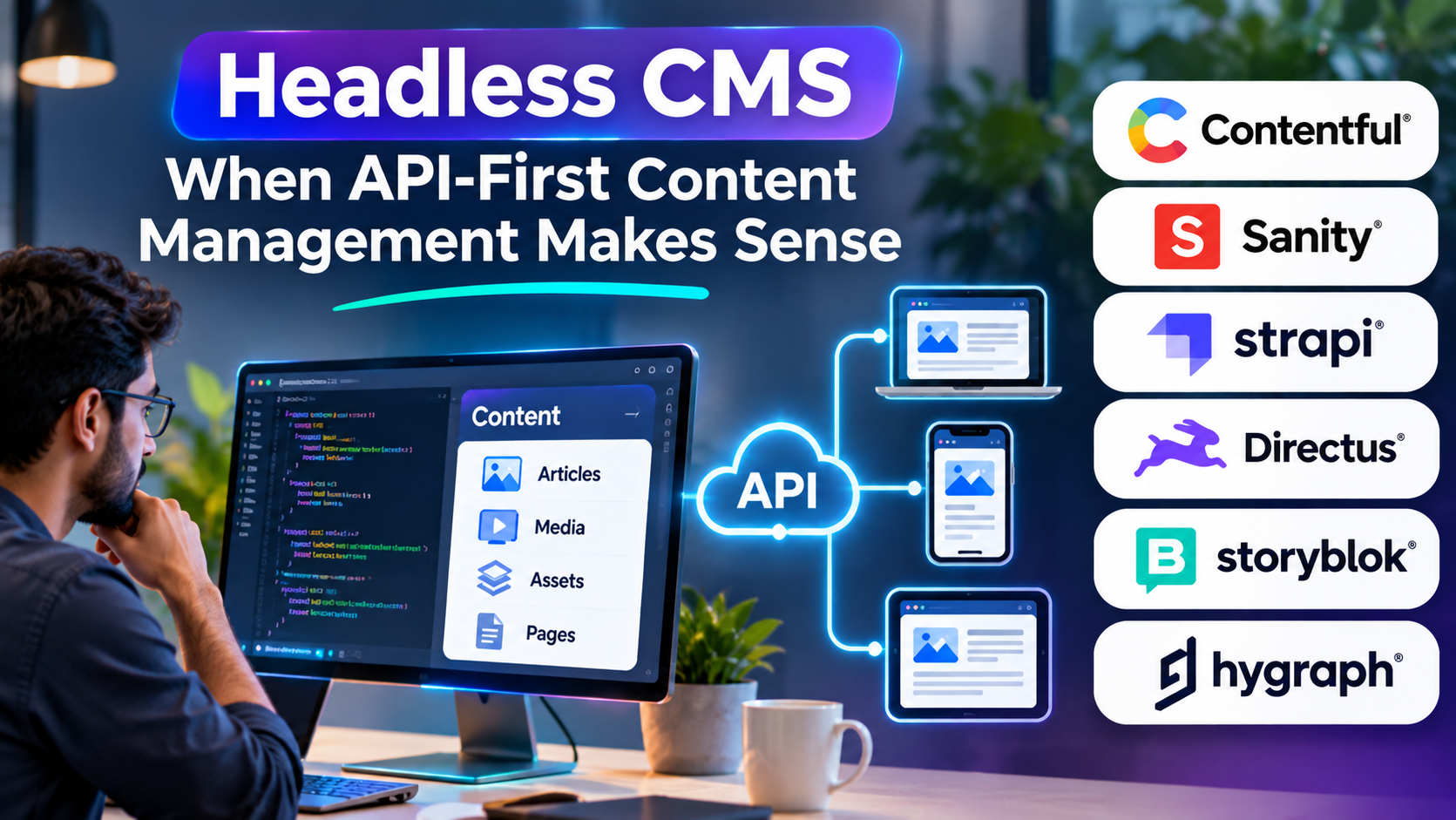
A company publishes the same product information across its website, mobile application, customer portal, and digital displays.
With a traditional website-oriented content system, maintaining those experiences can require duplicate content, custom integrations, or complex workarounds.
A headless CMS offers a different approach: manage content centrally and deliver it to applications through APIs.
That flexibility is valuable, but it introduces architectural responsibilities that are easy to underestimate.
What Is a Headless CMS?
A headless content management system separates content management from the presentation layer.
Editors create and maintain content through an administrative interface. Applications retrieve that content through APIs and decide how to display it.
The CMS does not need to control the entire website frontend.
For example, a product description might be delivered to a website built with Next.js, a mobile application, and an internal sales portal.
Each application can present the same structured information differently.
This is the central benefit of headless architecture: content can be managed independently of its delivery channel.
How Headless CMS Architecture Works
A typical implementation contains several components.
The content repository stores structured information and relationships.
The editorial interface allows users to create, review, and publish content.
APIs expose content to authorized applications.
Frontend applications retrieve that information and render the user experience.
Additional services may handle media transformation, caching, localization, search, and preview.
The architecture can be flexible, but developers must design how those components work together.
Headless CMS vs Traditional CMS
| Capability | Traditional CMS | Headless CMS |
|---|---|---|
| Content administration | Built in | Built in |
| Website presentation | Often integrated | Developed separately |
| API-based delivery | Varies | Central design principle |
| Visual page editing | Often available | Product-dependent |
| Frontend flexibility | Influenced by platform | Generally greater |
| Initial development | Can be simpler | Often requires more engineering |
| Multi-channel reuse | Possible with customization | Core use case |
Neither approach is inherently superior.
A traditional CMS may be more efficient when the primary requirement is publishing a conventional website.
A headless CMS becomes more compelling when content must support multiple applications or independently developed interfaces.
Headless CMS Platforms Worth Evaluating
Contentful
Contentful provides a managed content platform centered on structured content and API delivery.
It is relevant to organizations building digital experiences across multiple channels.
Teams should evaluate content modeling, editorial workflows, localization, API usage, and commercial limits.
Sanity
Sanity combines structured content management with customizable editorial experiences.
It is particularly relevant when developers want substantial control over content schemas and editing workflows.
That flexibility can be valuable, but custom implementations require development and maintenance effort.
Strapi
Strapi is an open-source-oriented headless CMS with options for self-hosting and managed deployment.
It can suit development teams seeking control over APIs, content structures, and infrastructure.
Organizations should account for hosting, security, upgrades, and operational ownership when considering self-managed deployment.
Directus
Directus provides an API and administrative layer for managing structured data.
It is relevant to projects where existing database structures and data-centric workflows are important.
Its approach differs from content platforms built primarily around editorial documents, so the data model should be evaluated carefully.
Storyblok
Storyblok combines headless content delivery with visual editing capabilities.
It is worth evaluating when marketing teams need a more visual editing experience while developers retain frontend control.
Preview behavior, component modeling, and implementation requirements should be tested with actual editors.
Hygraph
Hygraph emphasizes GraphQL-based content management and API delivery.
It is relevant to teams building applications around GraphQL and structured content relationships.
Developers should evaluate schema design, query requirements, and integration complexity.
The Content Model Is the Foundation
Consider a travel platform managing destination pages.
A weak model might store each destination as one large block of formatted text.
A stronger model could define destinations, attractions, accommodations, regions, and related articles as separate entities.
That structure allows the same attraction information to appear in multiple contexts without duplication.
However, excessive fragmentation can make editing difficult.
Content architects must balance reuse with editorial usability.
The goal is not to create the greatest possible number of content types. It is to represent information in a way that supports real publishing requirements.
The Hidden Cost of Frontend Freedom
Headless systems give developers flexibility, but someone must build the presentation layer.
That work may include:
- Page rendering and routing.
- Search engine optimization.
- Content previews.
- Navigation.
- Authentication.
- Caching.
- Image optimization.
- Error handling.
- Deployment pipelines.
A managed CMS subscription does not necessarily include all these capabilities.
The full cost should include frontend development, hosting, integration, testing, and ongoing support.
SEO in a Headless Architecture
A headless CMS can support excellent SEO, but the frontend implementation determines much of the outcome.
Teams need to manage metadata, canonical URLs, structured data, redirects, sitemaps, and appropriate rendering.
Client-side rendering choices may affect how efficiently content becomes accessible to search engines.
Server-side rendering or static generation can be useful depending on the application.
The CMS should make SEO fields manageable for editors, while the frontend must publish them correctly.
Editorial Experience Should Not Be an Afterthought
Developers may appreciate flexible APIs while editors struggle to understand how content will appear.
Before selecting a platform, ask editors to complete realistic tasks.
Can they preview a page before publication?
Can they schedule changes?
Can they identify where reused content appears?
Can they recover earlier versions?
Can they work with localized content without accidentally changing another language?
A technically elegant system can fail operationally when everyday publishing becomes frustrating.
Security and API Governance
Headless architectures expose content through APIs, making access design especially important.
Public content and private content should have clearly separated access rules.
API credentials need appropriate permissions and rotation procedures.
Applications should avoid exposing administrative credentials in client-side code.
Rate limits, caching, monitoring, and secure webhook handling also deserve attention.
When Headless CMS Is the Wrong Choice
Headless architecture may be unnecessary for a small website with straightforward publishing requirements.
If the team lacks frontend development resources, a traditional CMS or managed website platform may deliver better value.
Similarly, if editors require extensive visual page-building capabilities, a headless platform without suitable visual tools may introduce avoidable friction.
Architecture should follow business requirements, not fashion.
Frequently Asked Questions
Is headless CMS better for SEO?
Not automatically. SEO performance depends heavily on frontend rendering, technical implementation, and content quality.
Does headless CMS require developers?
Most implementations require development expertise, particularly for frontend applications and integrations.
Can WordPress be used as a headless CMS?
Yes. WordPress can expose content through APIs and support separately developed frontends.
Is headless CMS suitable for ecommerce?
It can be useful for content-rich commerce experiences, but commerce functions such as checkout, inventory, and payments typically require additional systems.
Final Perspective
Headless CMS is most valuable when content needs to travel across multiple digital experiences without being tied to one presentation system.
Its flexibility can improve reuse and architectural independence. But those benefits must justify the additional development, integration, and operational responsibilities.
The right decision is not whether headless technology is modern. It is whether separating content from presentation solves a problem important enough to warrant the complexity.